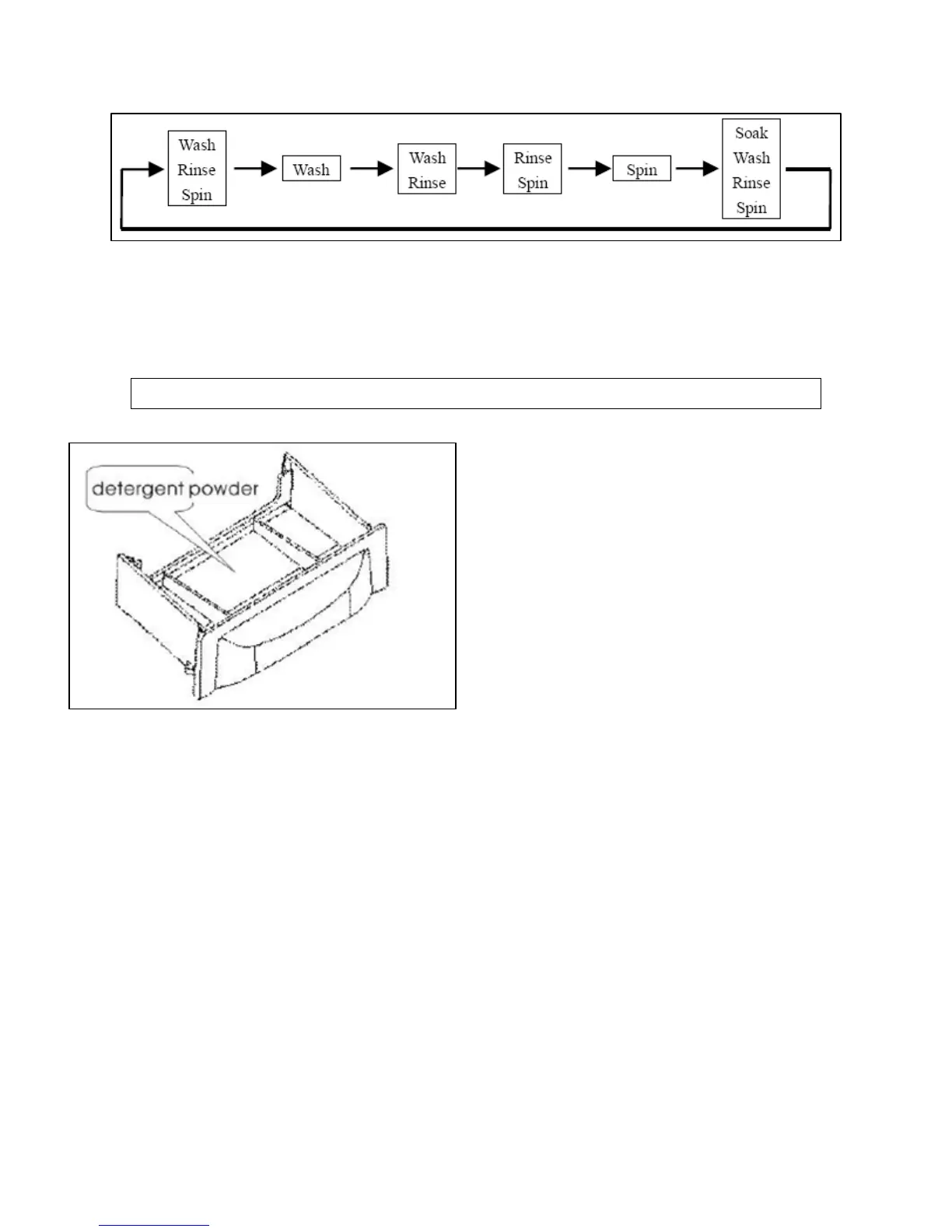
10) Process button: Press this button to set the features of the
wash program. Each press of the button will scroll through the
following choices.
11) Water temperature button: Press this button repeatedly to
choose the required washing temperature. You can select COLD,
WARM or HOT.
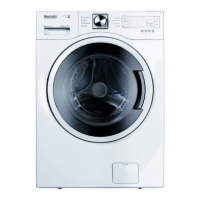
Detergent drawer
o Open the washing machine lid
and pull out the detergent
drawer to add detergent
powder to the wash program.
Then push the drawer back in
before introducing laundry
into the machine and setting
the wash program. Only
powder detergents should
be placed in the drawer.
o If you wish to place detergent powder directly into the drum, you
should dilute it first in warm water. You can then place the
diluted detergent powder into the drum halfway through the
main wash fill. When you lift the lid to introduce the detergent,
you should ensure the machine has paused before doing so.
IMPORTANT: Do not place undiluted detergent powder directly
onto clothes as this can cause discoloration.
IMPORTANT: You should always use a low sudsing detergent in
your appliance.
o Liquid detergent can also be used if it is diluted first with a lot of
water and then placed into the drum. You should follow the same
procedure for detergent powder but choose a slightly higher
water level.
11


 To Next Page