17
NE215Programming mode
Programming segment 2
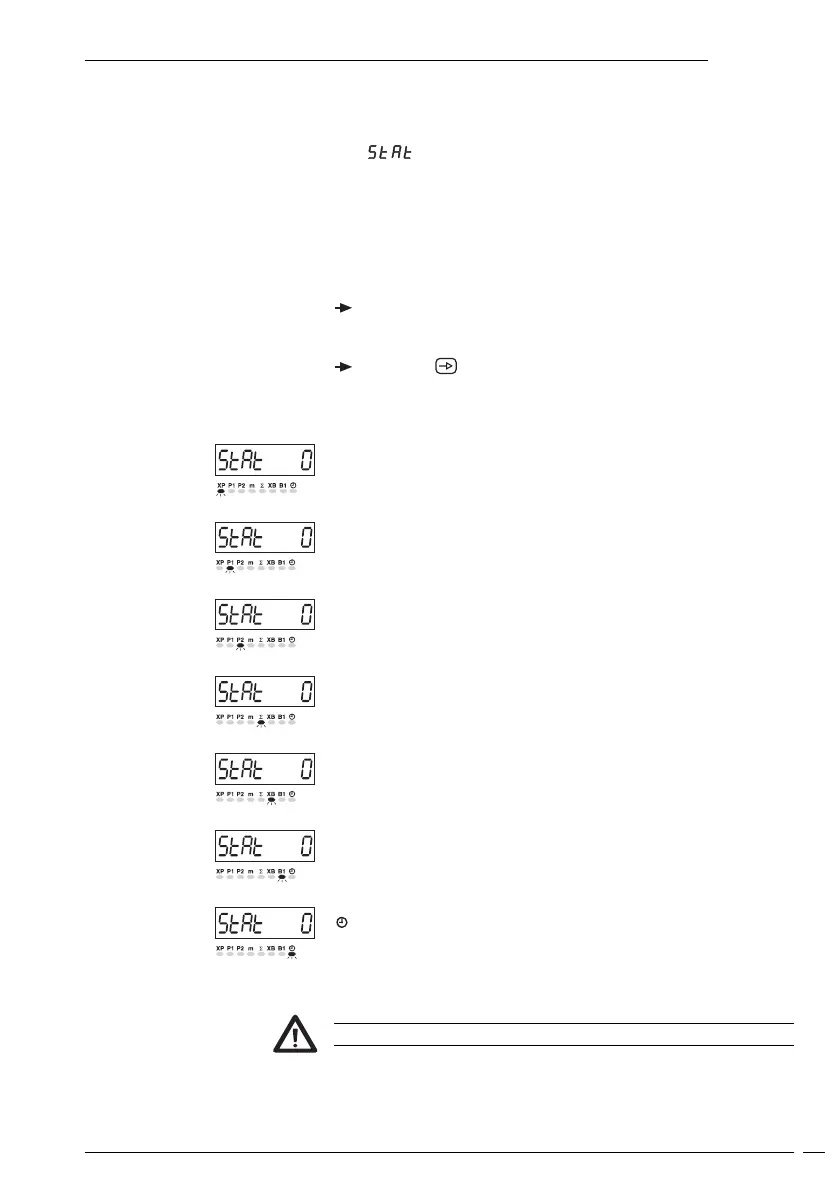
In the second programming segment, the message STAT appears in
the display, signifying status selection.
●
appears in the display. The LED for the corresponding
operating parameter flashes.
Significance of status numbers
0 Full access for operator (read and alter parameters).
1 Restricted access for operator (read parameters only).
2 None access for operator (No altering, no reading of parameters).
To change status
Input the appropriate status number.
● The changed status will automatically be stored when the next
programming line is selected.
Press the key again.
● The status of each individual operating parameter is called up in
sequence.
Line 1
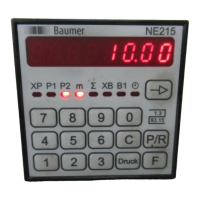
XP - Main counter status
Line 2
P1 - Preset value 1
Line 3
P2 - Preset value 2
Line 4
∑ - Totalizer
Line 5
XB - Secondary counter status
Line 6
B1 - Secondary counter preset value
Line 7
- Time meter
● At the conclusion of the first programming segment, a broken
line appears in the display.
The default operating parameter status is zero.


 To Next Page