EasyManua.ls Logo

Baxi uSense - User Manual

Baxi uSense
48 pages
Print Icon
To Next Page IconTo Next Page
Loading...
United States
en
User Guide
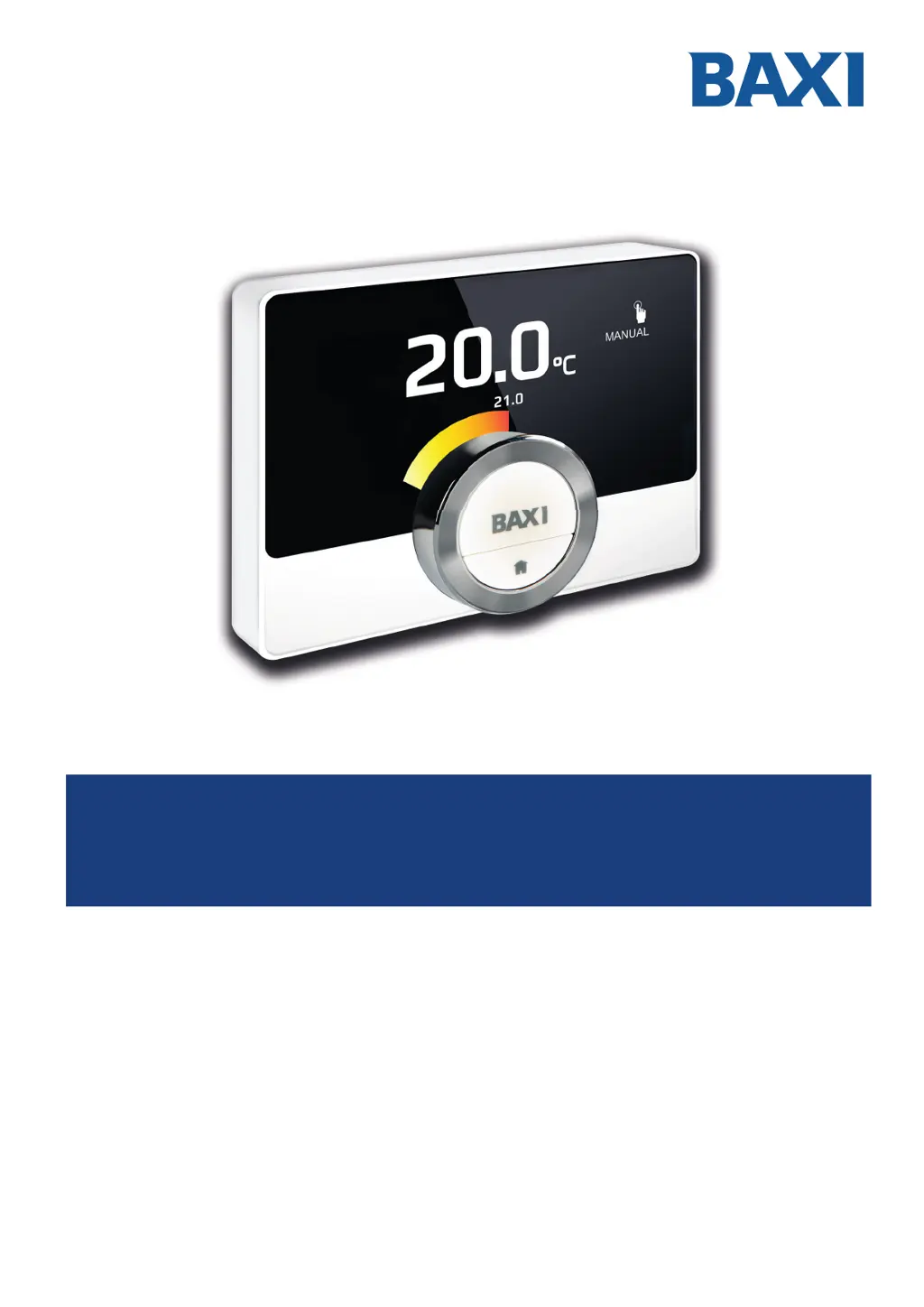
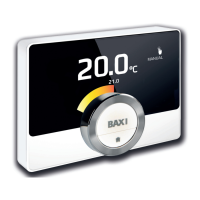
Digital clock thermostat
uSense
Manufactured by:
Baxi N.A.
2201 Dwyer Avenue, Utica, NY 13501
Tel. 844 422 9462
www.baxiboilers.com
ECR p/n: 615000298

Table of Contents

Other manuals for Baxi uSense

Questions and Answers

  • K
    Kathleen AndersonJul 27, 2025
    How to fix Baxi Thermostat if the temperature cannot be set?
    • A
      Amber SmithJul 27, 2025
      If you cannot set the desired temperature using the rotary dial on your Baxi Thermostat, the device may be in frost protection or holiday mode. To adjust the temperature, switch the thermostat to manual mode or temperature scheduling mode.
  • M
    Miranda MartinezAug 2, 2025
    Why does my Baxi uSense show incorrect energy consumption information?
    • D
      Dennis TranAug 2, 2025
      If the Energy Consumption menu on your Baxi Thermostat displays no information or an incorrect value, it's likely that the minimum and maximum power settings for your appliance are not correctly configured in the Installer menu, or your installation isn't suitable for this feature. To resolve this, obtain the correct power settings for your appliance and input them in the Installer menu. Specifically, set the minimum power for central heating, the maximum power for central heating, and the maximum power for hot tap water.
  • N
    Nicholas DeleonAug 9, 2025
    What to do if my Baxi Thermostat shows the wrong date and time?
    • A
      Anthony DavisAug 9, 2025
      If your Baxi Thermostat displays an incorrect date and time, it could be due to a power interruption lasting more than 2 minutes, a malfunctioning Wi-Fi connection, or the thermostat's inability to synchronize time via the internet (NTP). To fix this, connect the thermostat to a working Wi-Fi network with internet access and enable time synchronization. Alternatively, you can manually set the correct date and time.
  • Z
    zacharywilliamsAug 14, 2025
    What to do if my Baxi uSense screen stays on?
    • J
      Jasmine CooperAug 14, 2025
      If the Baxi Thermostat display doesn't turn off after 30 seconds, the presence sensor may be activated with an object in front of it. Move the object further away or disable the presence sensor in the settings.
  • D
    Dennis Gregory MDAug 20, 2025
    Why doesn't my Baxi uSense display the temperature ring?
    • J
      Janet GrayAug 20, 2025
      The temperature ring may not be visible on your Baxi Thermostat display if it is in frost protection mode, in which case the temperature is not displayed, or if the current temperature is equal to the desired temperature. The temperature ring will appear when there is a difference between the current and desired temperatures.

Summary

Introduction to Baxi uSense Thermostat

Symbols, Warnings, and Device Overview

Explains manual symbols, safety warnings, and introduces the uSense thermostat.

Thermostat Interface and Navigation

Guides on using the rotary dial, buttons, and navigating menus for operation.

Daily Operation and Temperature Control

Quick Mode and Temperature Adjustments

Quickly change operating modes and set room temperature manually.

Scheduled Temperature Changes

Setting temporary changes and creating custom temperature schedules for daily use.

Customisation and Settings

Wi-Fi, App, and Automation Integration

Connecting to Wi-Fi, the uSense app, and home automation systems.

Installation Guide

Gateway and Thermostat Installation Steps

Detailed instructions for installing the gateway and the uSense thermostat.

Troubleshooting Common Issues

Error Message Handling and Resolution

Steps to view, understand, and resolve thermostat error messages.

Resolving Common Problems

A troubleshooting guide for common issues and their solutions.

Baxi uSense Specifications

General IconGeneral
TypeSmart Thermostat
ConnectivityWi-Fi
Temperature Range5°C to 35°C
ProgrammableYes
GeofencingYes
Weather CompensationYes
Control via AppYes
CompatibilityBaxi Boilers
ControlApp
DisplayTouchscreen LCD
FeaturesEnergy monitoring

Related product manuals