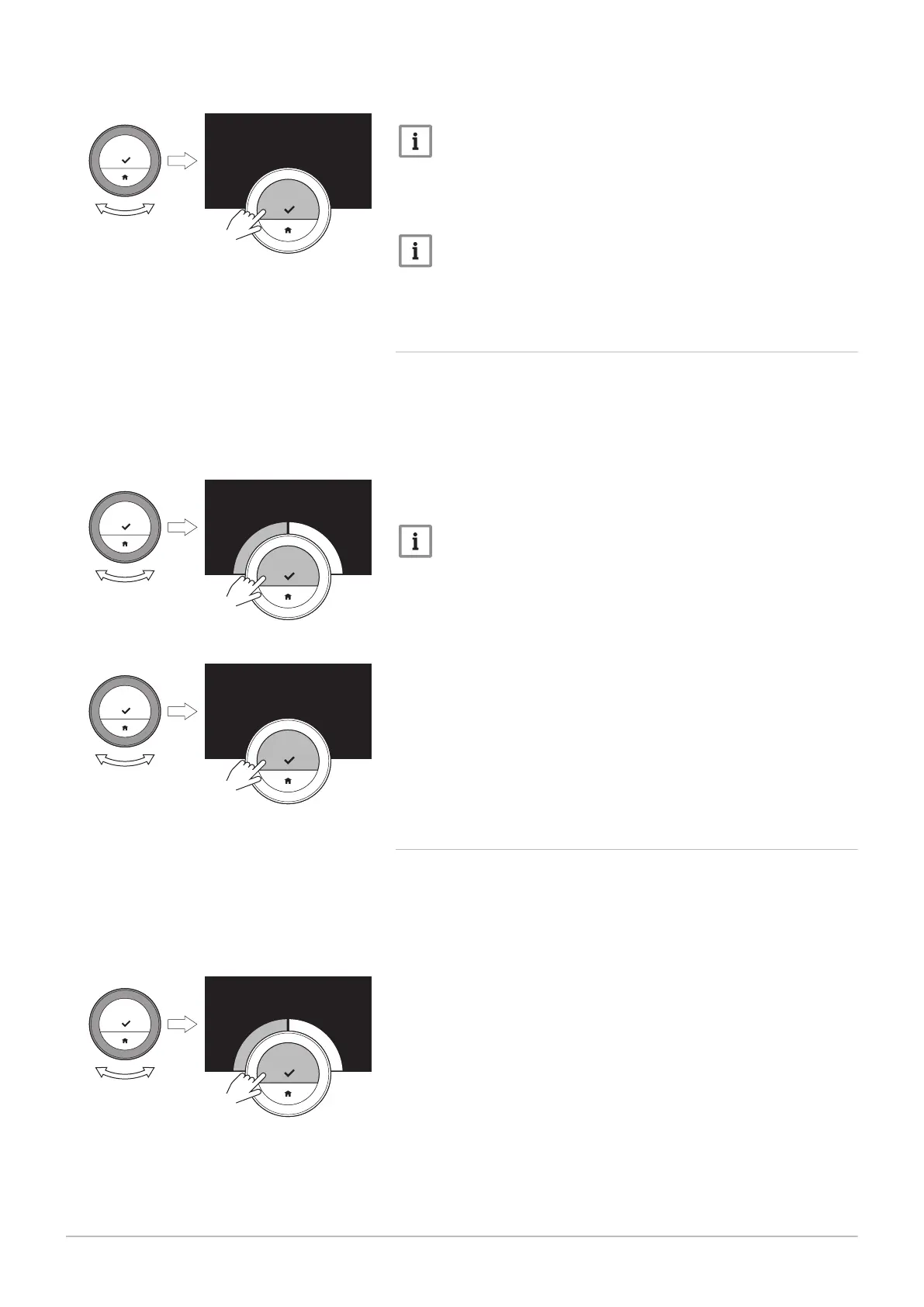
6. Select Heating rate.
Important
The display shows Heating rate only if your installation is fit for this
option.
7. Confirm the selection.
8. Select the heating rate that you want.
Important
The list of available speed indications depends on the appliance in
your installation.
9. Confirm the selection.
4.5.4 Setting the minimum central heating power
The minimum central heating power determines what is the lowest heating
capacity of your appliance.
1. Enter the main menu.
2. Select Installer.
3. Confirm the selection.
4. Select Yes to continue.
5. Confirm the selection.
6. Select Min. power.
Important
The display shows Min. power only if your installation is fit for this
option.
7. Confirm the selection.
8. Turn the rotary dial to select the number of kW.
9. Confirm the selection.
4.5.5 Setting the maximum central heating power
The maximum central heating power determines what is the highest
heating capacity of your appliance.
1. Enter the main menu.
2. Select Installer.
3. Confirm the selection.
4. Select Yes to continue.
5. Confirm the selection.
Fig.48
Fig.49
....... .......
....... ....... ....... ....... ....... ....... ....... ....... ....... .......
.
.
.
|
.
.
.
}
<1
Fig.50
....... .......
.. .. kW
<1
Fig.51
....... .......
....... ....... ....... ....... ....... ....... ....... ....... ....... .......
.
.
.
|
.
.
.
}
<1
4 Customisation
32 7718216 - v.02 - 26042019


 To Next Page