ENUSER MANUAL XTA
16
9PIN D CONNECTER:
Scale Computer
Pin 2 Pin 3
Pin 3 Pin 2
Pin 3 Pin 5
3. CONTINUOUS & STABLE OUTPUT PROTOCOL
“CONT”:
S T , G S : - +/- k
g
CR LF
-HEADER 1- -HEADER 2- - WEIGHT DATA - -WEIGHT UNIT- -TERMINATOR-
4. COMMUNICATION PROTOCOL
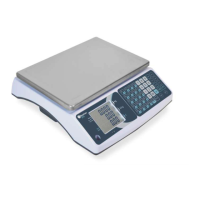
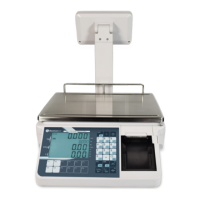
The XTA & XTA-P scale has the following protocols, accessible from the R232 menu:
Toledo
NCI - ECR
NCI - General
TEC
Easy
POS
10. ERROR CODES
Error Message Description Solution
----
Maximum load exceeded Unload or reduce weight
Err 4
Zero setting error
Zero setting range exceeded due to switching on. (4%max) Make sure platform
empty(4%max) Make sure platform empty.
Err 5
Key board error Check the keys and connecter
Err 6
A/D value out of range
Make sure platform empty and check the pan is installed proper. Check the load cell
connectors.
Err 7
Percentage Error Please check input data, must be > 0.5d
Err 8
Calibration weight error Check the test weights for calibration or linear calibration
Err 9
Unstable Reading
Check any air variation, vibration, RF noise and touching some where. Check the
load cell and connecters
Err 15
Gravity error Check the gravity settings. Gravity range must be 0.9xx ~
Err 17
Tare out of range Minus weight or overload. Remove the load and restart
-- ol ---
Over range Remove the load. Re calibrate
-- lo ---
Underload Minus weight, check the platform and restart or calibrate.
fAil H
fAil l
fAil
Calibration Error Check the test weights & Re calibrate
bA lo
lo bA
Battery low Re charge battery, check the voltages.


 To Next Page