EasyManua.ls Logo

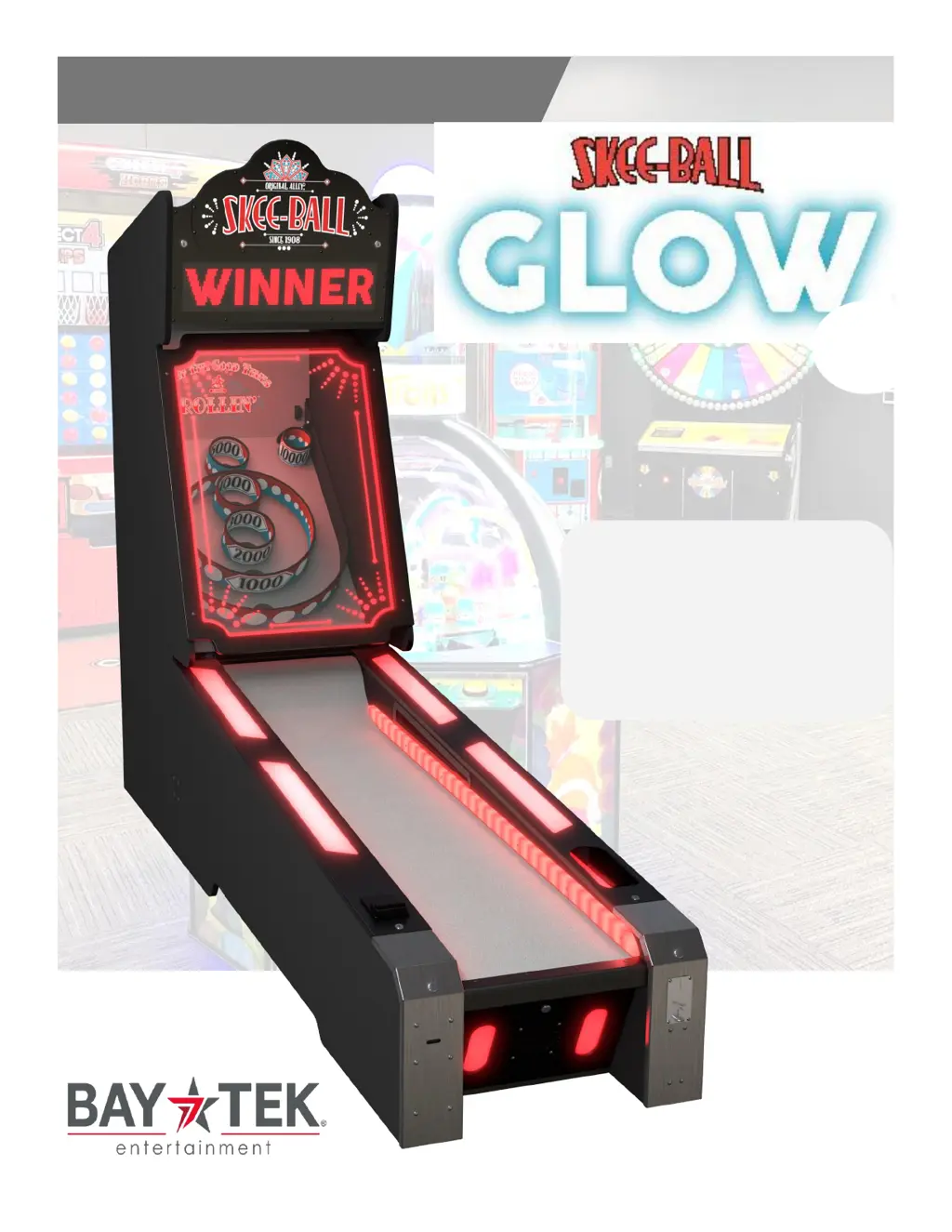
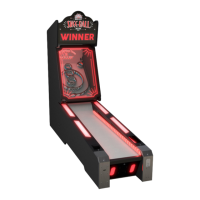
Bay-Tek Skee-Ball Glow 22 - User Manual

Bay-Tek Skee-Ball Glow 22
59 pages
Print Icon
To Next Page IconTo Next Page
Loading...
SERVICE MANUAL
PLACE SERIAL NUMBER
LABEL HERE
22

Questions and Answers

  • A
    Alexandra StricklandAug 18, 2025
    Why is there no audio on my Bay-Tek Arcade Game Machine?
    • M
      Misty FosterAug 18, 2025
      The lack of audio could be due to several reasons. First, the volume might be set too low; you can adjust it by pressing the Menu button and navigating to 'Game Volume'. Another potential cause is a loose wire; inspect the audio cable connections from the motherboard to the speaker, including connectors AACE8811A, AACE18013, and AACE18012, as well as the Molex connector at the rear of the ramp. Lastly, the speaker itself might be faulty, requiring replacement with part AACE8811A.
  • A
    Andrea PierceAug 20, 2025
    What to do if balls are not released in Bay-Tek Arcade Game Machines?
    • D
      David McneilAug 21, 2025
      If balls are not being released, several issues could be the cause. Check the wiring for any pinches, breaks, or disconnections, referring to the Wiring Diagram. Verify 12 Volts DC at the motor when the game is starting up. Inspect the Molex connector at the rear of the ramp and cables CE18007 & CE18006. Also, check the Overflow Sensor and replace it if needed (AACB3850A). If there is 12 Volts DC and the motor is still not moving, replace AAMO18000. A defective motherboard can also cause this issue, so replace the Motherboard (AAMB18000-SBG) if necessary.
  • J
    Julie BrownAug 23, 2025
    What to do if too many balls are released in Bay-Tek Arcade Game Machines?
    • Z
      zdavisAug 23, 2025
      If too many balls are being released, the sensor at the ball release might be blocked, dirty, or faulty. Try cleaning the sensor at the ball release. The green LED should only illuminate when the sensor is blocked. If cleaning doesn't resolve the issue, replace the sensor (AACB3850A). Also, inspect the connections from the sensor board to the main board, check the continuity of wires CE18007 & CE18006 and the Molex connector at the rear of the ramp.
  • D
    Devon MartinAug 26, 2025
    How to fix a Bay-Tek Arcade Game Machine display that is not working?
    • J
      Jason WiseAug 26, 2025
      If the display isn't working, begin by checking the wiring for any pinches, breaks, or disconnections, consulting the wiring diagram. Ensure there's 5 volts DC on CE18011, CE18002 & CE18001 cables from the power distribution board. If the wiring is intact, the display module itself might be faulty. Try swapping display modules inside the cabinet to isolate the issue. If necessary, replace the display with part A5LD1052.
  • E
    erin93Aug 28, 2025
    What to do if not enough balls are released in Bay-Tek Skee-Ball Glow 22 Arcade Game Machines?
    • B
      bushkatieAug 28, 2025
      If not enough balls are being released, it could be due to several reasons. First, the ball count opto sensor at the far end of the ramp might be defective. If this sensor misses a ball, the game will continue waiting until the game times out. Replace the sensor (AACB3850A). Also, check the wiring for any pinches, breaks, or disconnections, inspecting the connections from the sensor board to the main board, checking the continuity on wires CE18007 & CE18006 and the Molex connector at the rear of the ramp. Finally, the opto sensor at the ball release may be defective; if this sensor 'sees' 2 balls instead of one, replace the sensor (AACB3850A).
  • M
    Michael HernandezAug 30, 2025
    How to fix LED marquee lighting that is not working on Bay-Tek Skee-Ball Glow 22?
    • M
      Maria LevyAug 30, 2025
      If the LED marquee lighting isn't working, it could be due to a faulty cable. Verify 12 Volts DC from the Power Distribution Board. Alternatively, the LED strip itself might be faulty. Check the cables from the LED strips to the Power Distribution Board (CE18083, CE18033), and check for 12 volts DC on CE18033 on the Power Distribution Board. If the strip is faulty, replace it with AACE18083.
  • M
    Mitchell BriggsSep 2, 2025
    Why are the menu buttons not working on my Bay-Tek Arcade Game Machine?
    • A
      Anita PriceSep 2, 2025
      If the menu buttons are not working, it could be due to pinched, broken, or disconnected wiring. Check the communication cable from the Motherboard to the I/O Aux Board (CE18004, CE18005), and inspect the Molex connector at the rear of the ramp. Ensure there is power to the I/O Aux Board. Another possibility is a faulty menu button. Try swapping buttons to isolate the issue, and replace the faulty button if needed (AAPB2700A).
  • A
    Anthony FordSep 4, 2025
    What to do if tickets do not dispense or the wrong amount is dispensed from Bay-Tek Skee-Ball Glow 22?
    • K
      Kayla DurhamSep 5, 2025
      If tickets are not dispensing correctly, first check if the opto sensor on the ticket dispenser is dirty. Blow dust from the sensor and clean it with isopropyl alcohol. If the problem persists, the ticket dispenser itself might be faulty; replace it with a working dispenser to isolate the problem (A5TD1). Another potential issue is that the notch on the tickets might be cut too shallow; flip the tickets and load them upside-down to have the large cut notch toward the opto sensor. Lastly, a faulty cable could be the cause; check the connectors from the ticket dispensers to the I/O Aux board, check for continuity, and inspect cables AACE18014.
  • M
    Maxwell BoydSep 7, 2025
    Why is the dollar bill acceptor not functioning on my Bay-Tek Arcade Game Machine?
    • A
      archerdeniseSep 7, 2025
      The dollar bill acceptor may not be working due to a couple of reasons. First, check for power to the Bill Acceptor by examining the wiring from the bill acceptor to the I/O Board (CE18008). Repair or replace the wiring harness, ensuring the wires are secure in the connectors. Another cause could be dirt or debris in the acceptor slot. Refer to 'How to Clean Bill Acceptor' or clean with a bill reader cleaning card (A5CC9000).
  • P
    Pamela LaraSep 9, 2025
    Why are the LED’s lighting up playfield rings not working on Bay-Tek Skee-Ball Glow 22?
    • S
      Sophia RobinsonSep 9, 2025
      The LEDs in the rings light up when a hole is scored. Ensure the hole is scoring; if not, refer to the Game Scores Wrong Section. Check for proper connection from the LEDs to the scoring sensor, check continuity, and check for damaged connectors. Refer to the wiring diagram. Try swapping an LED light from a different spot. Replace the LED light strip if needed and refer to the Playfield diagram for part numbers. Replace the sensor board (AACB3851A-B).

Bay-Tek Skee-Ball Glow 22 Specifications

General IconGeneral
ModelGlow 22
ManufacturerBay-Tek
Game TypeSkee-Ball
Lane Length22 feet
Number of Lanes1
Players1
Lighting FeaturesLED lighting throughout the game
Ticket DispenserIntegrated ticket dispenser

Related product manuals