Conguring your speaker using WPS
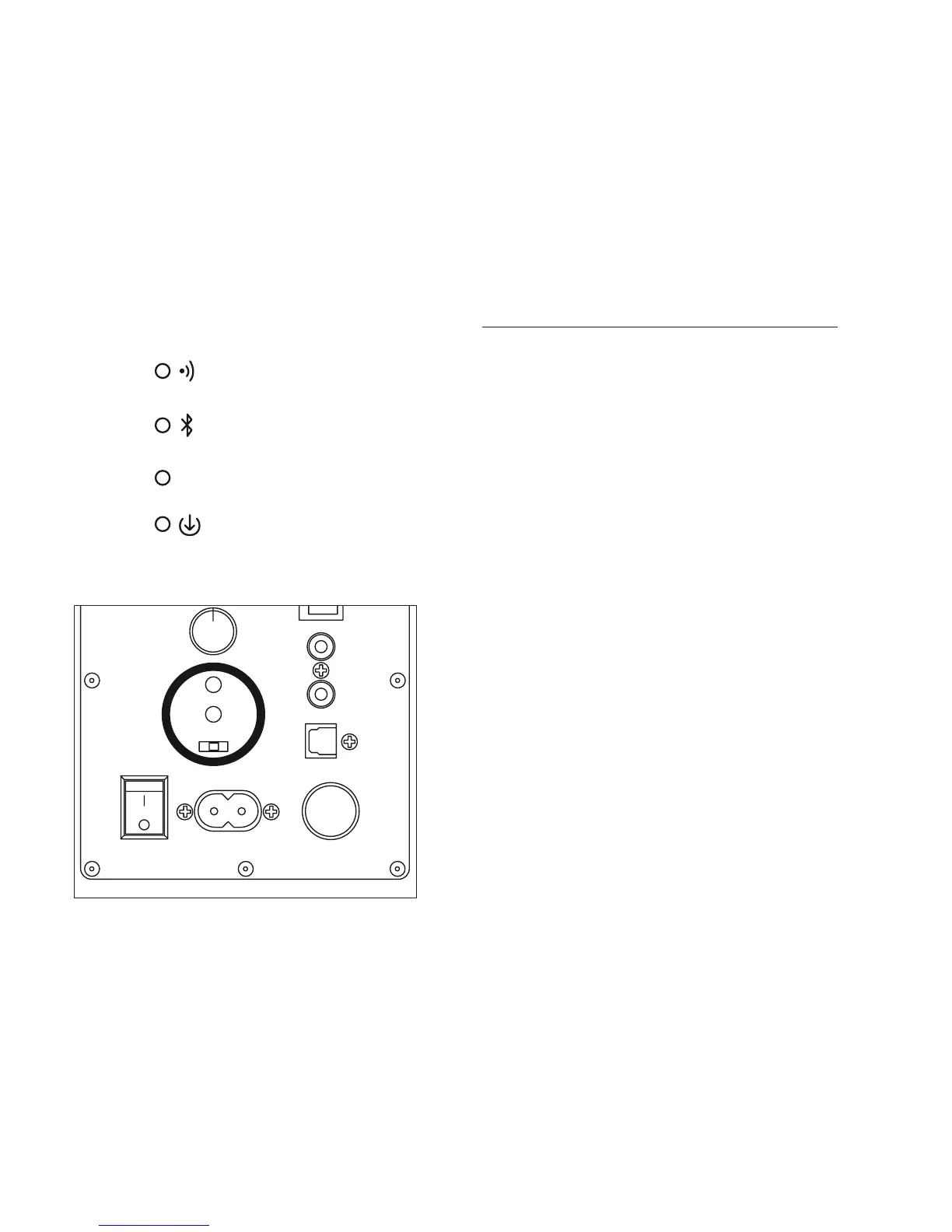
Power on your speaker and wait for a white light indicating it
has nished its initialisation.
Press the WPS button on your Router (see your router’s
instruction manual for help). You now typically have up-to
minutes to go to the speaker and press the WPS button.
Once the WPS setup process has completed you will be able
to access your speaker and play music on it using either the
StreamQ app, or other music streaming service app.
You may nd it useful to rename your speaker – instructions
for doing this can be found in the ‘Installing and using the
StreamQ app’ section of this manual. When choosing a
speaker name, you may nd it helpful to call the speaker
by the name of the room it is in if you have a number of
speakers on your network – for example ‘Master Bedroom’
or ‘Living Room’.



 To Next Page