CommonSetupPage
PrologicII
LogoType
TvtypeAUTO
LEDControlPAL
DefaultNTSC
CommonSetupPage
PrologicII
LogoType
TvtypeAUTO
LEDControl
Default
PAL
NTSC
5.PressSETUPtoexitthesetupmenu.
2.3.2CommonSetup
1.PROLogic11:Thisitemisusedtosetupthe
CyberLogic.Ifthediscdoesnotsupportthis
function,theeffectwillbeworseafter
precessedlikethisanditissuggestedtobe
OFF.
Optionalsettings:ON,OFF,AUTO.
Default:OFF.
2.LogoType:Thisitemisusedtisetupthesortof
Power-inLogo.
Optionalsettings:Default,Captured.
Default:Default
NOTE:
TheScreenLogorefersthatusetheimage
selectedbypressingtheLOGObuttonasthe
power-onlogo.Whenintheoperationof
changingscreen,ifthepower-onlogohasnot
setinScreenLogo,theunitwillautomatically
setthepower-onlogoasScreenLogo.
CommonSetupPage
PrologicIIOFF
LogoTypeDefault
TvtypeAUTO
LEDControlON
Default
4.PressUP/DOWNarrowtoselectthedesirde
value.PressSELECTtoconfirmit.
Forexample:PressUP/DOWNarrowtoselect
AUTOthenpressselect,theTVscreen
display:
“”,
3.TVType:Thisitemisusedtosetthevideo
outputsystemofthisunit.
Optionalsettings:AUTO,PAL,NTSC
Default:AUTO
4.LEDControl:Setupitemappliedtocontrol
On/OffplaybackLEDonthefrontpanel.
Optionalsettings:OFF,ON
Default:ON
5.Default:Torestoreallsettingstothedefault
valueexceptfortheparentalcontroland
passwordsettings.
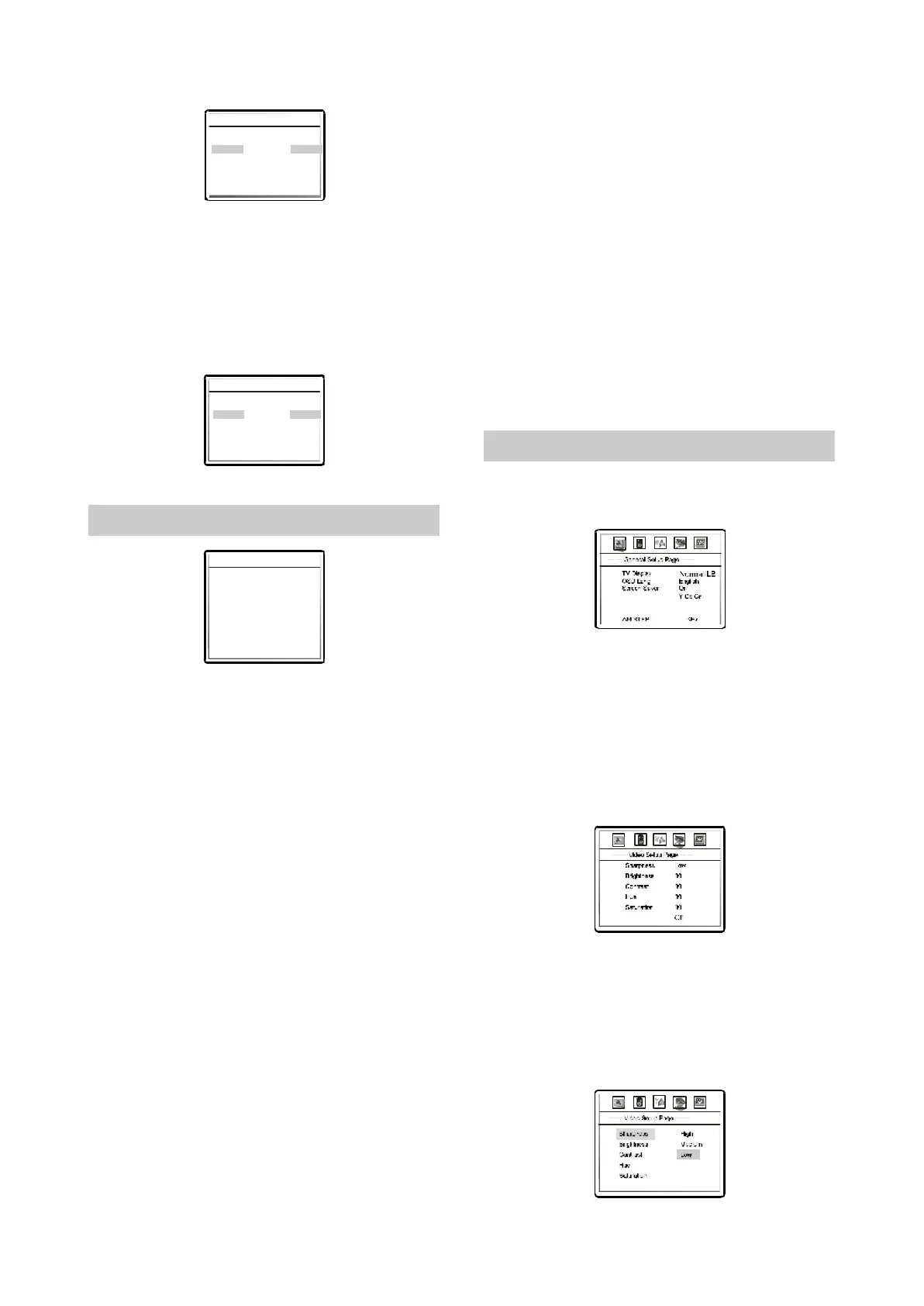
1.PressSETUPbutton,TheTVsetscreen
displays:
◆
◆
2.3.3GeneralFunctionSetupSteps
VideoOutput
LogoTypeDefault
LEDControlOn
9
2PressLEFT/RIGHTarrowtoselectthedesirde
channeltobechanged.Forexample,ifyou
wanttosetthisplayersvideo,pleasepress
LEFT/RIGHTarrowstoselectVIDEOSETUP
PAGE.PressSELECTforverification.The
videosetuppagedisplaysonthescreen.
.
’
Gamma
3.PressUP/DOWNarrowtoselectthedesired
itemyouwanttosetandpressSELECT.
Forexample,pressUP/DOWNarrowstoselect
SHARPNESSandpressSELECT.The
sharpnessappearsonthescreen.
Gamma
-8-



 To Next Page