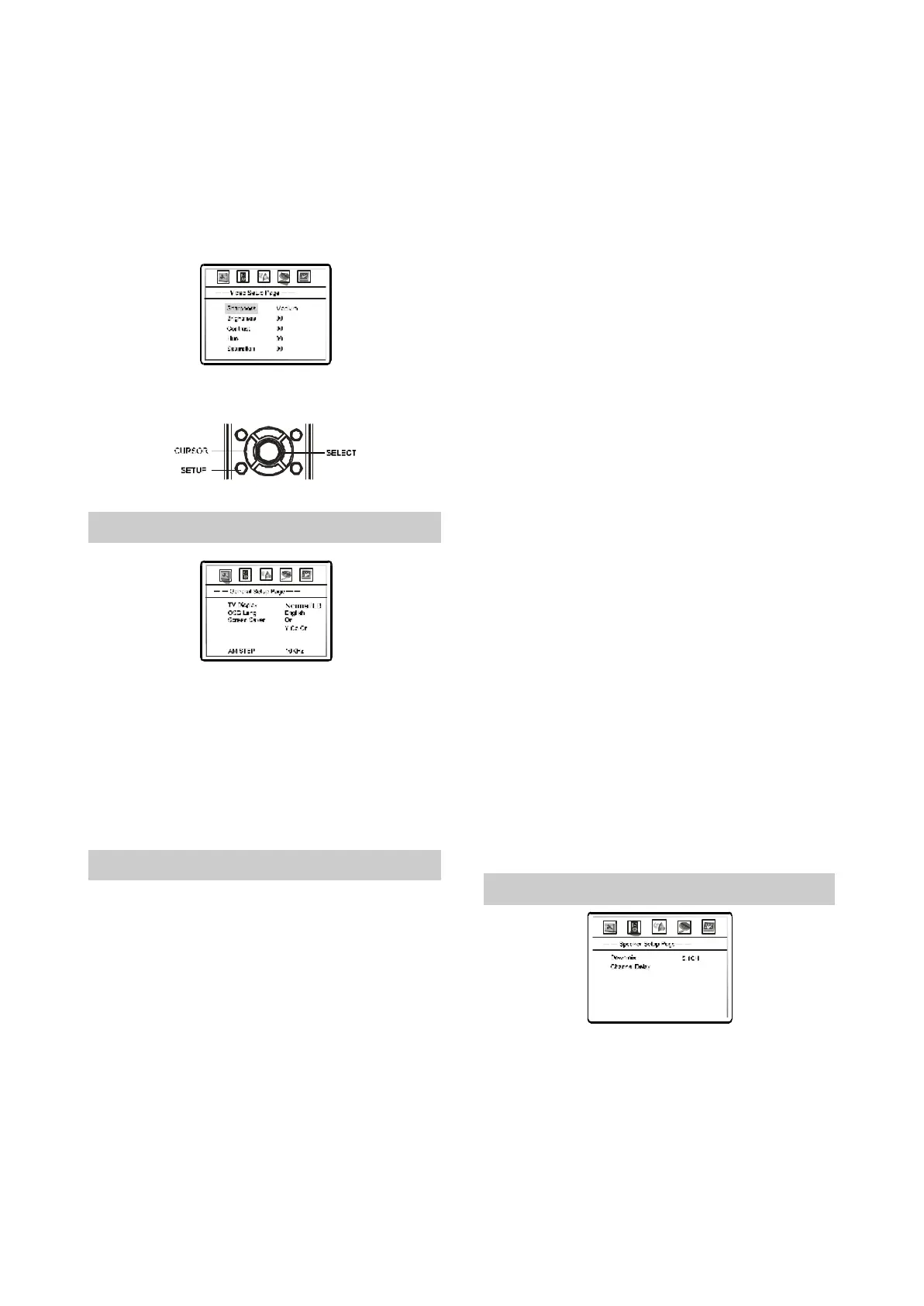
4PressUP/DOWNarrowtoselectthedesired
value.PressSELECTtoconfirmit.
Forexample:PressUP/DOWNarrowtoselect
Medium,thenpressselect,theTVscreen
display:
.
“”
5.PressSETUPtoexitthesetupmenu.
2.3.4GeneralSettings
1.TVDisplsy:Tosettheaspectratioofthis
playersoutputimage.
Optional
settings:NORMAL/PANSCAN,NORMAL/LETT
ERBOX,WIDE.
’
◆
◆ Default:NORMAL/LETTERBOX.
VideoOutput
LogoTypeDefault
LEDControlOn
NOTES
◆
◆
◆
Theplayingeffectsarecontingentuponthe
discsrecordingaspectratio.Somediscs
maynotbeplayedaccordingtoyourselected
aspectratio.
WIDEisonlyapplicabletotheWIDETV
Pleaseselecttheaspectrationinaccordance
withthatofyourTV.
2.OSDLang:Thisitemisusedtosettheprompts
languageofthescreen.
Optionalsettins:ENGLISH,RUSSIAN
Default:ENGLISH
’
◆
◆
3.ScreenSaver:Openorclwsethescreensaver
function.
Optionalsettins:OFF,ON.
Default:ON.
Optionalsettins:YCbCr,RGB.
Default:YCbCr.
WhenusingRGBoutputsfromtheSCART
interface,PleaseseletRGB.oHTERWISE,
PLEASESELECTYCbCr.
NOTE:
TheScreenLogorefersthatusetheimage
selectedbypressingtheLOGObuttonasthe
power-onlogo.Whenintheoperationof
changingscreen,ifthepower-onlogohasnot
setinScreenLogo,theunitwillautomatically
setthepower-onlogoasScreenLogo.
6.LEDControl:Setupitemappliedtocontrol
On/OffplaybackLEDonthefront
Optionalsettings:OFF,ON
Default:ON
◆
◆
◆
◆
◆
◆
◆
4.VideoOutput:TosetthetypesoftheSCART
outconncctor.
5.LogoType:Thisitemisusedtisetupthesortof
Power-inLogo.
Optionalsettings:Default,Captured.
Default:Default
2.3.5SpeakerSetup
1.DownmixMode:Tosetthisplayers
DOWNMIXmodetochangemulti-channel
audiointotwochannelaudio.
Optionalsettings:LT/RT,STEREO,V
SURR,5.1CHMODE
Default:5.1CH
’
◆
◆
-9-



 To Next Page