PROLOGICmodevirtualizesPROLOGICI
(utilizingPROLogicII).TheAUTOmode
meansamodeisselectedautomatically
accordingtothedisc.
Optionalsettings:MUSIC,MOVIE,PROLogic,
AUTO.
Default:MUSIC.
C.Panorama:TosetthepanoramamodetoON
orOFF.Thismodeistoextendthefrontstereo
tothetwosidesinordertoachieveexcellent
surroundeffects.
Optionalsettings:ON,OFF.
Default:OFF.
D.Dimension:Tosetthesize.Itissimilartothe
balancecontrolofthefrontandsurround
speakerswhichgraduallyadjustthefrontand
rearsoundfields.Thereare7stepstoadjust.
Optionalsettings:SIZE-3,SIZE-2,SIZE-1,
SIZE0,SIZE1,SIZE2,SIZE3
Default:SIZE0.
E.CentralWidth:Tosetthecentralwidth.Itisto
dividethecenterchannelsignalstotheleft
andrightchannels.Therefore,thesignalsare
sentoutfromThefrontspeakersindifferent
degrees.
Optionalsettings:LEVEL0,LEVEL1,LEVEL2,
LEVEL3,LEVEL4,LEVEL5,LEVEL6,LEVEL7.
Default:LEVEL3.
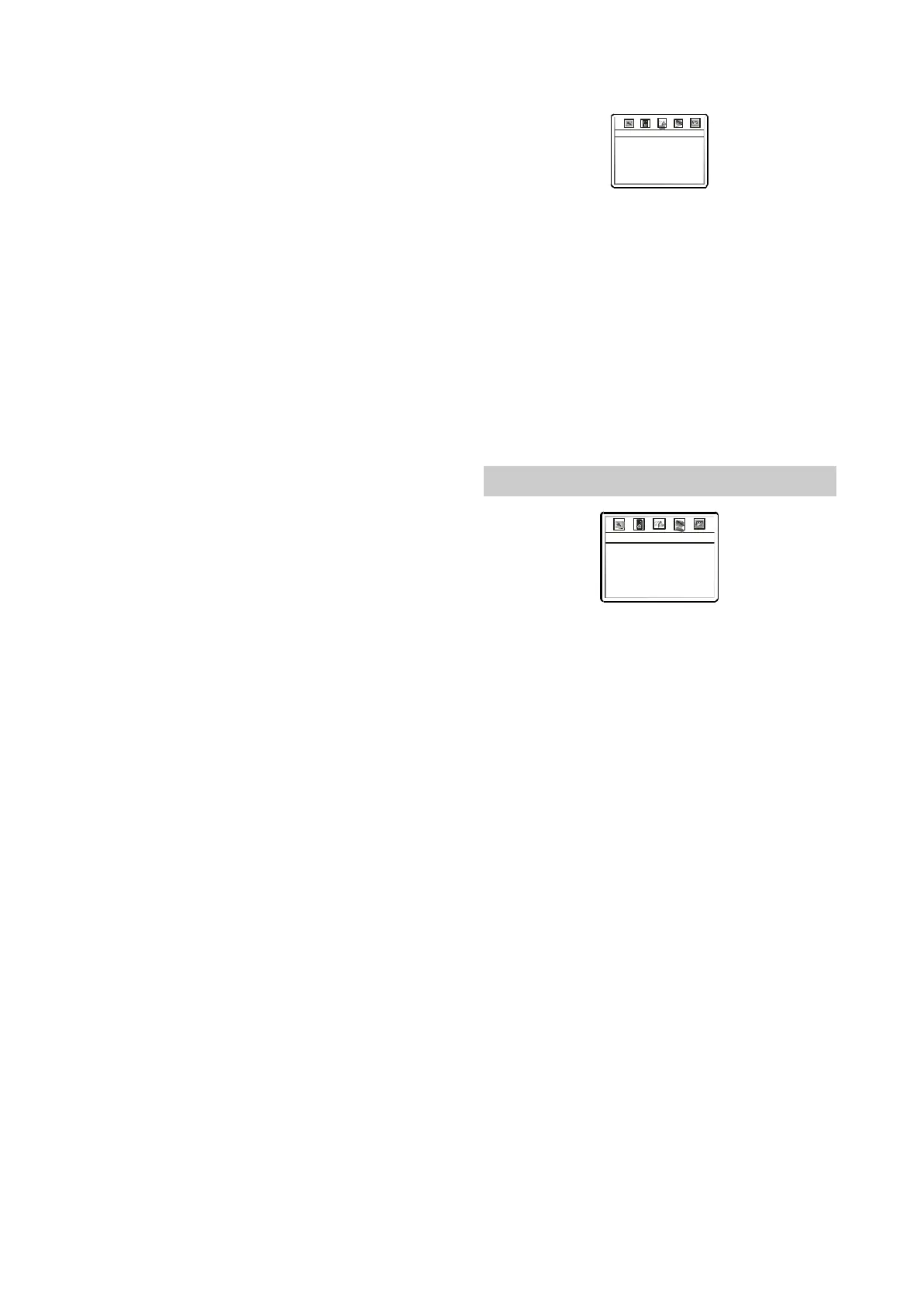
DolbyDigitaletup:PressUP/DOWN
navigationkeystoselectDOLBYDIGITAL
SETUP,thenpresstheSELECTnavigation
KeytoentertheDOLBYDIGITALSETUP
page.
:Tosettheoutputmeansoftheleft
orrightaudiowhenplayingaDolbydiscwith
separatetwo-channelaudio
◆
◆
◆
◆
◆
◆
◆
◆
6.S
A.DualMono
————DolbyDigitalSetup
DualMono
Dynamic
Stereo
◆
◆
◆、、、、、
、、、
◆
Optionalsettings:Stereo,L-Mono,R-Mono,
Mix-Mono.
Default:Stereo
B.C
Optionalsettings:OFF1/81/43/81/2
5/83/47/8FULL.
Default:OFF.
Dynamicompression:Tosetthelinear
compressionratiotogetdifferent
compressionresult.
2.3.7VIDEOSetup
VideoSetupPage
Sharpness
Brightness
Contrast
Hue
Saturation
Gamma
Low
00
00
00
00
Off
1.
2.
3.
4.Hue
5
A.
B.
C.
◆
◆
、
◆
Sharpness:Usedtosetthesharpnessof
videooutputs.
Optionalsettings:High,Medium,Low.
Default:Low.
Brightness:Usedtosetthebrightnessof
videooutputs
Contrast:Usedtosetthecontrastofvideo
outputs.
:Usedtosetthehueofvideooutputs.
Saturation:Usedtosetthesaturationof
videooutputs.
Brightness,contrast,hueandsaturation
adjustingmeans:
PressUP/DOWNarrowinthevideosetup
Menutoselectthedesireditemyouwantto
adjust.PressSELECTbuttontoenterthe
item'sadjustment.
PressLEFT/RIGHTarrowtoadjustthesetting
value.
Afterfinishingadjustment,pressSELECT
-11-



 To Next Page