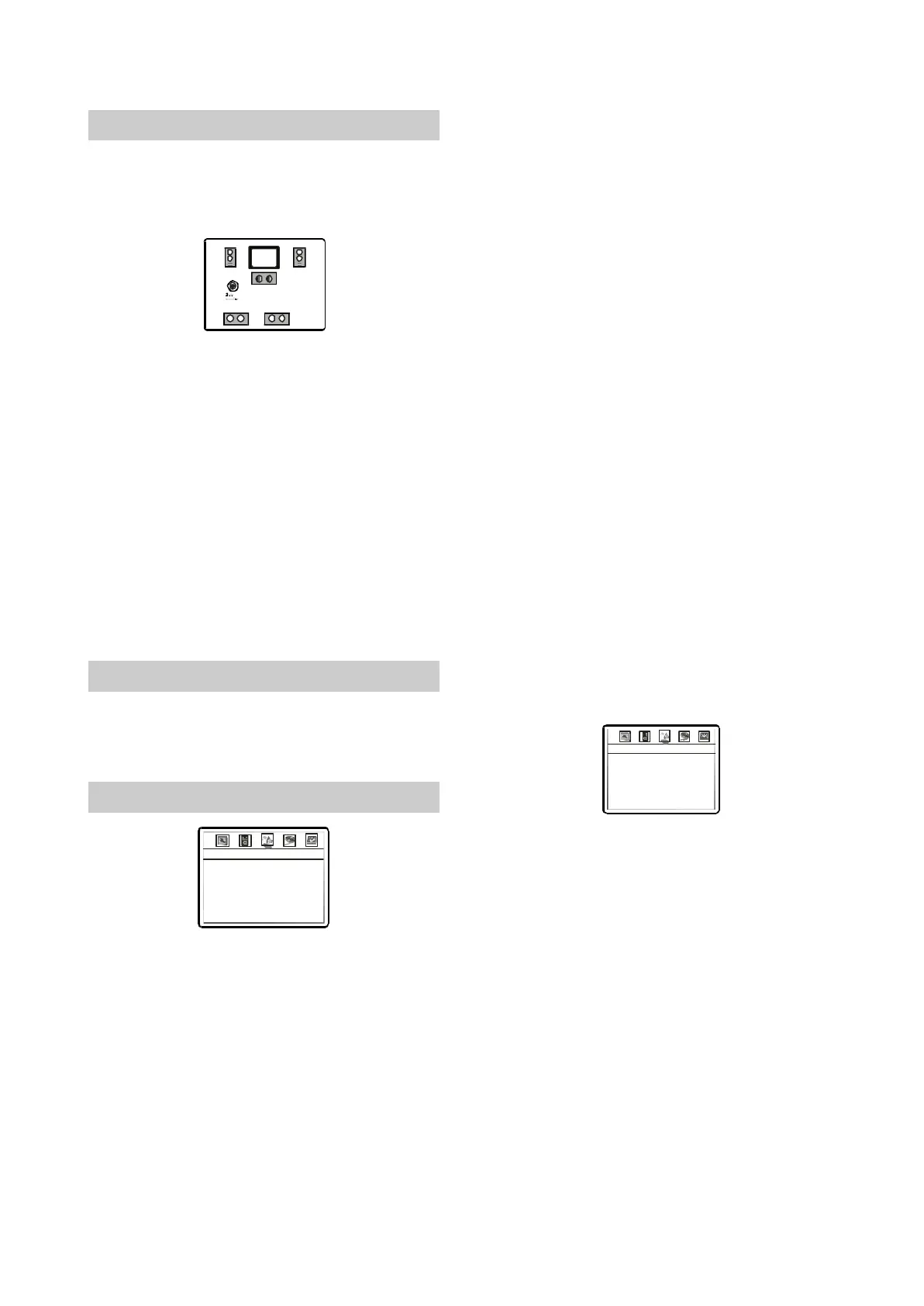
2.ChannelDelay:Tosetdelaytimeofthe
Center/Surround/SubwooferSpeaker.
A.PressUP/DOWNnavigationkeystoselectthe
delaysettingitem.PresstheSELECT
navigationkeytoenterthesettingbox.
B.PressUP/DOWNnavigationkeystoselectthe
desireditem,thenpressLEFT/RIGHT
navigationkeystosetthedistancebetween
thespeakerandlistener.
C.Afterfinishingsetting,pleasepressSELECT
toexit.
NOTE
Thecenter/surround/subwooferdelayis
effectiveonlyforthecorrespondingspeakers
whenthedelayisnotsettoOFF.
◆
2.3.6AudioSetup
◆
◆
◆
◆
◆
◆
SoundFieldisvoidwhenplayingDVDAUDIO
discs.
Optionalsettings:SPDIF/RAW,SPDIF/PCM.
Default:SPDIF/RAW.
3.SPDIFOutput:Tosetthebitstreamtypeofthe
digitaloutput.
4.LPCMOut:Tosettheoutputfrequencyofthe
96KLPCMaudiodatatofitfordifferentpower
amplifiers.
Optionalsettins:48K,96K,192K.
Default:48K.
5.PROLogicll:Toset2CHmusicintothevirtual
5CHmusicwhichcanheplayedbymulti-
channelspeakers.PressUP/DOWN
navigationkeysintheAUDIOSETUPPAGEto
selectPROLogicll,thenpresstheSELECT
navigationkeytoenterthePROLogicll
SETUPpage.
PROLogiclliseffectiveonlywhenthe
DOWNMIXmodeissettoOFFandSPDIFis
settoRAW.
————AudioSetupPage
EqType
SoundField
SPDIFOutput
LPCMOut
ProLogic
DolbyDigitalSetup
II
None
Off
Raw
48K
————PROLogicConfigII
PROLogic
Mode
Panorama
Dimension
CenterWidth
II off
music
off
00
03
1.EQtype:TosetEQmodes.
Optionalsettings:None,ROCK,Pop,
Live,Dance,Techno,Classic,Soft.
Default:None.
2.SoundField:Tosetdifferentsoundfield
effects.
Optionalsettings:Off,Concert,Livingroom,
Hall,Bathroom,Cave,Arena,Church
Default:Off.
◆
◆
◆
◆
A.PROLogicII:TosetPROLogicIItoONor
OFF.IftheTITLEdoesnotsupportthisfunction,
werecommendthatyousetthisitemtoAUTO
becauseitwouldbecomeworseifthe
processingeffects
wereaddedforcibly.
Optionalsettings:ON,OFF,AUTO.
Default:OFF.
B.Mode:TosetthemodesofPROLogicII.The
musicmodemeansthatthesoundfromall
speakersarrivesatthesametimewithout
delay.Themoviemodemeansthatdelayof
10msisaddedtothesurroundchannel.The
◆
◆
NOTES
The5.1CHmodeneedsdiscssupport.The
numberofactualoutputchannelsdependson
theplayeddisc.
’
-10-



 To Next Page