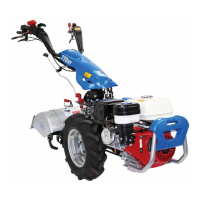
BCS 770HY Two Wheel Tractor Power Unit
Page 24 TWT770HY/PU/0221
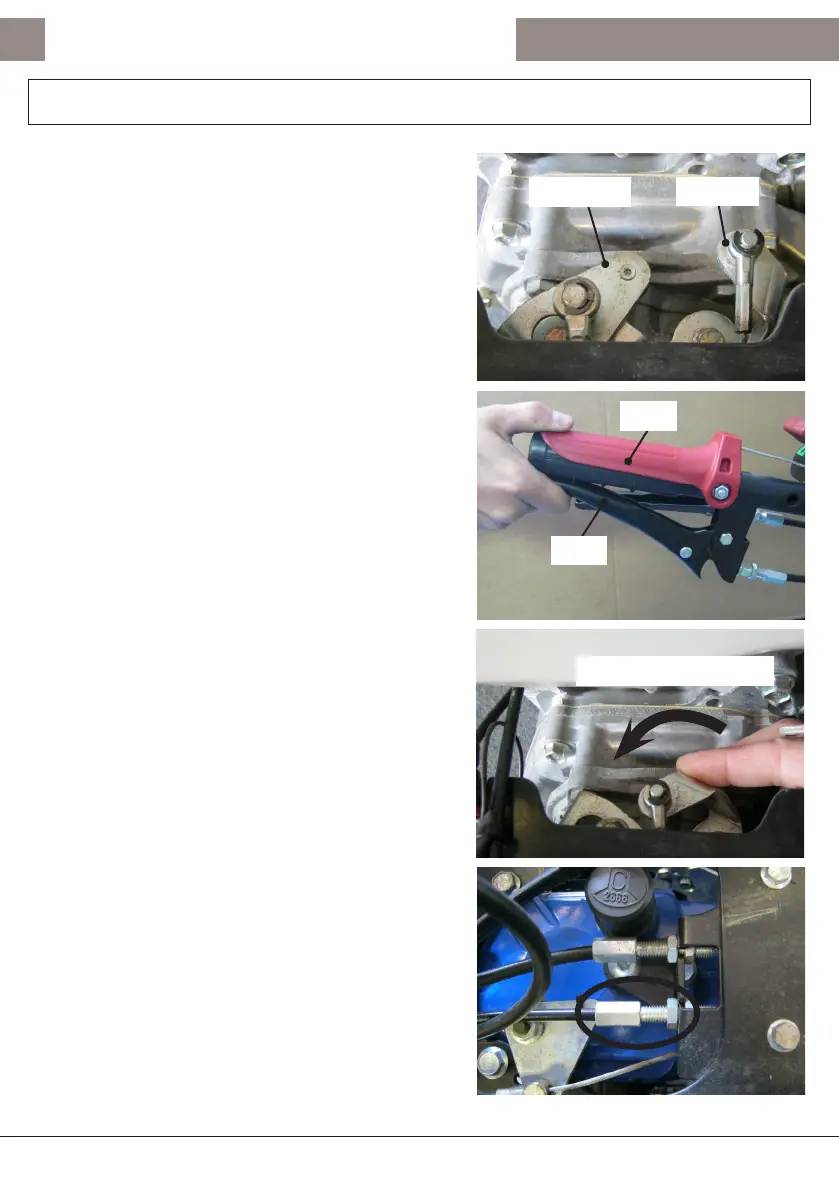
On top of the PowerSafe® clutch unit on the gearbox
are two operang arms
(g. 10)
. One is for the
operaon of the clutch and one for the acvaon of
the Operator Presence Control (OPC).
With the engine turned OFF pull the clutch lever up
and depress the OPC lever down fully
(g. 11)
.
The clutch and OPC levers need to be kept in this
posion by assistance from a colleague or by using a
cable e, elasc band, or equivalent.
With the clutch lever and OPC levers depressed, check
by using nger pressure that the OPC operang arm
on the PowerSafe® clutch unit is not able to be rotated
any further an-clockwise, a rm stop should be able
to be felt
(g. 12)
.
If there is any an-clockwise movement of the OPC
operang arm on the PowerSafe® clutch unit a simple
cable adjustment is required.
Using the cable adjuster on top of the gearbox
(g. 13)
adjust the OPC operang cable unl the OPC operang
arm on top of the PowerSafe® clutch unit is no longer
able to move an-clockwise.
OPC
CLUTCH
2nd
1st
ANTI-CLOCKWISE
OPC Operang Cable Adjustment
Fig. 10
Fig. 11
Fig. 12
Fig. 13



 To Next Page