8
BD FACSort System 337452 Rev. A
Startup and Shutdown Procedures
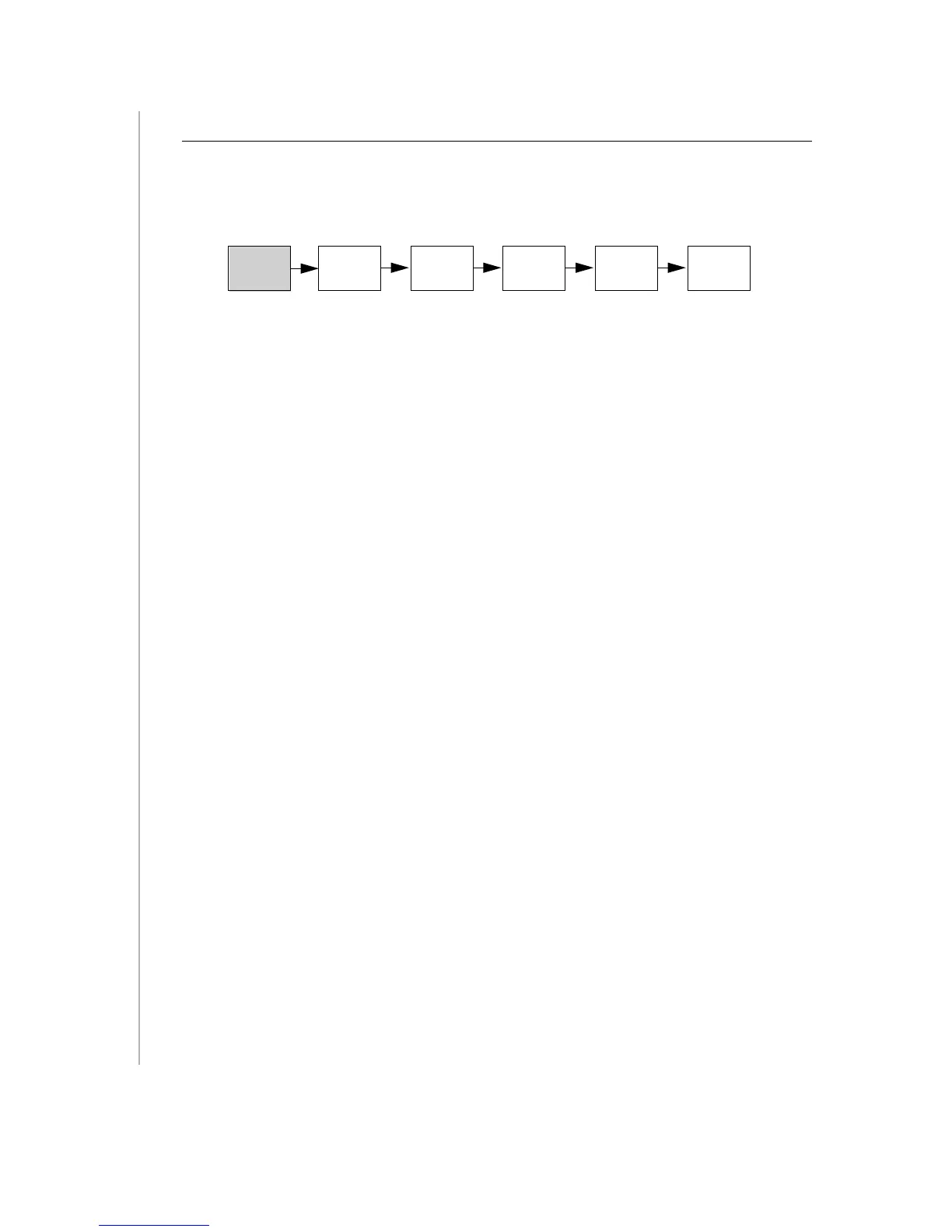
Acquisition of flow cytometry data is a multistep process. The following figure outlines
the main steps involved. In this exercise, we will focus on starting up the cytometer and
the computer.
Always turn on the cytometer before turning on the computer when acquiring data.
This enables the computer to recognize that the cytometer is connected. When
analyzing data, it is not necessary to turn on the cytometer.
1
Turn on the cytometer.
The power switch is located in the upper left corner of the instrument.
2
Turn on the computer.
3
Choose your user ID and enter the password.
Filling the Sheath Tank
Recommended Sheath Fluid
• BD FACSFlow™ sheath fluid (BD Biosciences) for nonsorting applications.
• Phosphate-buffered saline (PBS) (Dulbecco’s Ca
2+
and Mg
2+
-free) for sorting
applications.
Non-recommended Sheath Fluids
• Fisher Hematology Diluent
• Isoton III
• Isolac D
• Deionized (DI) water
NOTICE
If you make your own sheath fluid in the lab, be sure to pass it through a
0.22-
µ
m filter before running it on the instrument.
Start Up
System
Perform
QC
Optimize
Settings
Acquire
Data
Analyze
Data
Shut Down
System












 To Next Page