S2528-B Hardware Installation Manual
- 10 -
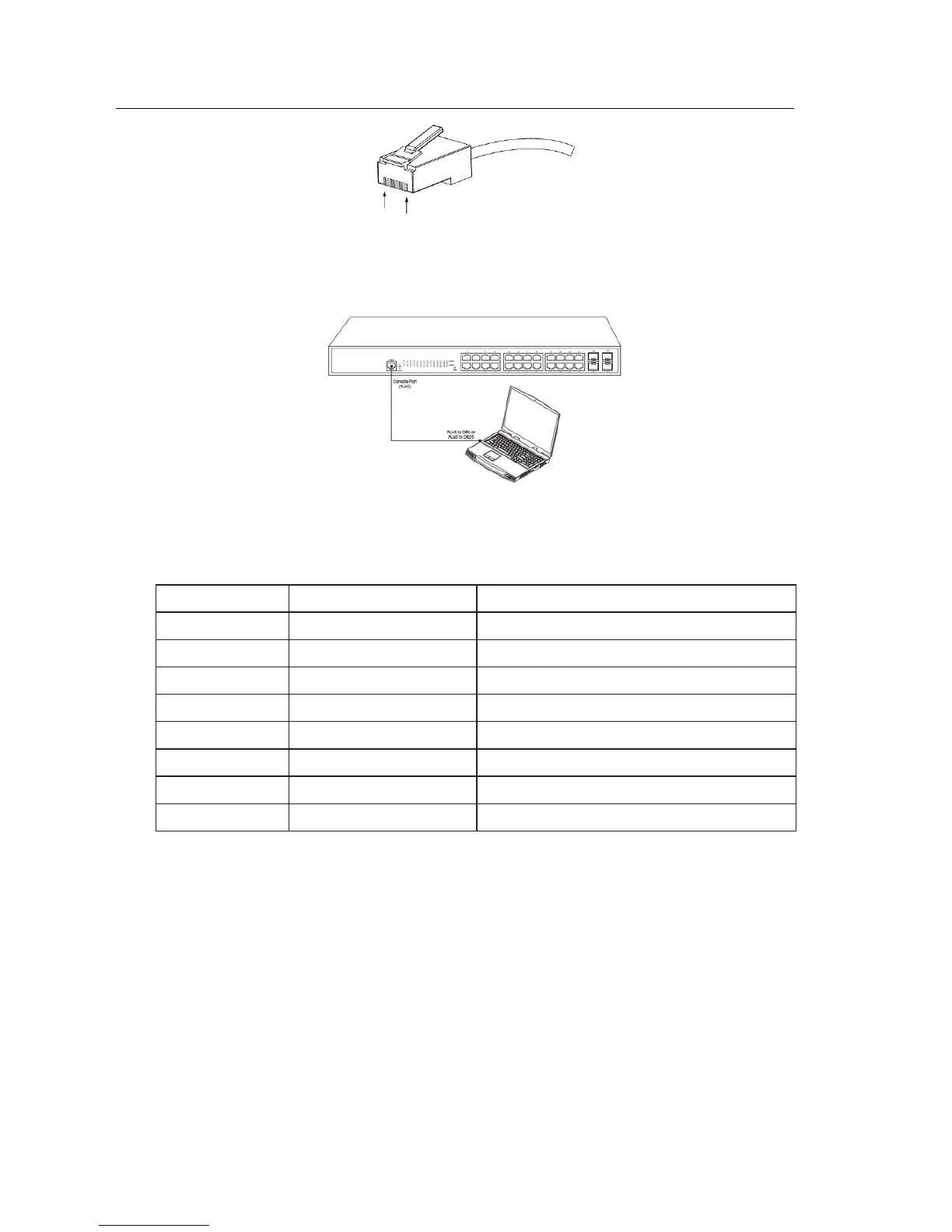
Figure 3- 3 RJ-45 connector of the console port
Figure 3-4: Connecting the console port of S2528-B with the computer
Table 3-1 Definition of the pins of the Console port
Note: The console port of the S2528-B switch does not support traffic control. Therefore, you
must set the option data traffic control to none when you configure the switch with the super
terminal. Otherwise, the single-pass problem will arise on the super terminal.
The cable is used to connect the console port of the S2528-B switch and the outside console
terminal device. One end of the console port is RJ45 8-core plug and the other end of the
console port is a 25-hole plug and a 9-hole plug. The RJ45 plug is put into the socket of the
console port on the S2528-B switch. DB25 and DB9 is alternative. RJ45 connects to DB9 in
the console port shown as below.



 To Next Page