bdiusa.com
customerservice@bdiusa.com
SEQUEL 6051/52
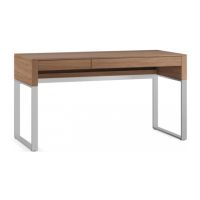
LIFT DESK
9
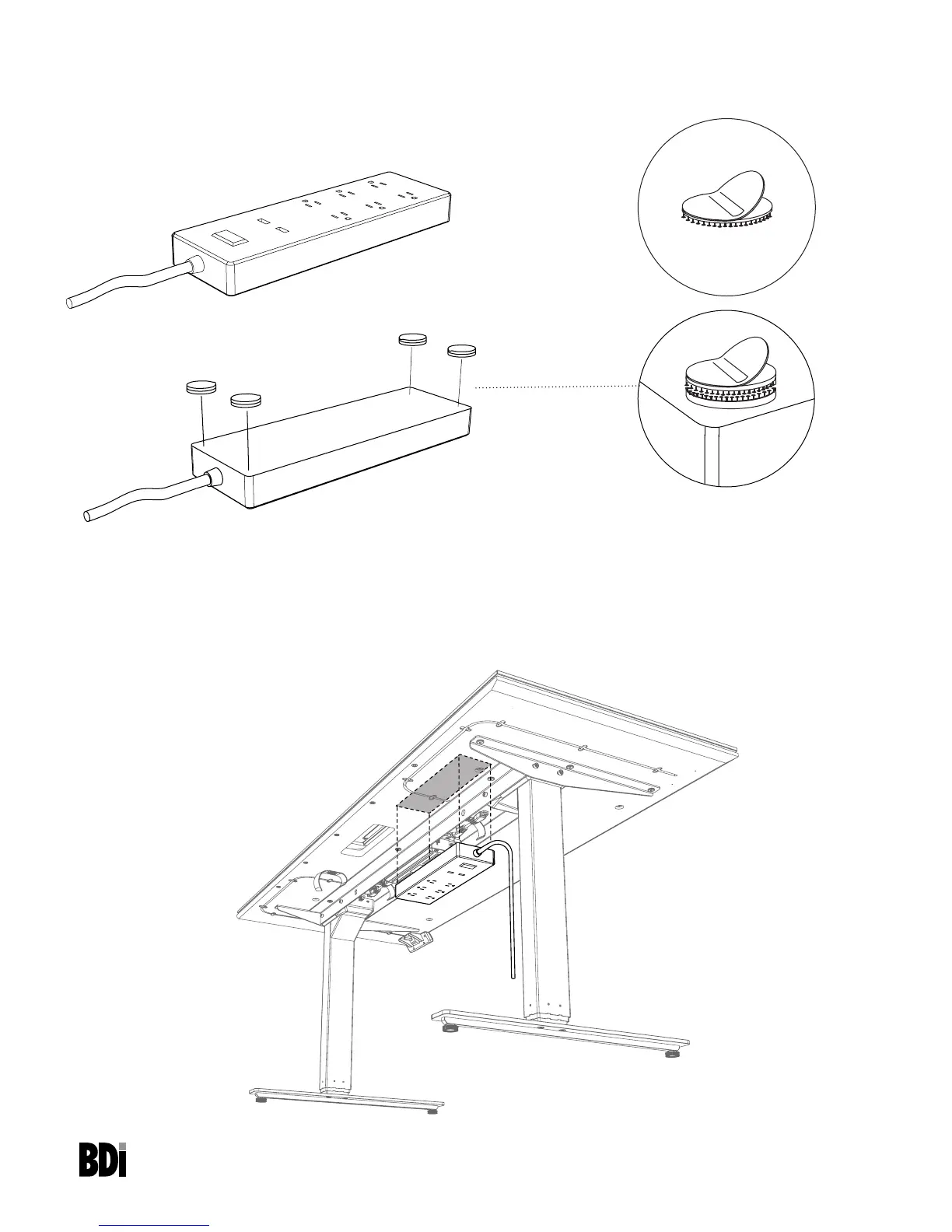
Attach dual lock fastener to the bottom of the surge protector (surge protector not included)
Secure 4 pairs of Dual-Lock Dots H9 to the bottom corners of the surge protector.
Surge Protector
Dual- Lock
Peel and stick
Attach Dual Lock together
Attach the surge protector (not included)
For easy installation, raise the height of the desk. Determine where you prefer the surge protector to be mount-
ed. We suggest just behind the metal rails towards the leg closest to your wall outlet. Make sure the area is dust
free. Remove the adhesive film and attach the surge protector with the power cord facing the nearest leg. Press
firmly to allow the pressure sensitive adhesive to set.
H9


 To Next Page