35
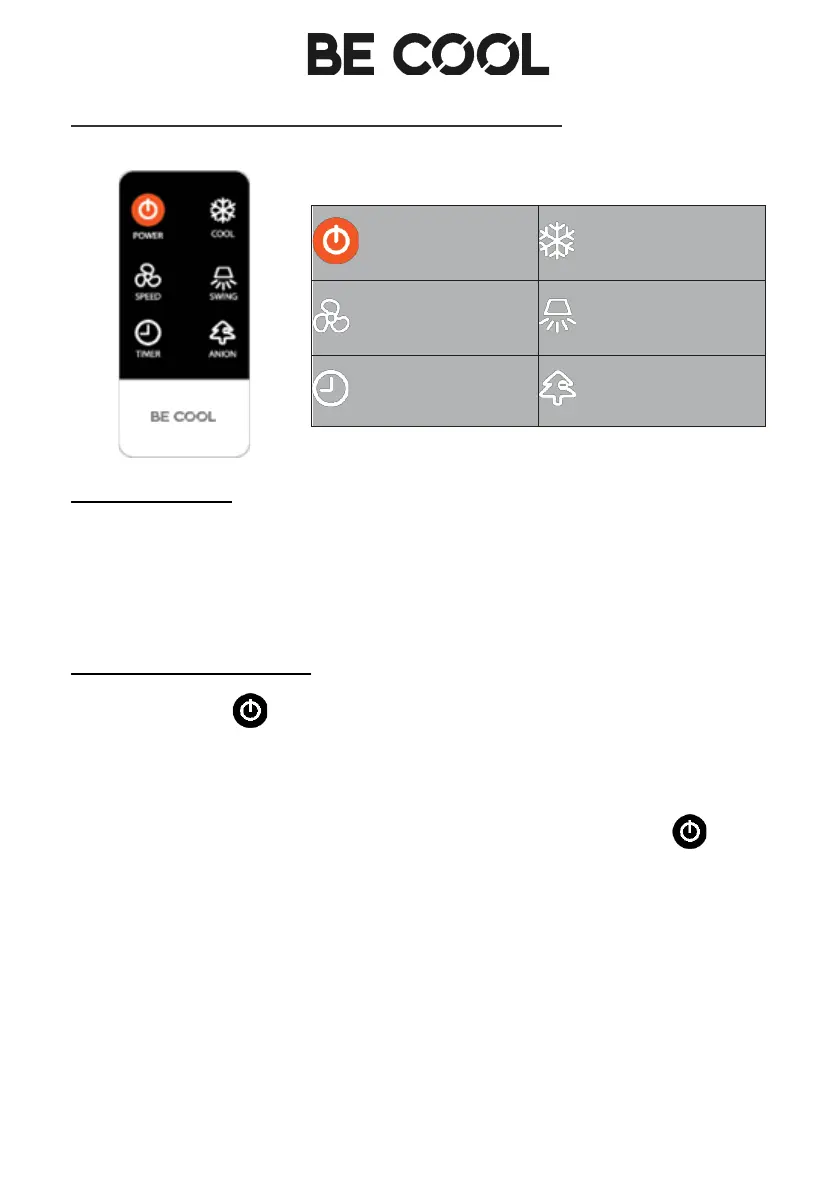
DESCRIPTION OF THE REMOTE CONTROL
SET FUNCTIONS
The control panel of the appliance has the same buttons as the remote
control, so you can set all functions directly on the appliance as well as using
the remote control.
SWITCH ON THE DEVICE
• Press the button to switch on the appliance. The respective
indicator lights up.
• As soon as you switch on the appliance, it runs at "Low speed".
• If you want to switch the device to standby mode, press the
button again.














 To Next Page