75.5892.04 KEYPADS 20201007 Page 7 of 8
FACTORY RESTORE
DOOR BELL
DOOR MODE
RESTORE TO FACTORY DEFAULTS
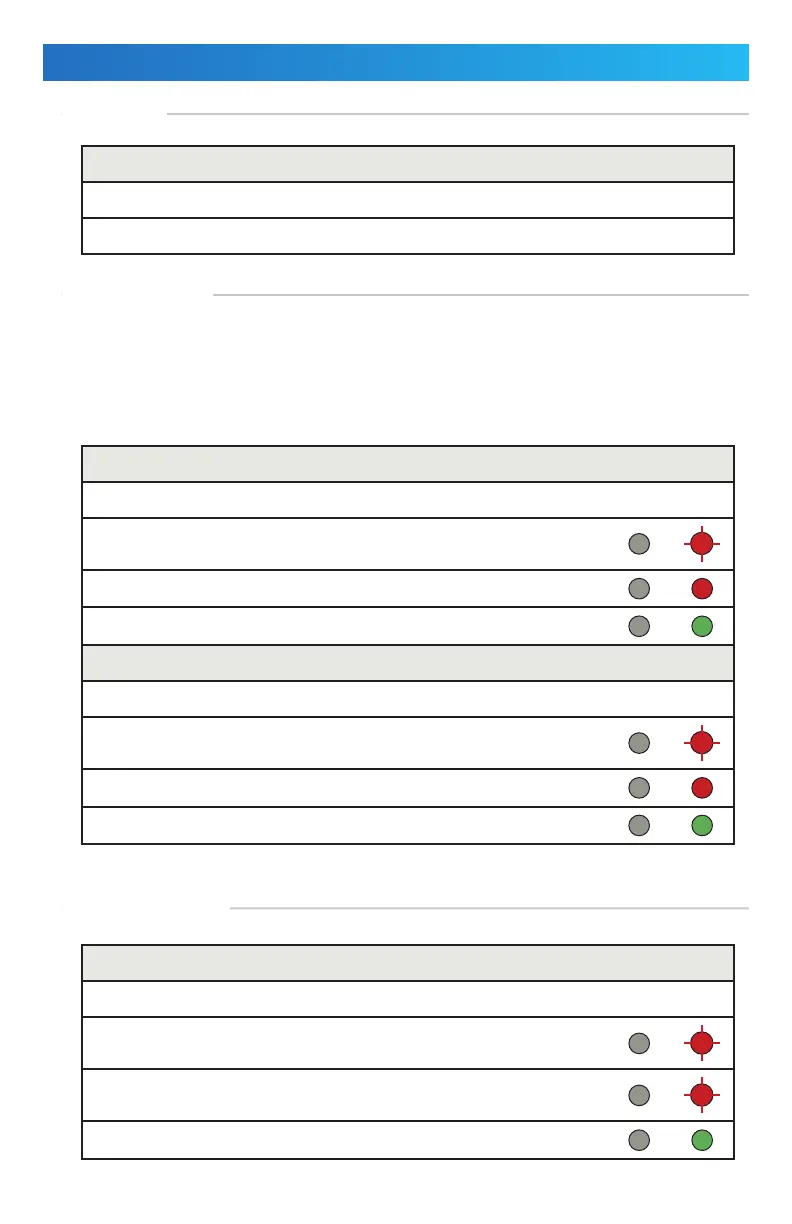
Enter “setup” mode.
Press the star (*) key and then “8”. Mode LED will flash red.
Press “9” twice. A long beep will sound. Mode LED will flash red.
Press “#” again to exit “setup” mode. Mode LED turns green.
PROGRAM A DOOR BELL
Connect an external speaker (8Ω, 0.5w) to brown/white and black/white wires of this device.
Press the star (*) key and the external speaker rings as a door bell.
OPTIONAL PROGRAMMING
TAMPER ALARM
DOOR MODE
TURN ON TAMPER ALARM
To turn on the tamper alarm feature, enter “setup” mode.
Press the star (*) key and then “6”. Mode LED will flash red.
Press “0” and then “2”. A long beep will sound. Mode LED will turn red.
Press “#” again to exit “setup” mode. Mode LED turns green.
TURN OFF TAMPER ALARM
To turn off the tamper alarm, enter “setup” mode.
Press the star (*) key and then “6”. Mode LED will flash red.
Press “0” and then “1”. A long beep will sound. Mode LED will turn red.
Press “#” again to exit “setup” mode. Mode LED turns green.
This feature allows a built-in buzzer to activate if the keypad is removed from the wall.
The alarm will stop automatically in 60 seconds or if the admin code is entered before the
60-second timeout.
FACTORY DEFAULT: OFF


 To Next Page