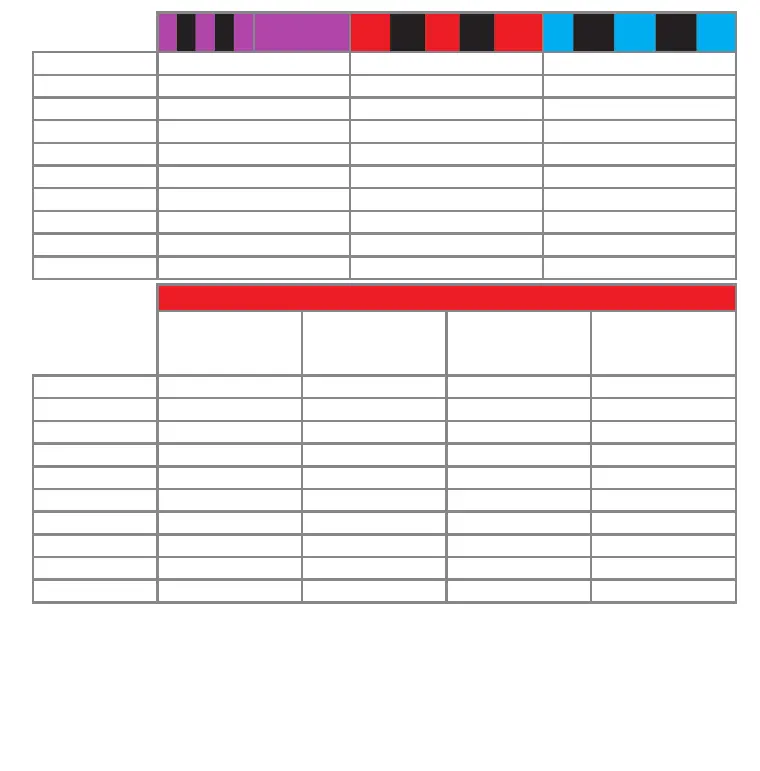
JR® RJ01
satellite
Spektrum®
satellite
Futaba® S-BUS PPM serial signal (SPPM)
Channel* Function Function Function
1 Throttle (CH5) Aileron Pitch
2 Aileron Elevator
Aileron
3 Elevator Throttle (CH5) Elevator
4 Rudder Rudder Rudder
5 Gyro gain Gyro gain AttitudeControl
6 Pitch Pitch Throttle (CH5)
7 AttitudeControl AttitudeControl Gyro gain
8 RPM Governor*** RPM Governor*** RPM Governor***
9 Auxiliary (CH6) Auxiliary (CH6) Auxiliary (CH6)
SRXL
BEASTRX®
Multiplex® SRXL
JR® XBUS Mode B
JETI® UDI
Graupner® SUMD Spektrum®
SRXL
Channel* Function Function Function Function
1 Aileron Aileron Pitch Throttle (CH5)
2 Elevator Elevator Aileron Aileron
3 Throttle (CH5) Rudder Elevator Elevator
4 Rudder Pitch Rudder Rudder
5 Gyro gain Throttle (CH5) AttitudeControl** Gyro gain
6 Pitch Gyro gain Throttle (CH5) Pitch
7 AttitudeControl** AttitudeControl** Gyro gain AttitudeControl**
8 RPM Governor*** RPM Governor*** RPM Governor*** RPM Governor***
9 Auxiliary (CH6) Auxiliary (CH6) Auxiliary (CH6) Auxiliary (CH6)
When using SRXL the preset channel assignment is based on the receiver‘s protocol version. MICROBEAST PLUS will detect automati-
cally which brand of receiver is used and will choose the appropriate channel assignment accordingly.
* Channel designation of Spektrum® transmitters: THR, AIL, ELE, RUD, GER, PIT, AX2, AX3, AX4
** only applicable with ProEdition rmware otherwise this channel by default controls CH6 Auxiliary output instead of channel 9
*** only for models with nitro or gas engine
When using a receiver with „Standard“ 5-wire layout the function assignment is simply determined by the order of physical
connection of the wires to the receiver outputs. Assignment by software is not provided and will not appear when choosing
this type of receiver. Here the AttitudeControl function (optional) will be controlled using the tail gyro gain channel. The RPM
Governor function can‘t be used in combination with this type of receiver. When choosing „Standard“ (Status LED off) at menu
point A and briefly pushing the button receiver setup is finished!



 To Next Page