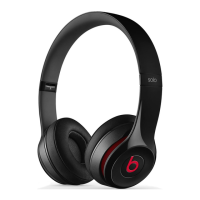
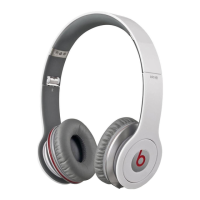
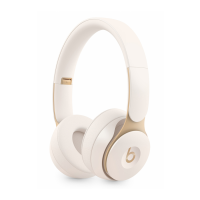
Your headphones are now reset and ready to be set up with your devices again.
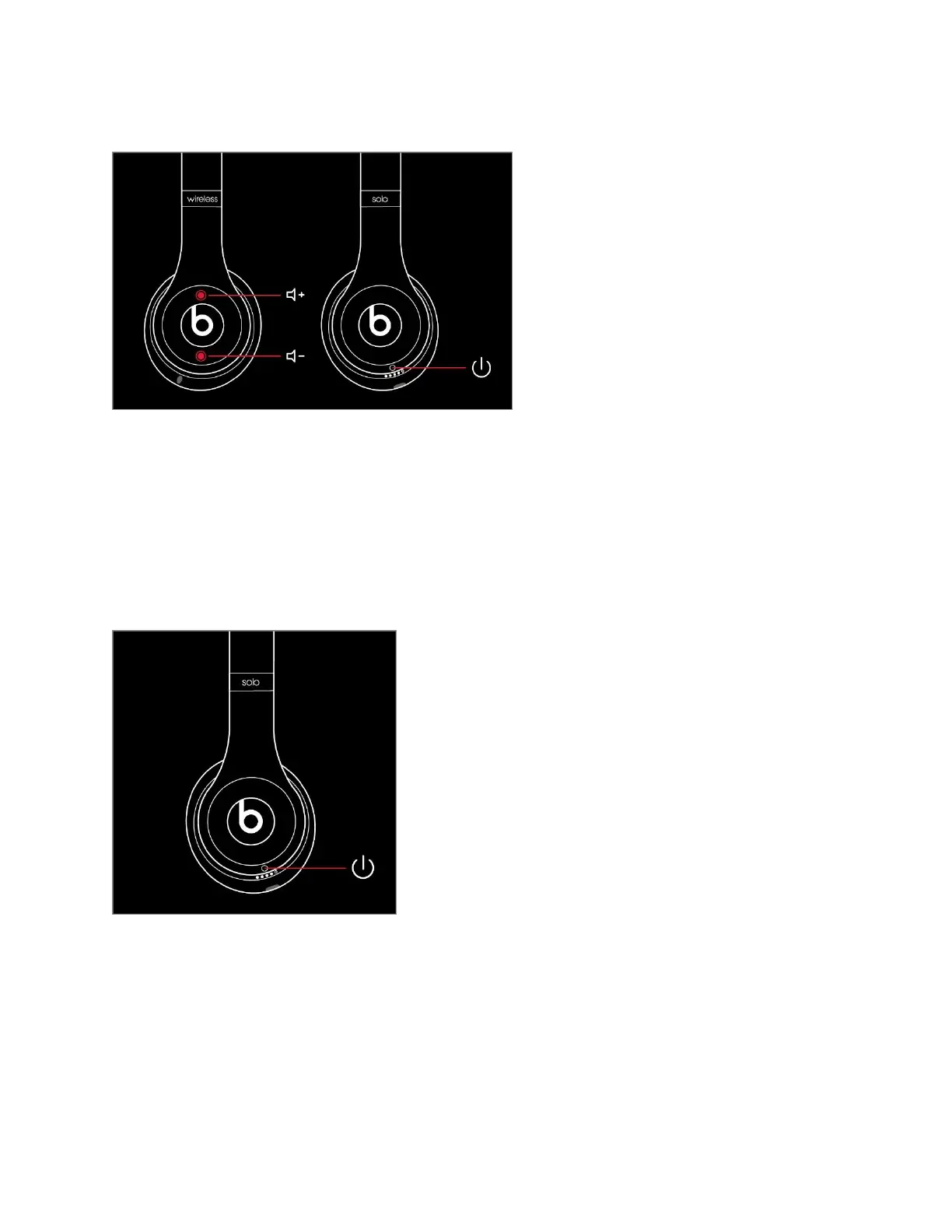
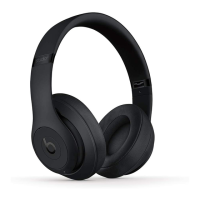
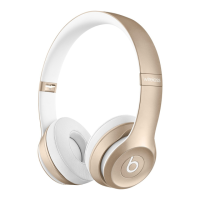
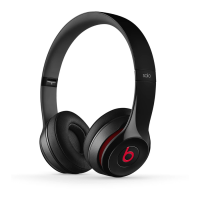
Reset Solo
2
Wireless
10. Make sure your headphones are not plugged in to your USB charging cable.
11. Press and hold the power button for 10 seconds.
12. Release the power button.
13. All of the Fuel Gauge LEDs blink white, then one LED blinks red. This sequence happens three
times. When the lights stop flashing, your headphones are reset.
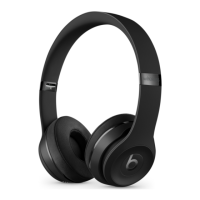
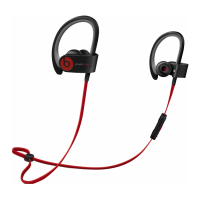
Reset Solo Wireless
14. Switch off the headset.
15. Hold the multifunction and volume down buttons for eight seconds.
16. The red and blue indicator lights alternate three times.


 To Next Page