14
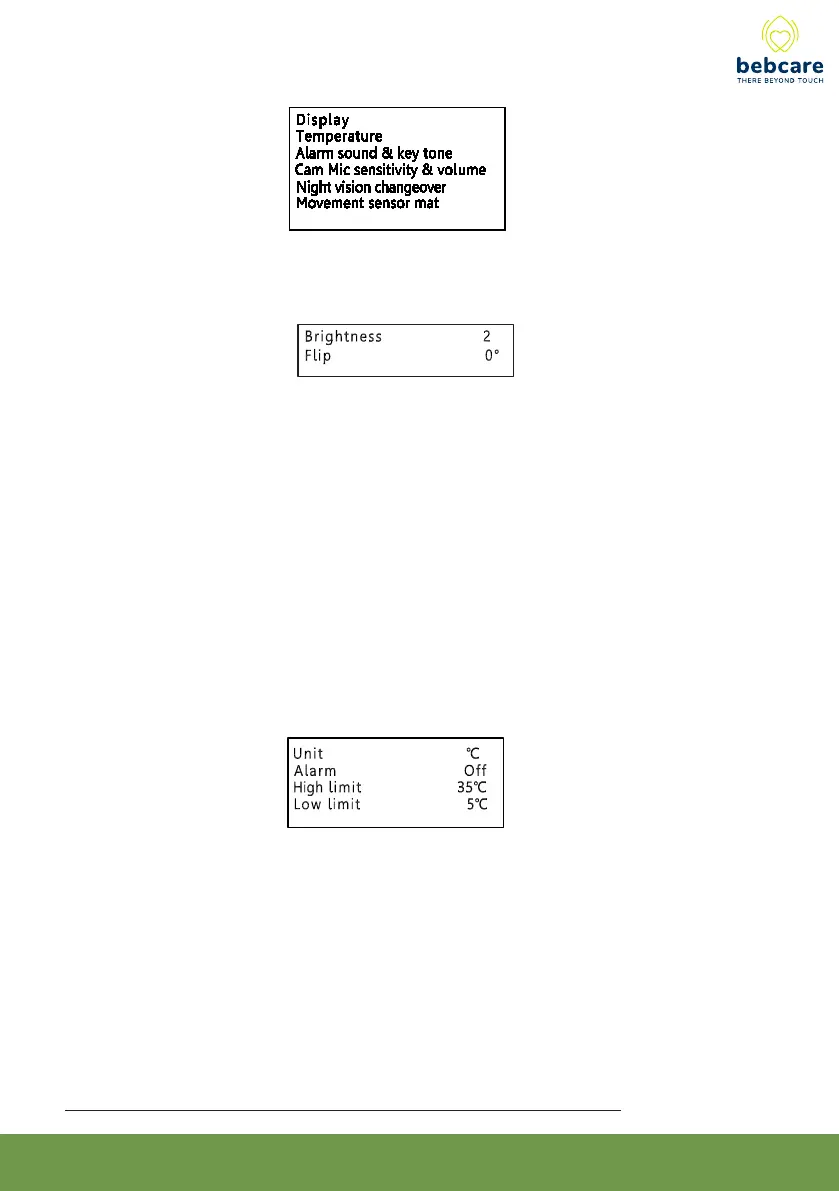
Display
Brightness
Select from one of the 5 levels of screen brightness.
(N.B. It is not possible to adjust the brightness when there is no image displayed on
screen).
Flip
Select normal or 180º inverted image depending on how the camera is installed.
(N.B. It is not possible to adjust the flip when there is no image displayed on screen).
Temperature
Once the temperature alarm is set to ON, PU will provide an alert (both visual and audio)
in case the camera detects baby’s room temperature become higher or lower than the
preset limits.
The selectable range for high limit is +15º to + 48º C and low limit is - 9º to + 25ºC.
In case you have made a illogical entry (e.g. you have selected 20°C as high limit and
22°C as low limit), the unit will not accept your entry and will automatically correct it to a
setting 2° higher or lower, depending you have set the high or low limit first.
Please note the setting of temperature limits are same for all cameras



 To Next Page