15
Movement sensor Mat
This is to set the monitoring function of movement sensor mat to ON or OFF.
Use button 14 15 to select, then short press OK button 19 to confirm.
When set to ON, the unit will provide an alarm in case the movement sensor mat does
not detect any activity of baby in 20 sec ( including breathing movement ) and the screen
will show following:
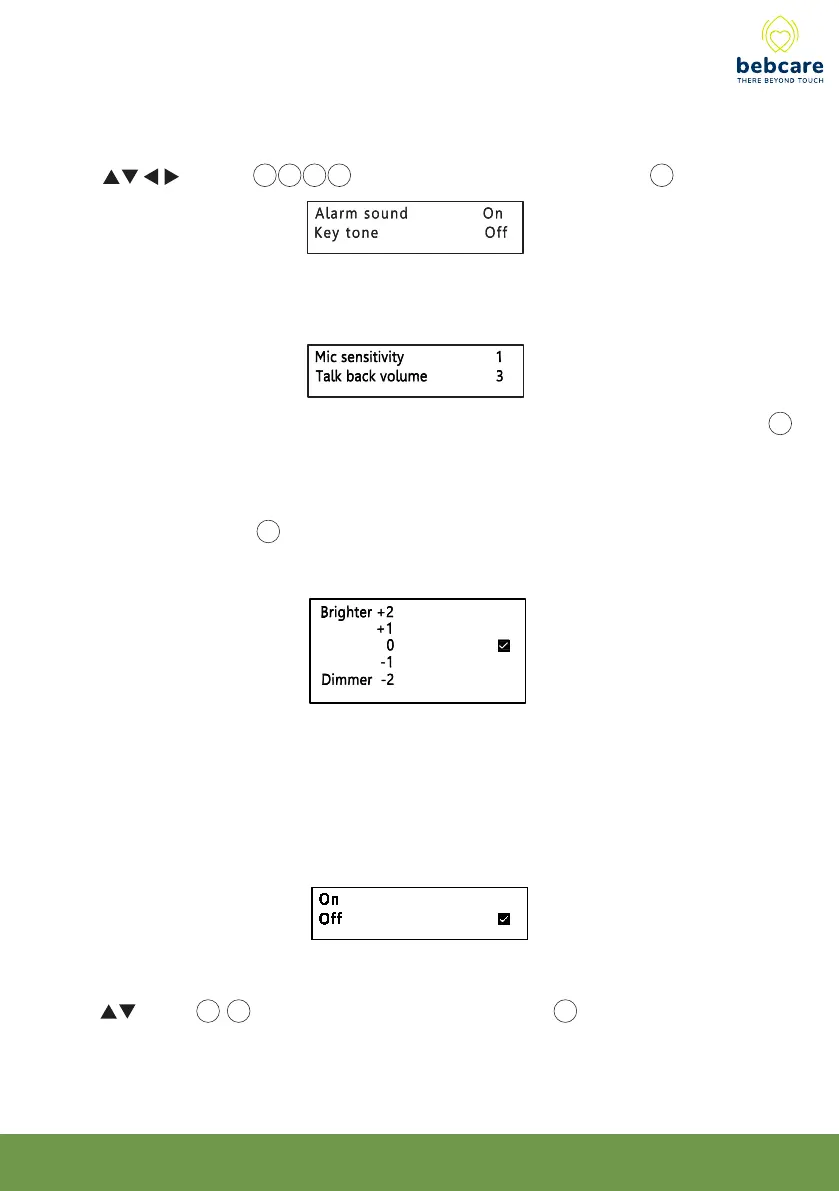
Cam Mic sensitivity and Volume
Mic sensitivity
Select from one of the 5 levels of sensitivity, higher value means the camera microphone 5
is more sensitive to sound.
Talk back volume
This control the speaker 10 volume when parents talk back to baby, it is independent from
the music volume which is adjusted within the menu of lullaby function.
Night vision changeover
The screen image will change to black white colour when the camera environment becomes
dark. This setting controls at what light intensity the changeover to black white image will
occur. Brighter means the changeover will take place at more bright environment.
Alarm sound & Key tone
This function is to switch the alarm sound and key tone ON or OFF
Use button 14 15 16 17 to select, then short press OK button 19 to confirm.



 To Next Page