16
Within the operating range when signal strength icon shows full 4 bars, a colourful and
smooth image can be seen on screen 20. However, as the distance between the camera
and PU increases, the signal strength icon show less no. of bar and the image become
less smooth. Further increase in distance will cause the image to become still and until a
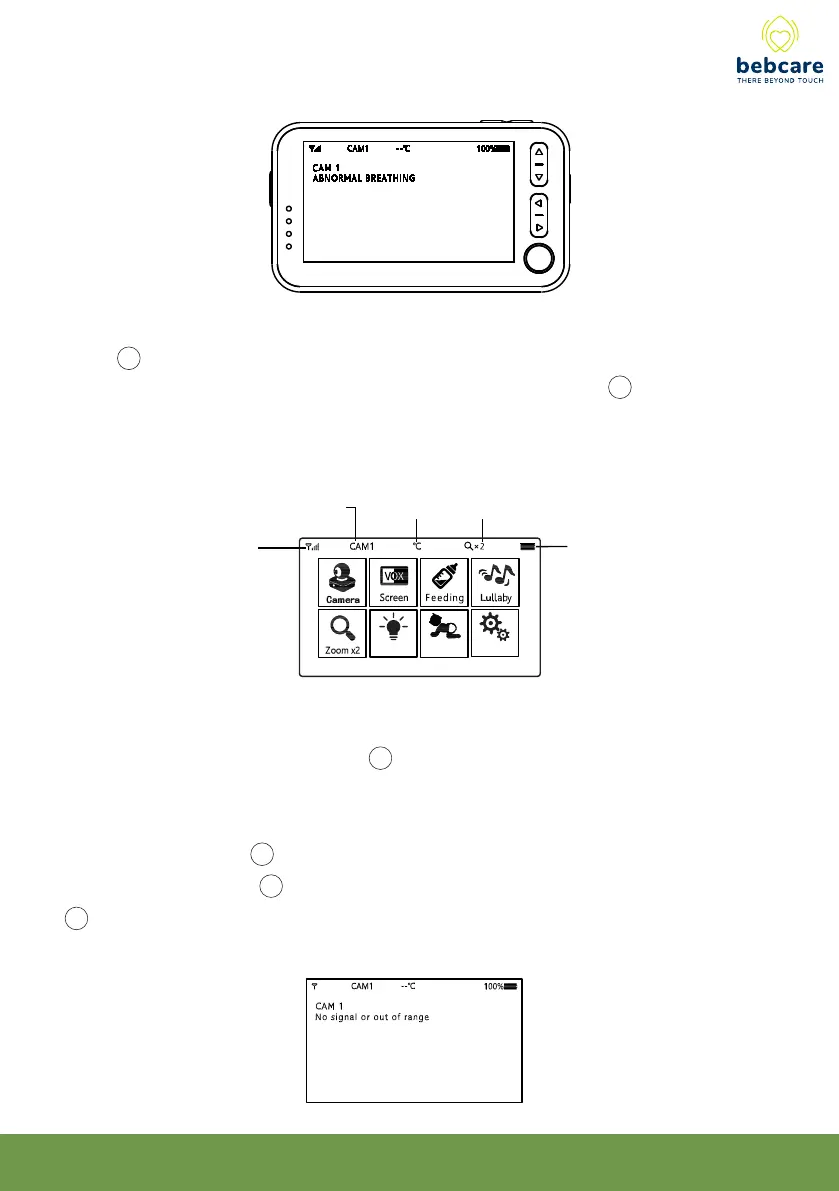
point where the screen 20 will show the text “ No signal or Out of Range”. Such text will
be shown on the screen 20 at regular intervals. At the same time, the visual level meter
12 starts flashing and an audible alarm will be heard to alert the parents.
8. There are 5 icons displayed at the top of screen :
battery icon
temperature icon image magnification iconcamera number
signal strength icon
23
Setting
Light
Movement
7. Whenever baby is making sound and camera becomes activated, the visual level
meter 12 will light up. The louder the baby’s voice, the more segments will light up. This
feature is useful in case the parents prefer to turn down the speaker 24 volume to keep
the environment quiet while still able to monitor the activity of baby.



 To Next Page