17
The battery icon shows the status of PU battery, once the battery level falls below 20%,
this icon will start flashing and an audible alarm will be heard, urging the parents to
charge up the battery.
During charging process, the segments within battery icon will flash in turn and the
power on indicator 18 will remain red until the battery is fully charged up, then it will turn
green.
9. Under VOX mode or screen on mode, when the camera is under standby and screen
20 is dark, parents are still able to see the image of baby while he is asleep (i.e. when
the baby is not making any sound). Short press any one of button 14,15,16,17,18 ,23
and 25 can activate the camera and the screen 20 will show the baby image for 10 sec.
10. When PU is sounding an audible alarm, it can be muted by short press anyone of
button 14,15,16,17,18, 23 and 25 but the text on screen 20 will keep showing until the
condition is rectified.
18
Whenever the parent unit falls back within the operating range, the audible alarm will
stop and the visual level meter 12 stops flashing.
The camera number shows PU is viewing which camera
The temperature icon indicates the current temperature of baby’s room.
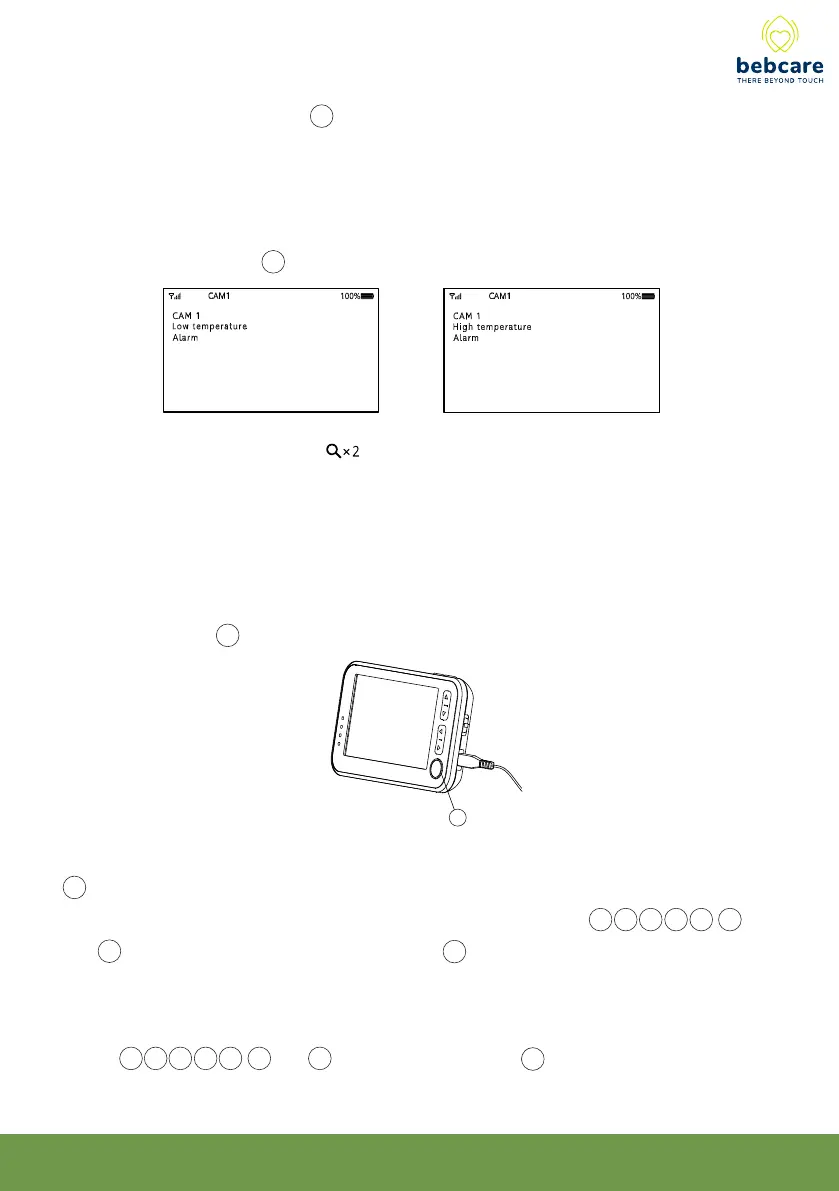
In case the temperature falls outside the preset high and low limits, an audible alarm will
be heard and the screen 20 will show :
The image magnification icon will show up when x 2 is being selected.
8℃
40℃



 To Next Page