EasyManua.ls Logo

BeBook E-READER - MP3 Tracks; Mp3 Controls

BeBook E-READER
44 pages
Print Icon
To Next Page IconTo Next Page
To Previous Page IconTo Previous Page
Loading...
22
MP3 tracks
Playmusicoraudiobooks.
1.Whenthemainbookshelfscreenisdisplayed,pressthe
numberkeytoplayyourMP3les.
2.PressOKtodisplaytheMP3menu,andthenpress1,
theMusicPlayfunctionwilldisplayallinformationofthe
currentMP3,includingsongtitle,bitrateandplayingtime.
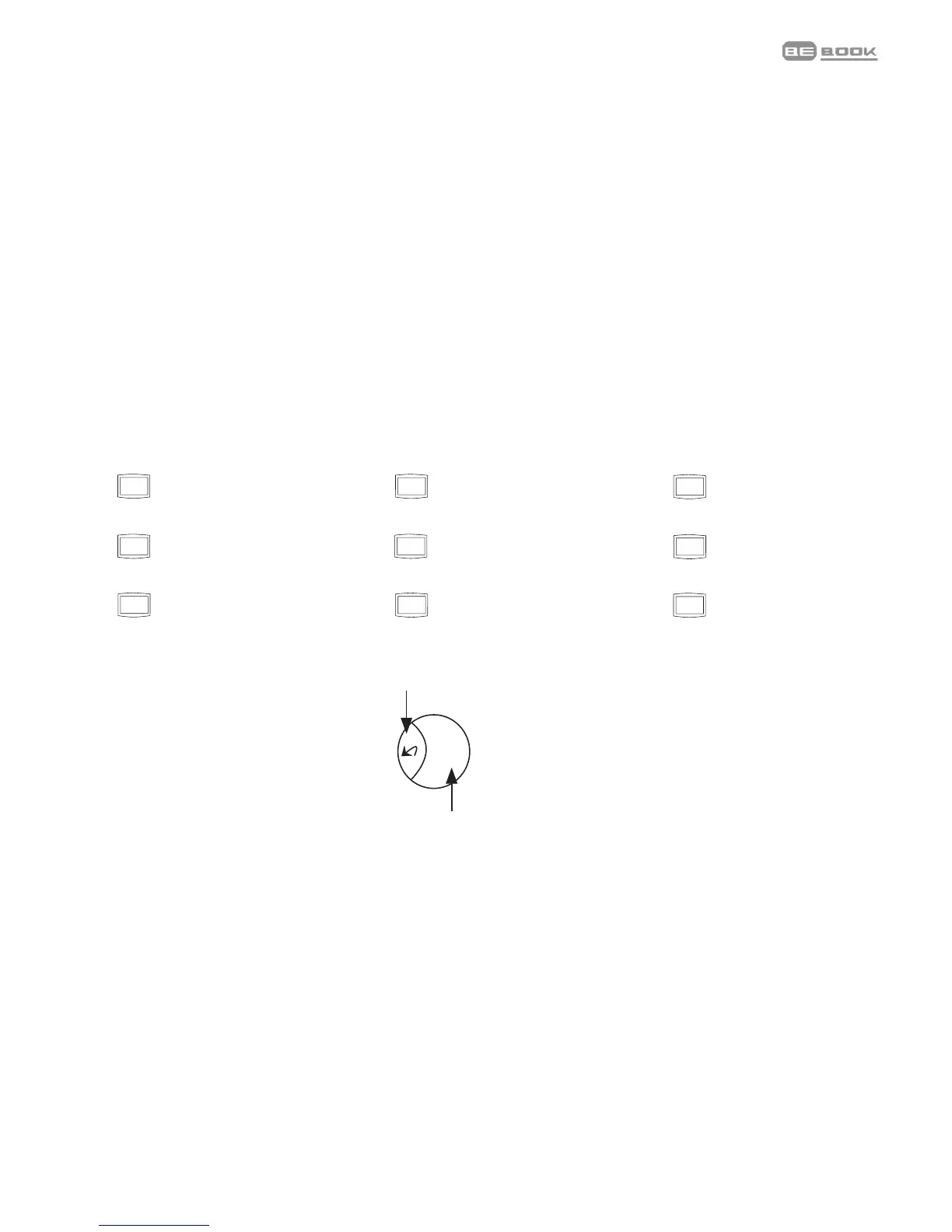
MP3 controls
09876
54321
OK
Backtobookshelf
09876
54321
OK
Volumedown
09876
54321
OK
Volumeup
09876
54321
OK
Stop
Play/Pause
09876
54321
OK
Nexttrack
09876
54321
OK
Previoustrack
09876
54321
OK
Fastforward
09876
54321
OK
Rewind
09876
54321
OK
Cycle
09876
54321
OK
Soundeffects

Related product manuals