EasyManua.ls Logo

BeBook E-READER - Getting Started; Battery Installation and Charging

BeBook E-READER
44 pages
Print Icon
To Next Page IconTo Next Page
To Previous Page IconTo Previous Page
Loading...
9
Getting started
1. Install the battery
Openthebatterycover.
Installthebatteryasindicatedonthebatteryslot.
2. Charge battery for at least 12 hours
b
y
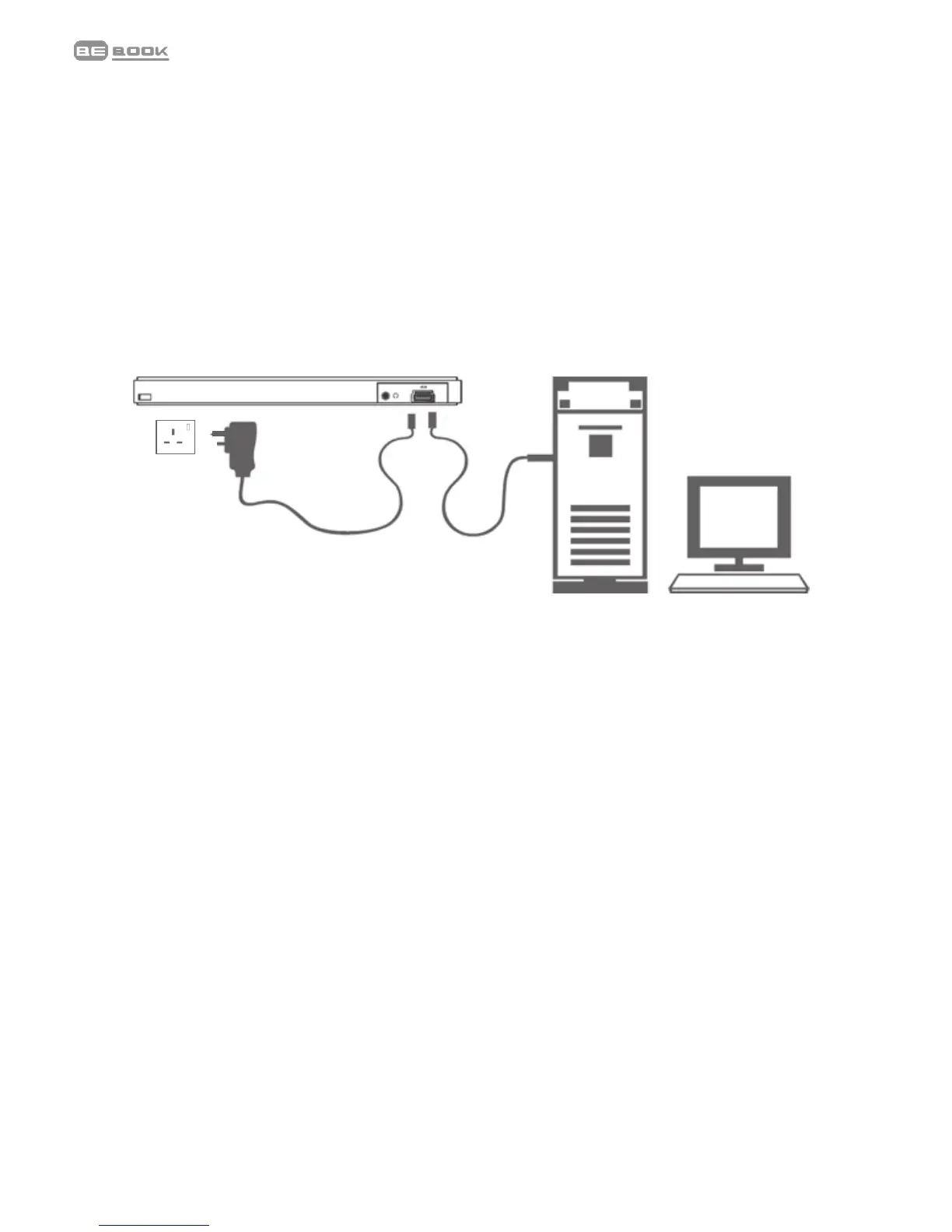
• PlugtheUSB
1
cableintoyourPCorMacandconnectthe
otherendtoyourBeBook.
• Tochargethebatteryforthersttime,pleaseallow12
hourscontinuouscharging.Subsequently,ittakesabout
threehourstofullychargethebatteryfromat.
Charging indicator light
• Whilechargingthelightashesorange.
• Whenfullychargedthelightisgreen.
YourBeBookcanbeusedwhilecharging,butthecharging
takeslonger.
Onefullchargelastsupto7000pageturnsorupto5hours
ofmp3playback.

Related product manuals