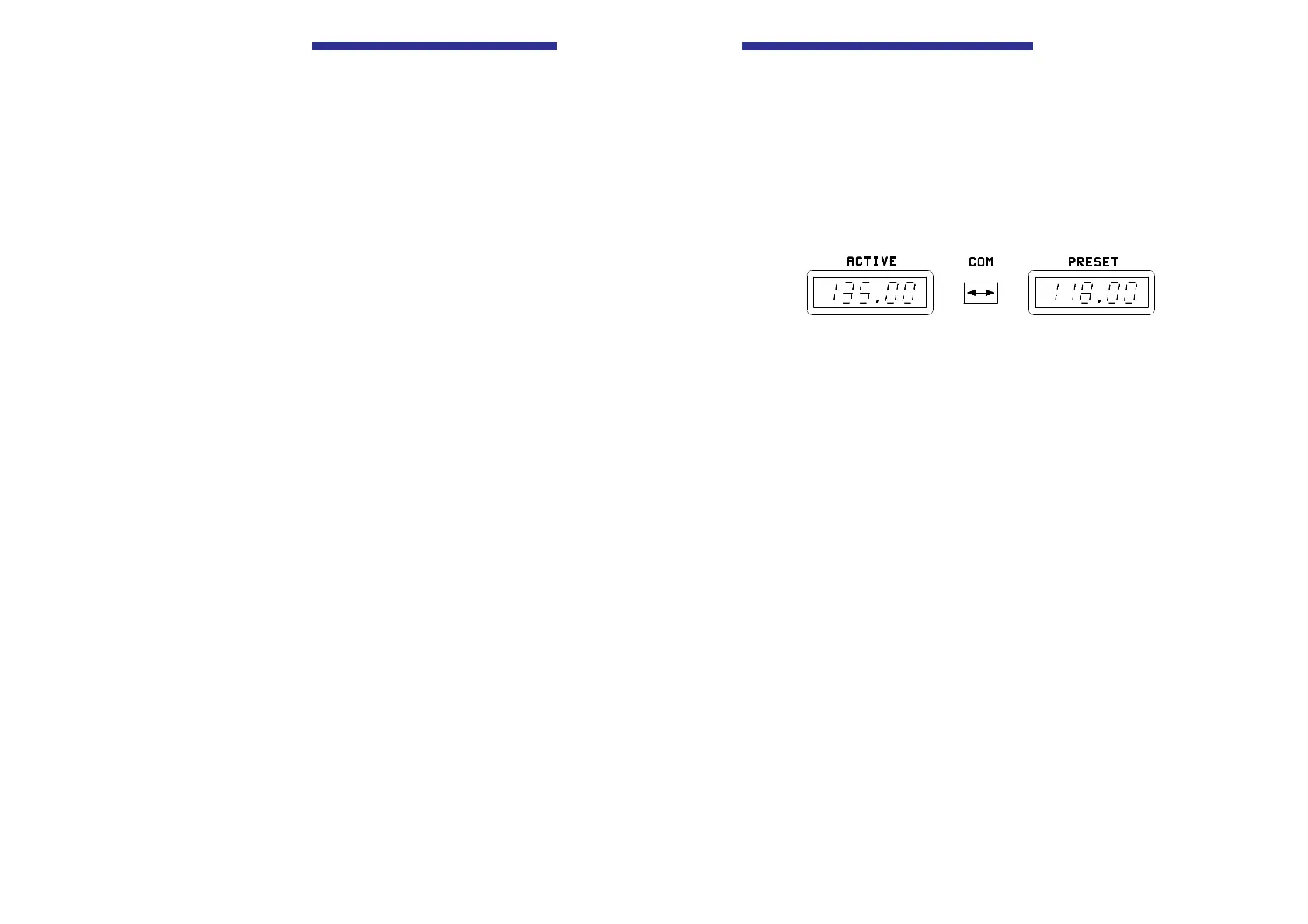
The required frequency can be set using the kHz frequency selector
switch (10) and MHz frequency selector switch (9).
Press STO key (3). The next free channel is shown flashing “ch”. Press
the STO key (3). The selected frequency is stored in the free speaker
channel and the storage process is ended.
A no memory channel is free, the highest assign memory channel is
selected automatically or select the channel to be overwritten using the
kHz frequency selector switch (10) and press the STO key (3). This
means that this channel will be overwritten with the new frequency and
the storage process ended.
NOTE
If no input takes place within approximately seven
seconds, the VHF transceiver switches to the previously
set mode.
Leaving the mode
To leave the mode, press the MDE key (4).
Page 16 Issue 10/95
Operating Instructions
r Mode 2
Select mode 2 using the MDE key (4). The last indicated active and
preset frequencies in each case are displayed in the right (8) and left
(7) LC displays.
The preset frequency (right LC display (8)) is set using the MHz and
kHz frequency selector switches (9, 10).
Press the Exchange key (5) to effect an exchange from the active to the
preset frequency. Further activation of the key reverses the frequency
change.
Storage process
Pressing the STO key (3) activates a storage operation as described in
Mode 1. The preset frequency appears flashing in the right hand LCD.
Leaving the mode
Press the MDE key (4) to leave the mode.
Issue 10/95 Page 17
Becker AR 3209



 To Previous Page