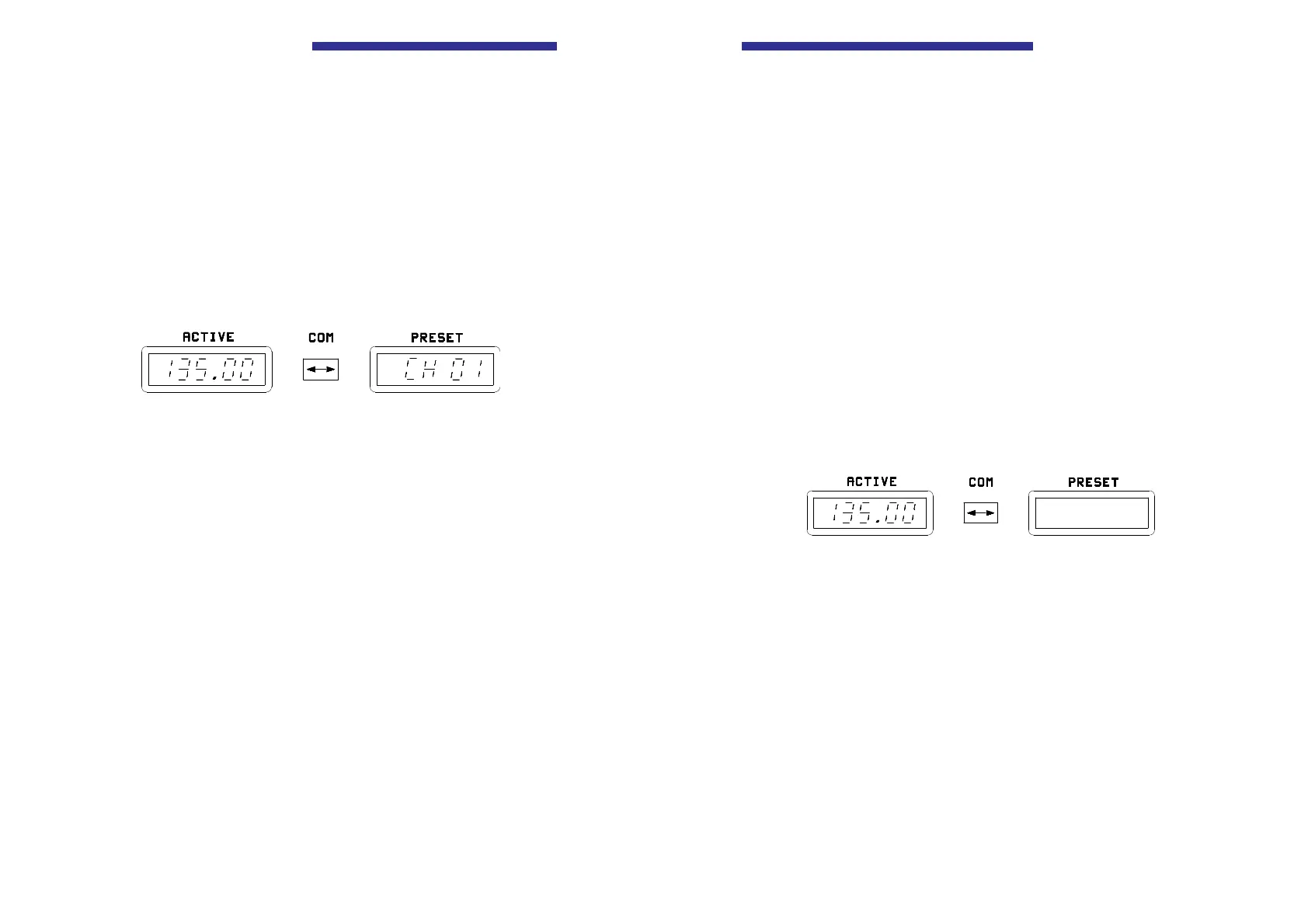
r Mode 3 (Displays of fixed frequencies in the various
channels)
Channel selection mode
Select the mode using the MDE key (4). The last indicated storage
channel appears in the right LC display (8) and the stored frequency in
the left LC display (7). The VHF transceiver is ready to transmit and
receive on this frequency.
Select the required channel using the kHz frequency selector switch
(10) (steps of 1) or MHz frequency selector switch (9) (steps of 10).
NOTE
The VHF transceiver is always ready to transmit and
receive on the frequency shown in the left “ACTIVE”
display.
Storage process
Pressing the STO key (3) activates a storage process as described in
Mode 1 (with a slight change).
In Modes 1 and 2 the frequency shown in the left LC display (7) remains
active regardless of the storage process.
Page 18 Issue 10/95
Operating Instructions
NOTE
When changing the mode or the frequencies
(PRESET-ACTIVE frequency) the change is
automatically stored 2 seconds after the last change took
place. Due to this delay changes which were made
immediately before switching off the transceiver will not
be memorized. Exception: Memory actions are stored by
pressing the STO key (3).
r Mode 1
Standard mode
The left LC display (7) indicateds the active frequency. The right LC
display (8) is switched off.
The active frequency can be changed with the MHz and kHz frequency
selector switches (9, 10).
Storage operation
Press STO key (3). The active frequency remains displayed in the left
LC display (7), the VHF transceiver is ready to transmit and receive on
this frequency. The active frequency appears flashing in the right LC
display (8).
Issue 10/95 Page 15
Becker AR 3209



 To Next Page