SETTING
HOLIDAY (Holiday OFF/ON)
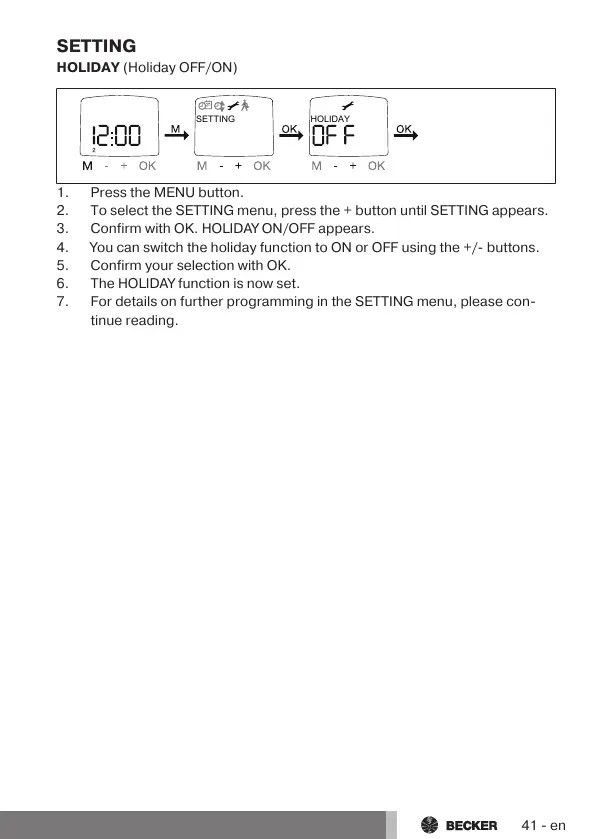
1.Press the MENU button.
2.To select the SETTING menu, press the + button until SETTING appears.
3.Confirm with OK. HOLIDAY ON/OFF appears.
4.You can switch the holiday function to ON or OFF using the +/- buttons.
5.Confirm your selection with OK.
6.The HOLIDAY function is now set.
7.For details on further programming in the SETTING menu, please con-
tinue reading.
41-en



 To Next Page