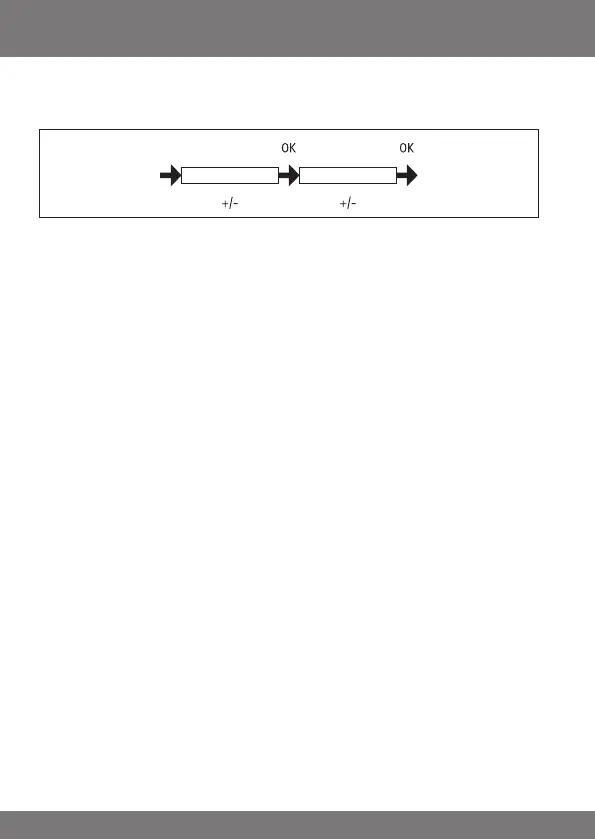
SETTING
ENGLISHGB/ASTROSHIFTt
(Language selection, astro shift)
1. You have conrmed the PROG END LIMIT function. ENGLISH GB appears.
2. You can select the desired language using the +/- buttons.
3. Conrm your language selection by pressing OK.
4. ASTRO SHIFT t appears.
5. The desired astro shift tcan be set (max. +/- 120 mins.) using the
+/- buttons
6. Press OK to conrm.
7. The ASTRO SHIFT tfunction is now set.
8. ForfurtherprogrammesettingsintheSETTINGmenu,seebelow.



 To Next Page