95
CD changer mode
For additional operating instructions, re-
fer to CD mode (Page 83):
• “Notes on compact discs (CD)” on
page 83
• “Forward / backward track skipping”
on page 84
• “Scan search” on page 84
• “Fast forward / reverse” on page 84
• “Random play” on page 85
• “Track repeat” on page 84
CDC settings menu
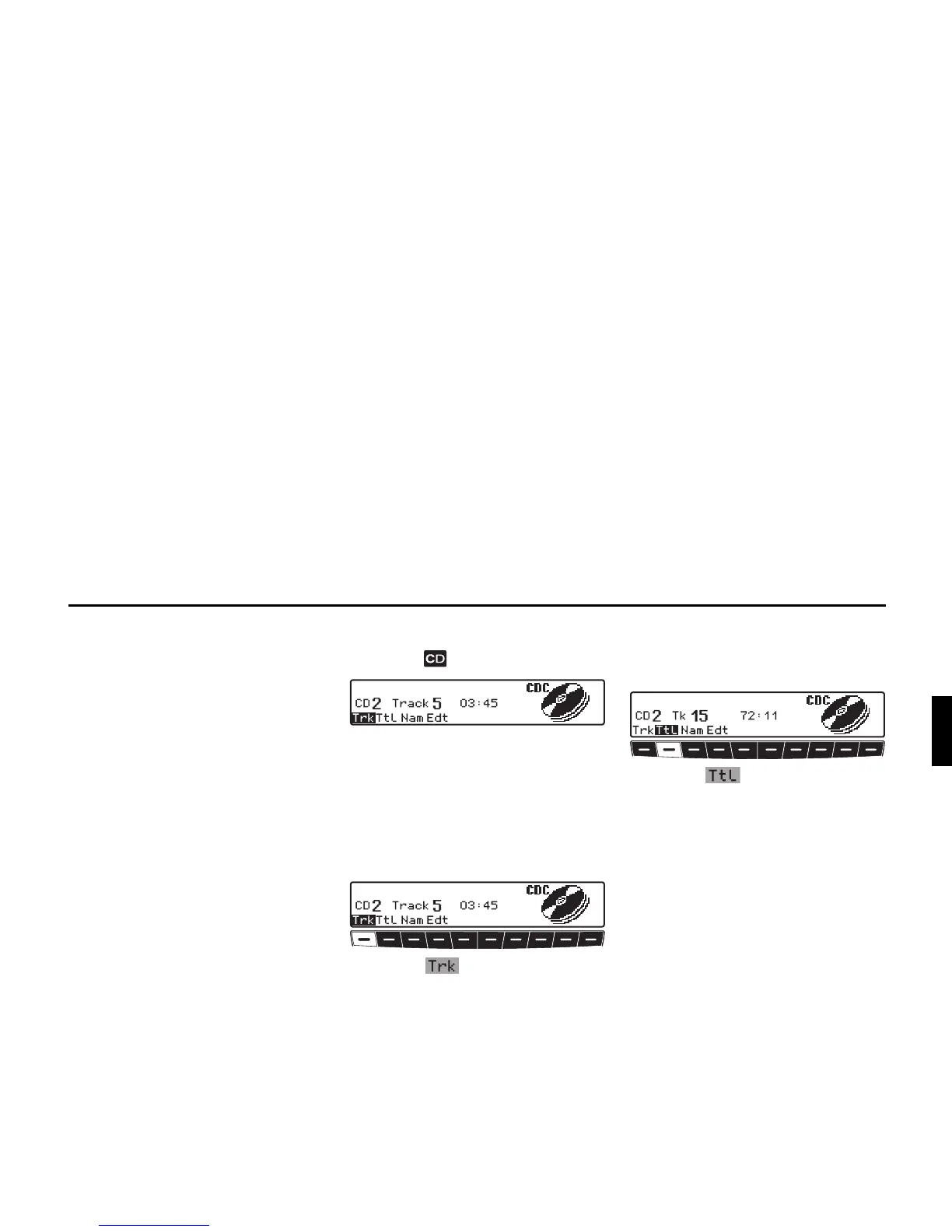
X Press the button in CDC mode.
The CDC settings menu is displayed.
At the same time, the current CD
number, the track number and the cur-
rent track playing time are displayed.
Displaying track information
X Requesting CDC settings menu.
X Press the multifunction button.
The current CD number, the track
number and the current track playing
time are displayed.
Displaying number of tracks
and total playing time
X Requesting CDC settings menu.
X Press the multifunction button.
The current CD number, the number of
tracks and the total playing time are dis-
played.


 To Next Page