99
Telephone mode
Requesting telephone mode
X To start up telephone mode, press the
key once.
Three states may occur when starting up
telephone mode:
• Mobile phone already connected
• Mobile phone has just been connected
• Mobile phone not yet connected
Mobile phone already
connected
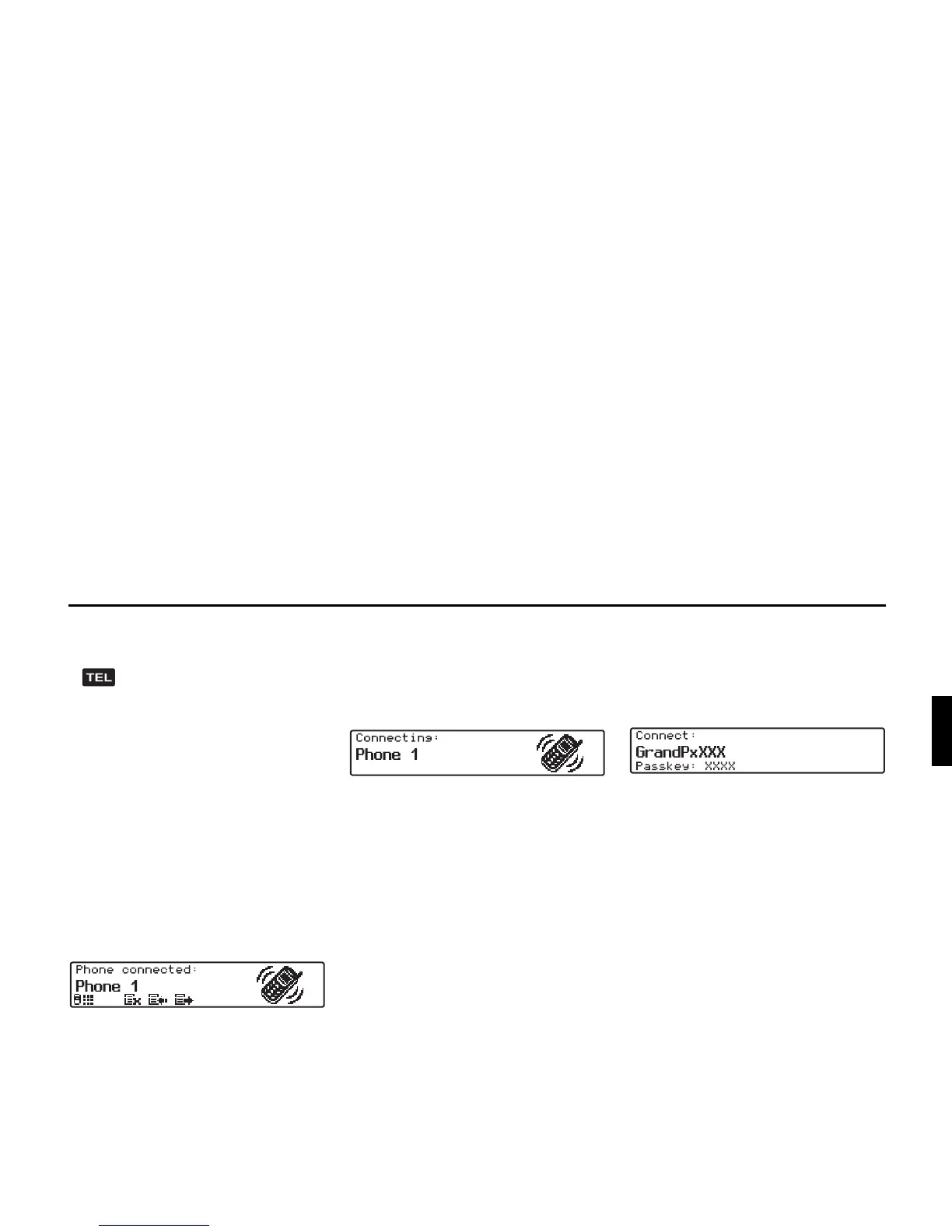
If a mobile phone is already connected
to the Grand Prix, then the telephone
menu is displayed after starting up tele-
phone mode.
The name of the connected mobile
phone is displayed and you can now
make a call or receive calls, as described
under "Dialling numbers" on page 101.
Mobile phone has just been
connected
If, while starting up telephone mode, an
attempt is made to establish a connec-
tion, the following display appears.
Mobile phone not yet connected
If there is no mobile phone connected to
the Grand Prix, then the following dis-
play appears after starting up telephone
mode.
The Bluetooth name of the Grand Prix
and a four-digit password (
Passkey) is
displayed.
The Bluetooth name is composed of the
device name Indianapolis and the last 3
digits of the serial number (indicated by
three Xs in the example).
The four-digit password (
Passkey) is
a sequence of digits generated specifi-
cally for your Grand Prix. You will re-
quire this sequence of digits for connect-
ing a mobile phone to the Grand Prix
(indicated by four Xs in this example).


 To Next Page