108
Service menu
Service menu
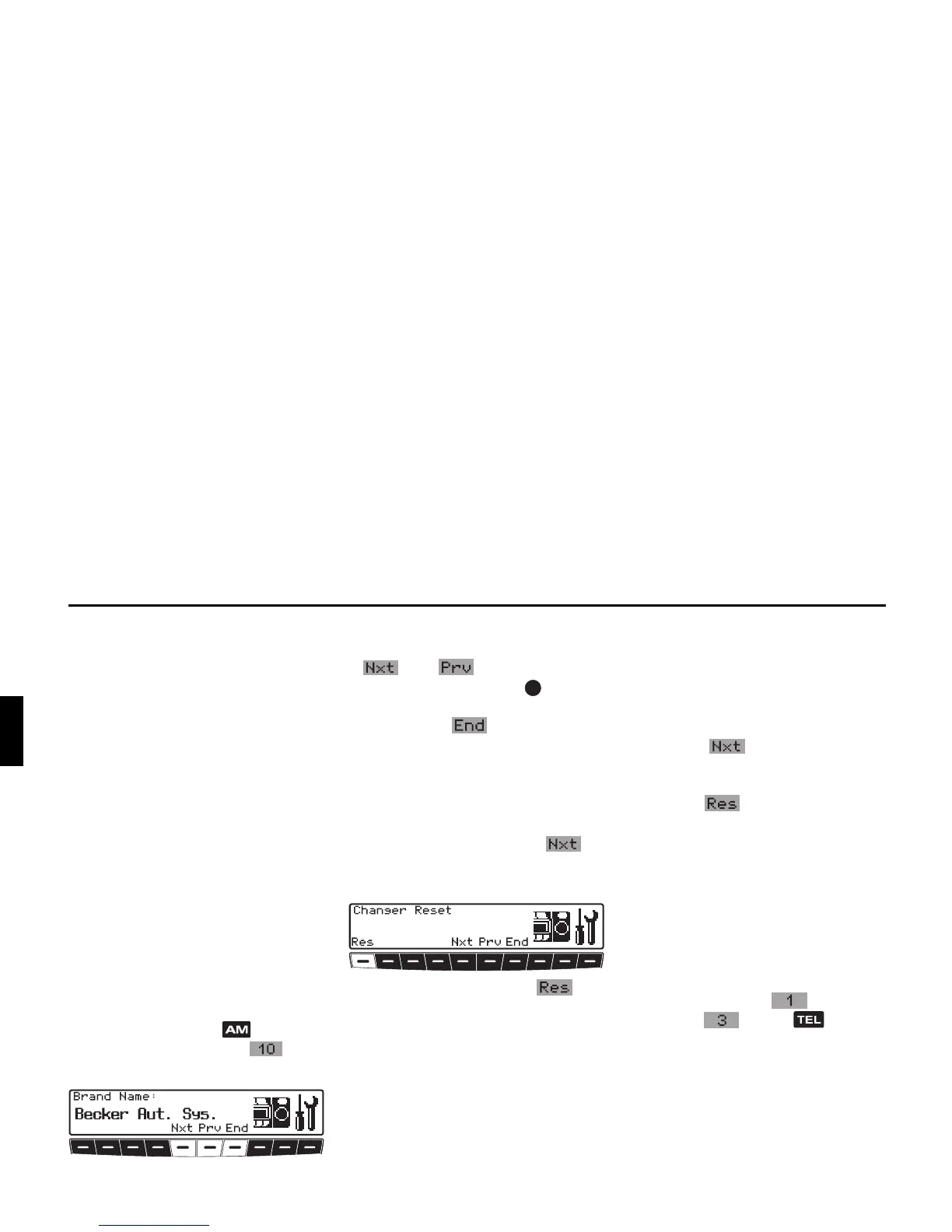
Calling up / exiting service
menu
The following information can be called
up whilst in the Service menu:
• Model-No.: - Display of the model
number
•
Serial-No.:- Display of the serial
number
•
Changer Reset - Reset triggering
for CDC
•
Phone Reset - Reset triggering for
the Bluetooth module
• GAL - Display of the current GAL
adjustment
•
Radio Software: - Displays
radio software version
•
Radio Bolo: - Display of radio
Bolo status
X In radio mode, press button and
the multifunction button at the
same time.
X The individual entries can be selected
by pressing multifunction buttons
and , or by turning the
right-hand rotary control .
To exit the Service menu, press multi-
function button .
CD Changer reset
It is possible to reset the CD-changer
here if the CD-changer malfunctions.
X Requesting service menu.
X Press multifunction button re-
peatedly until
Changer Reset is
displayed.
X Press multifunction button .
Bluetooth module reset
If a malfunction occurs that is associated
with the Bluetooth module, you can per-
form a reset here. Connected devices
and the call lists are deleted.
X Call up service menu.
X Press the multifunction button
repeatedly until
Phone Reset is
displayed.
X Press the multifunction button.
Unit reset
If a malfunction of the unit should occur,
such that it becomes inoperable or defec-
tive in some other way, a restart of the
internal unit software (reset) can be trig-
gered with the following button combi-
nation:
To trigger a reset, simultaneously press
multifunction button , multifunc-
tion button and the button.


 To Next Page