103
Telephone mode
• Numbers dialled
(multifunction button )
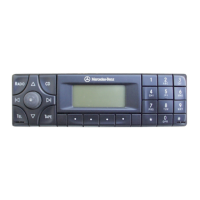
This list contains the numbers you
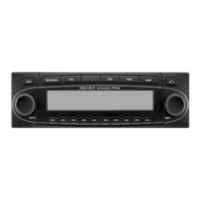
have dialled on the Grand Prix.
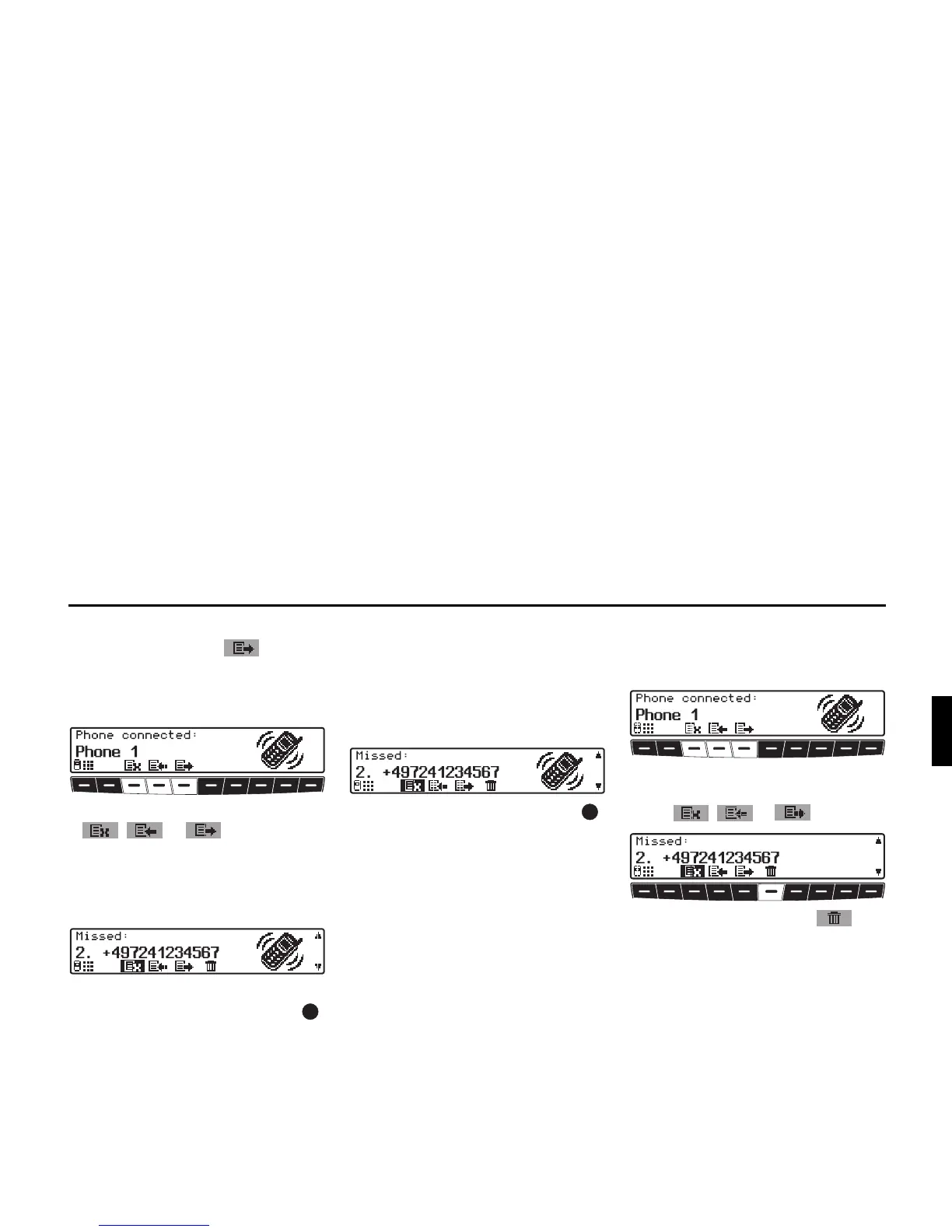
X Press one of the multifunction buttons
, or to open the call
list of your choice.
The list of missed calls is shown here by
way of example.
X It is possible to scroll through the list
by turning the right rotary control .
Calling a number from a call list
You can establish a connection to one of
the numbers in the call lists directly.
X Select the number to be dialled from
the desired list.
X Press the right-hand rotary control .
The Grand Prix then tries to establish a
connection to the phone number dialled.
Deleting call lists
You can delete all numbers from the in-
dividual call lists.
X Select the call list to be deleted by
pressing one of the multifunction but-
tons , or .
X Press multifunction button .
The numbers in the selected list are then
deleted.


 To Next Page