102
Telephone mode
X Press the right-hand rotary control .
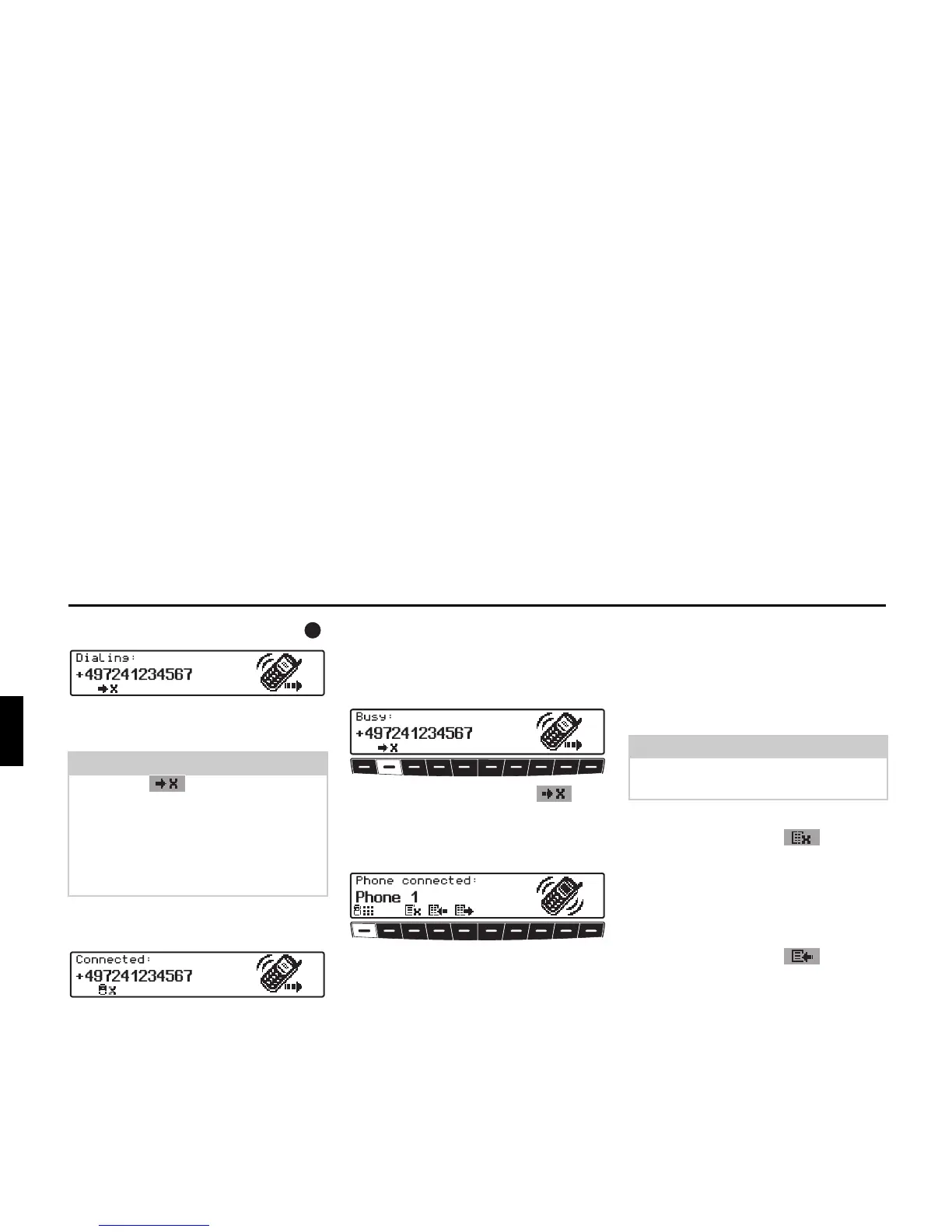
The Grand Prix tries to establish a con-
nection to the phone number entered.
Once the connection has been estab-
lished, the following message appears.
Number is busy
If the number called is busy, the busy
tone sounds and the following message
appears.
X Press multifunction button .
or
X After a short time, dialling is ended
automatically.
The telephone menu then appears and
you can, if desired, make a new call.
Call lists
Three call lists are available in the Grand
Prix. In each list, the last 9 numbers in
each case are stored.
The call lists are in the telephone menu.
• Missed calls
(multifunction button )
This list contains the numbers for calls
that you did not answer or rejected
when the Grand Prix was switched on
and a mobile phone was connected.
• Calls received
(multifunction button )
This list contains the numbers for calls
that you received when the Grand Prix
was switched on and a mobile phone
was connected.
Notes:
• Press the multifunction button
to abort the call.
• If you have dialled a number from the
mobile phone,
Dialing appears in
the display instead of a telephone
number.
Note:
Calls without numbers are not dis-
played.


 To Next Page