Operating Instructions
23
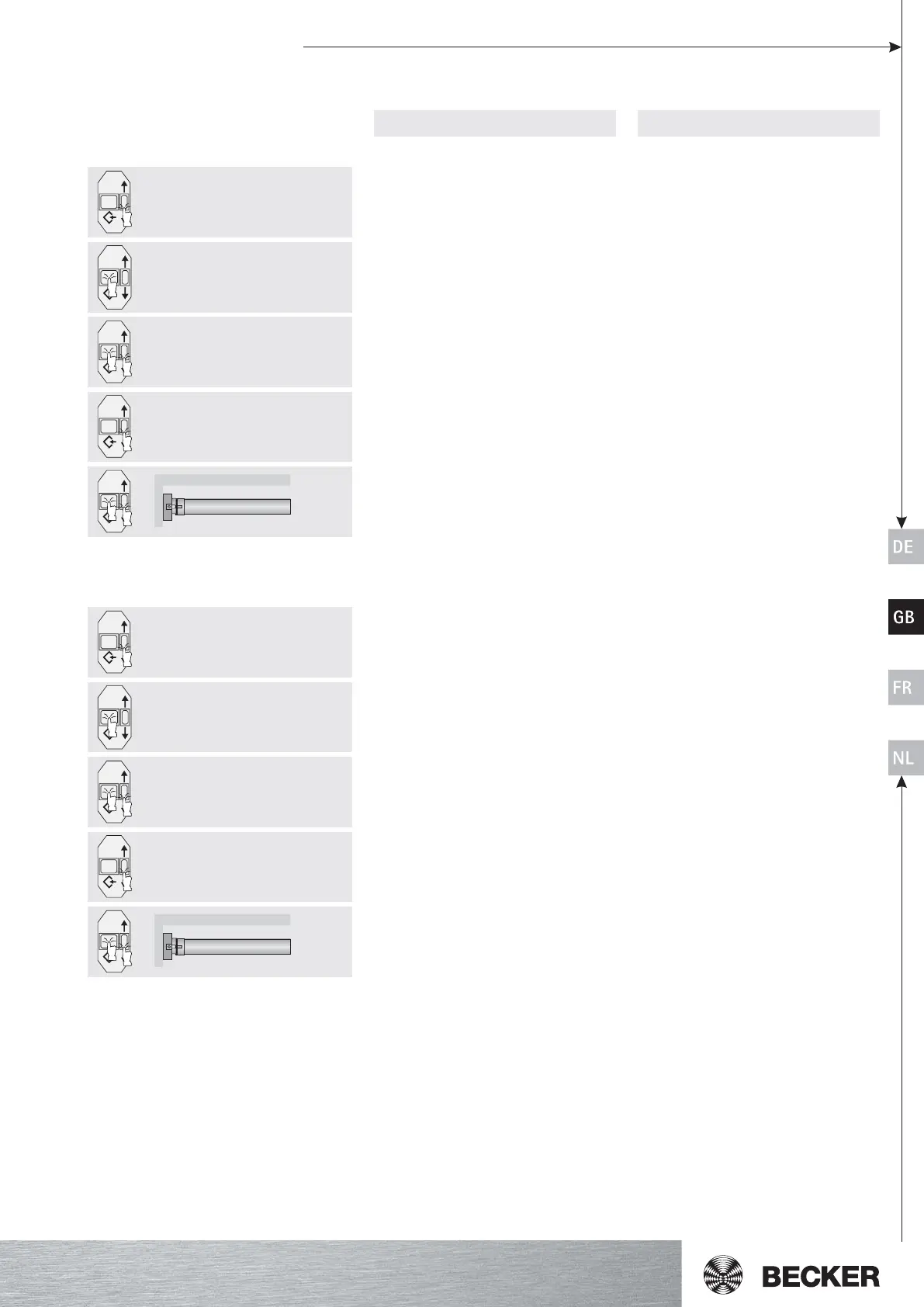
Deleting the end limits using the setting controls
Action Reaction
a) Delete the end limits individually
double click
double click
Move the canopy to the end limit to be de-
leted.
1. Press the reset button for one second.
2. Also press the control button down and
keep it depressed.
3. Now release the reset button and still
keep the control button depressed.
4. After one second, press the reset button
again as well.
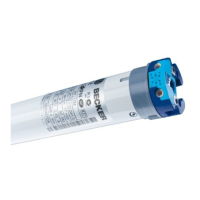
This is acknowledged by a double click of
the tubular drive.
The end limit is deleted.
b) Delete both end limits
Move the canopy between the end limits.
1. Press the reset button for one second.
2. Also press the control button down and
keep it depressed.
3. Now release the reset button and still
keep the control button depressed.
4. After one second, press the reset button
again as well.
This is acknowledged by a double click of
the tubular drive.
Both end limits are deleted.




 To Next Page