Operating Instructions
20
Positioning the end limits
There are 2 options for setting the end limits:
a) Point when canopy is extended to point when canopy is retracted without end stop
b) Point when canopy is extended to end stop
Note
If the tubular drive switches off prematurely because it encounters an obstacle, it is possible to release this obstacle by
briefly moving the canopy in the opposite direction, removing the obstacle and then moving the canopy up or down again to
set the new end limit.
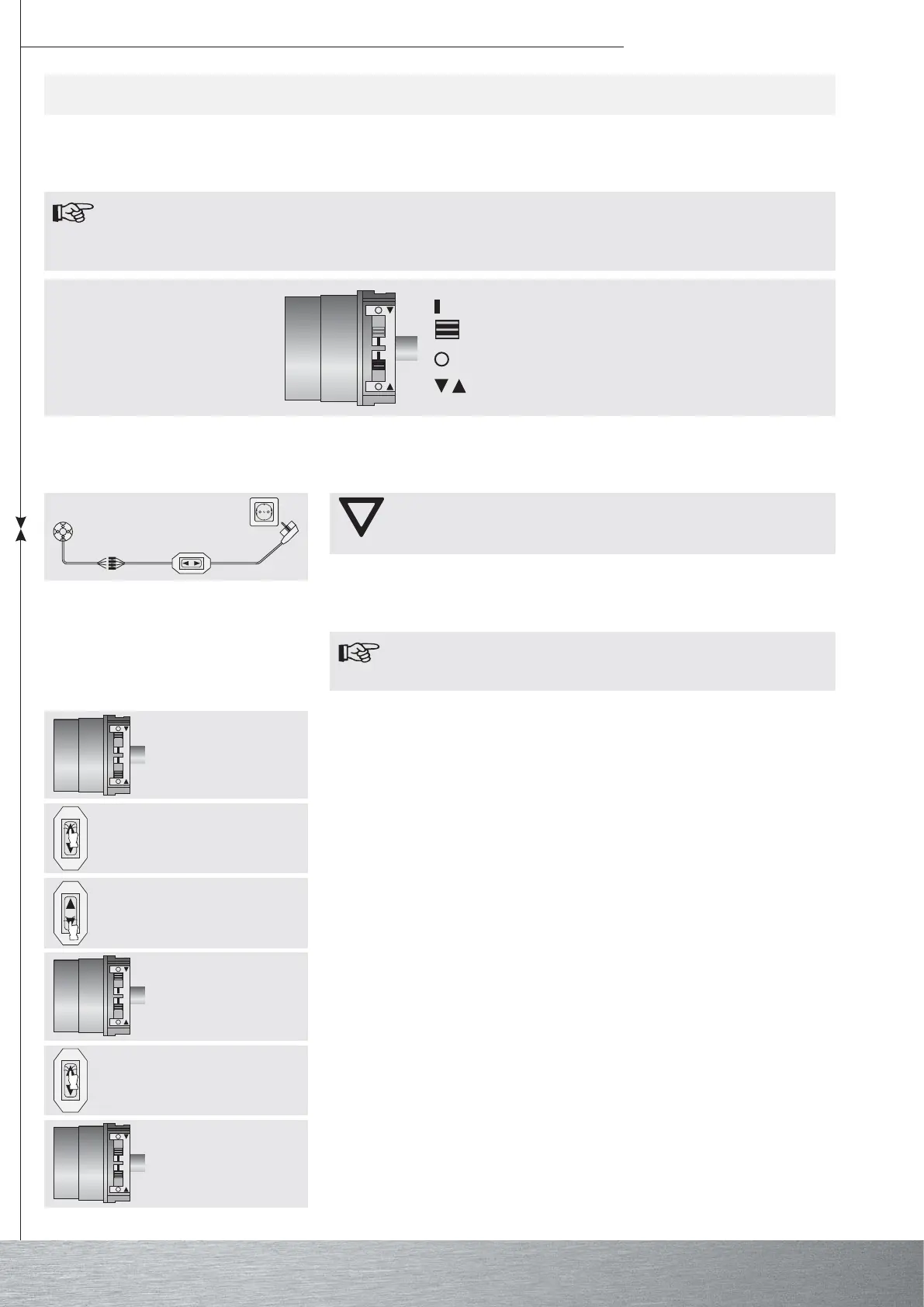
switch
programming position
reset position
rotation arrow
Attention
The switch control set is not designed for permanent use, but only for initial
operation.
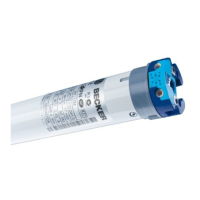
Connect the flexible leads of the tubular drive to those of the switch control set (product no.
4901 002 181 0) or of the operator’s control according to the colour coding and switch on
the power supply.
a) Point when canopy is extended to point when canopy is retracted without end stop
Note
When the end limits are set using this method, no adjustment is made for
the length of the canopy.
Move both switches to the reset position.
Setting the end limits using the switches
Press the control command briefly.
Move the canopy to the required end limit when extended.
Move the switch with the rotation arrow for extending the canopy from the reset position to
the programming position.
Then move the canopy to the required end limit when retracted.
Now move the switch with the rotation arrow for retracting the canopy from the reset
position to the programming position.
The end limits are set.




 To Next Page