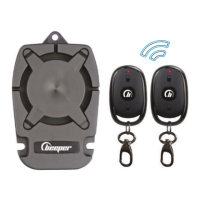
1. Alarm functions
Your Beeper XRAY XR2 alarm offers you global protection for your vehicle, thanks to the various on-board functions:
• Shock detection • Engine start cut-off (optional)
• Vehicle detection/panic mode • Door detection (optional)
GENERAL PRESENTATION
16
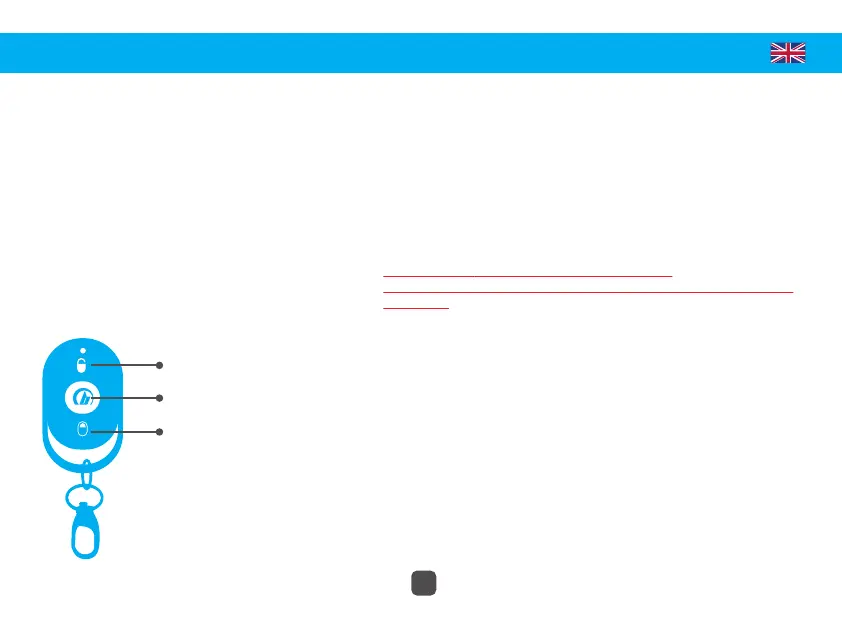
#1 • DISARM
#2 • UNAVAILABLE
ON THIS MODEL
#3 • ARM
2. Using the remote control
Your Beeper XRAY XR2 alarm comes with two
factory programmed remote controls
allowing you to control your alarm remotely.
3. Coding of remote controls
Note: The remote controls are factory programmed.
Requires the connection of the white wire (+12V APC) and the blue wire
(perimetry).
To code a new remote control, please follow the following procedure:
- Open a door (if perimeter connected) or ground the BLUE wire.
- Turn the ignition key from ACC ON to ACC OFF 3 times in a row, then
stay in the ON position. The siren beeps once in response.
It is possible to pair up to 4 different remote controls. If a fifth remote
control is paired, this replaces the first paired remote control.
To deactivate an old remote control, please follow the following
procedure:
- Turn the ignition key from ACC ON to ACC OFF 6 times in succession,
then stay in the ON position. The siren beeps 6 times in response. The old
paired elements are then deleted.


 To Next Page
 Loading...