5.4 Point Average Measurement
Illuminance is a measurement of the amount of visible light incident upon a pres-
cribed surface area.
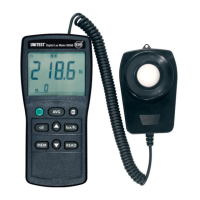
• Press the “ I” power key to turn on the meter.
If the unit “ cd“ is displayed on the screen, change to lum inous intensity m ea-
surement using the “ cd“ key (5). After the change-over, the unit “Ix“ is dis-
played on the screen.
• Press “lux/fc” key select the desired lux or fc unit.
• Remove the photo detector cap and face the detector to the light source in a
horizontal position.
• Read the illuminance value from the LCD display.
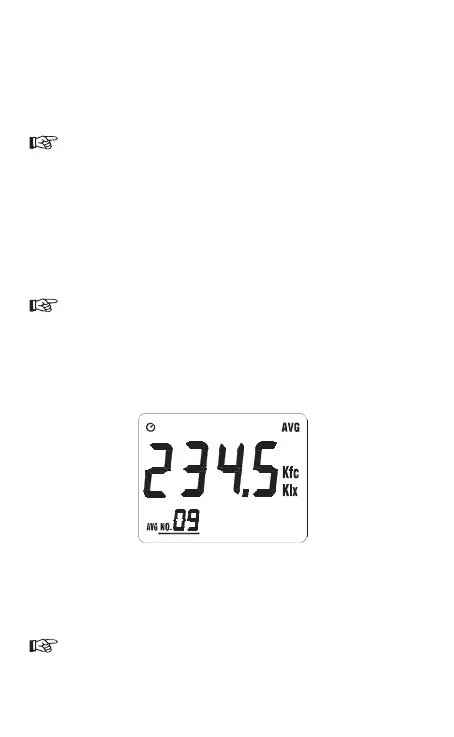
• Press “ AVG” key to enter to point illuminance value average function, the an-
nunciator “AVG” is displayed.
The maximum measurement is 99 points,
• Press “ M EM ” key each tim e, stores on e m easured point value to m emor y. The
annunciator “AVG NO.XX” is displayed.
• Press “READ” key to cycle through perform the point average compute, the
second annunciator “ AVG ” is displayed,
• When pressing the “READ“ key (9) again, the average value display is swit-
ched off.
• Further measurement values may now be saved in addition to the average
value calculation, as described above.
Even during average value display, it is possible to save further new measu-
rement values. The display indicates the respectively newly calculated ave-
rage value.
10


 To Next Page