5.6 Manual Data Memory and Read Mode
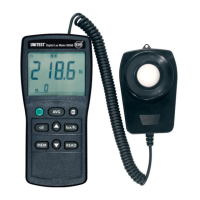
The Luxmeter 93560 is equipped with an integrated data memory allowing to save
of up to 99 measurement results.
• Press "MEM" key each time, one set of reading to be stored to the memory.
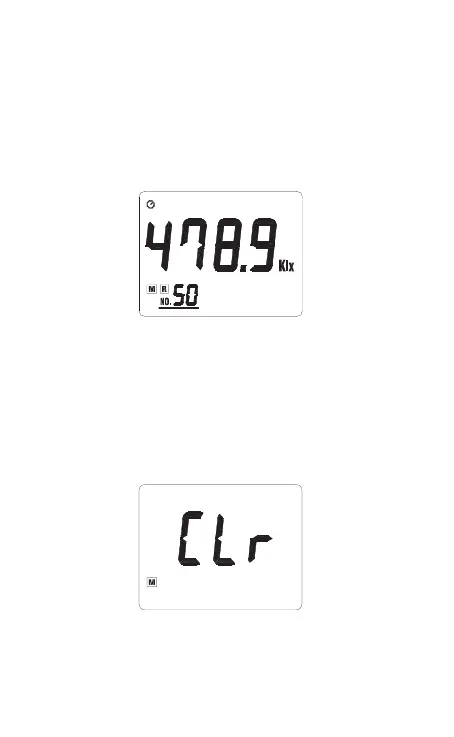
At this moment, LCD will show the " M " mark one time and the memory
address number. Total memory size is 99 sets.
• Press "READ" key to enter the READ mode, the LCD will show " R " mark and
the memory address number.
• Press the ” navigation” keys to select the desired memory address number
data for display.
• Press " READ " key to exit this mode
Clear the manual memorized data
• Press “I” key to turn off the meter.
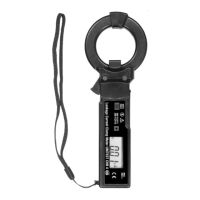
• Press and hold dow n "M EM " key, then pr ess “ I” key to t urn on the m eter. When
LCD shows "CLr" which means the memorized data is erased.
12


 To Next Page