Using the product
18 /36EN
Refrigerator / User Guide
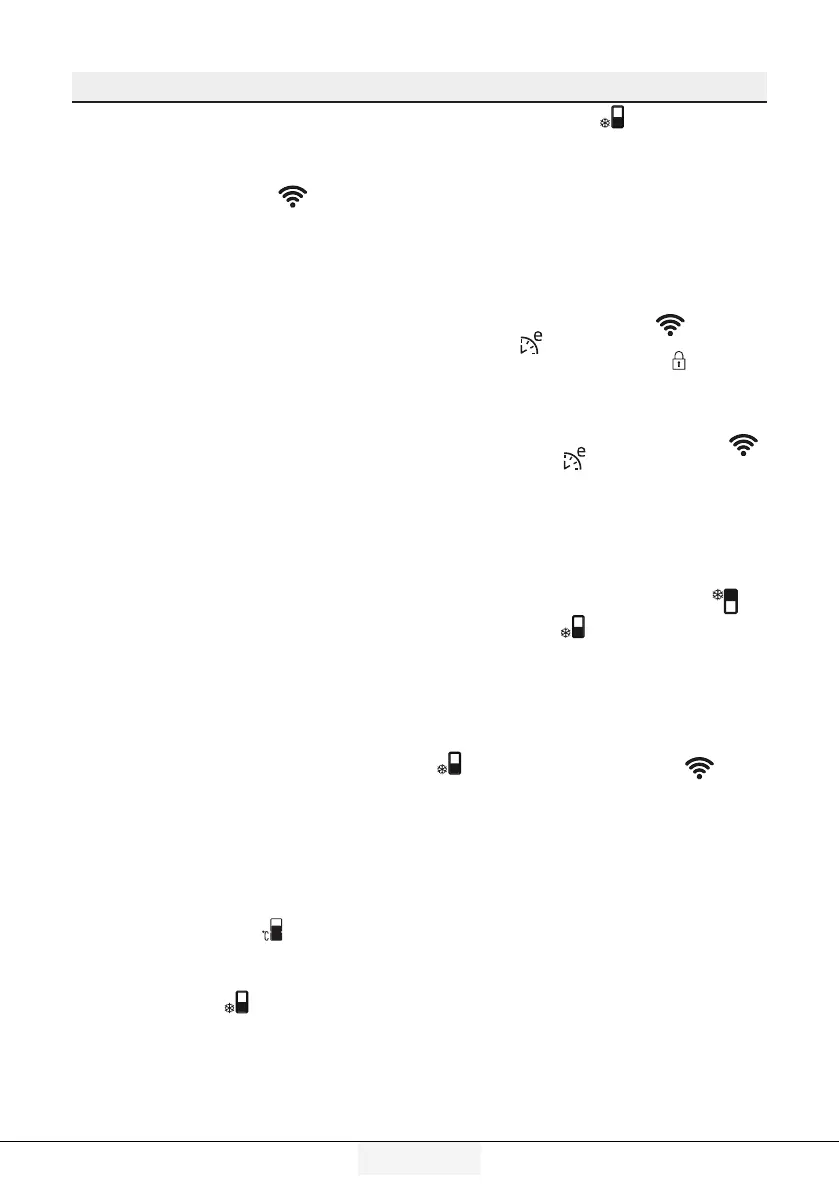
7. Wreless key (*optonal)
When the key is pressed for a long time (3
seconds), the initialization of the product
to the home network shall be started. The
wireless network symbol (
) shall flash
with an interval of 0.5 seconds while the
connection is established.
When the connection to the home network
is successful,
the wireless network symbol shall be
illuminated continuously.
When the initial connection is established,
you may activate/deactivate the
connection with a short press on this key.
The network you have established
connection with shall be remembered and
the connection shall be established again
when the product is turned off and on.
The wireless network symbol shall flash
with short intervals (of 0.2 seconds) until
the connection is established.
The wireless network symbol shall
be illuminated continuously when the
connection is active. Check your modem/
connection settings if the connection
cannot be established for a while.
HomeWhiz application is used as the
connection interface. The steps for
connection are described in the HomeWhiz
QUICK INSTALLATION GUIDE provided
with the product. You may refer to the
troubleshooting section for the answers to
the basic questions.
8. Freezng compartment temperatu-
re settng key
This allows temperature setting for the
freezing compartment. The temperature
of the freezing compartment may be set
to -18, -19, -20, -21, -22, -23 and -24
respectively when the (
) key is pressed.
9. Quck freezng key
Press key no. (9) for quick freezing, and
the quick freezing (
) indicator shall be
activated.
When the quick freeze function is turned
on, the quick freeze indicator shall light up
and the freezer compartment temperature
indicator shall display the value -27. Press
the quick freeze key (
) again to cancel
this function. Quick freeze indicator shall
turn off and return to normal setting. Quick
freeze function shall be automatically
cancelled after 25 hours, unless cancelled
by the user. To freeze a large amount of
fresh food, press the quick freeze key
before placing the food in the freezer
compartment.
10. Key lock
Press the wireless network (
) and
eco fuzzy (
) key simultaneously for 3
seconds. The key lock symbol (
) shall be
activated and the key lock mode shall be
activated. The keys cannot be operated
when key lock mode is active. For 3
seconds, press the wireless network (
) and eco fuzzy ( ) keys simultaneously.
The key lock shall be deactivated.
You may use the
key lock feature when
you want to prevent changes to the
temperature setting of the refrigerator.
11. Temperature unt togglng key
When you press the Quick Cooling (
)and
Quick Freezing (
) keys for 3 seconds,
you may switch between Fahrenheit and
Celcius temperature units.
12. Key for resettng wreless
connecton settngs
When you press the Quick Freezing
(
) and the wireless network ( ) keys
for 3 seconds simultaneously, the wireless
connection settings shall be reset.


 To Next Page