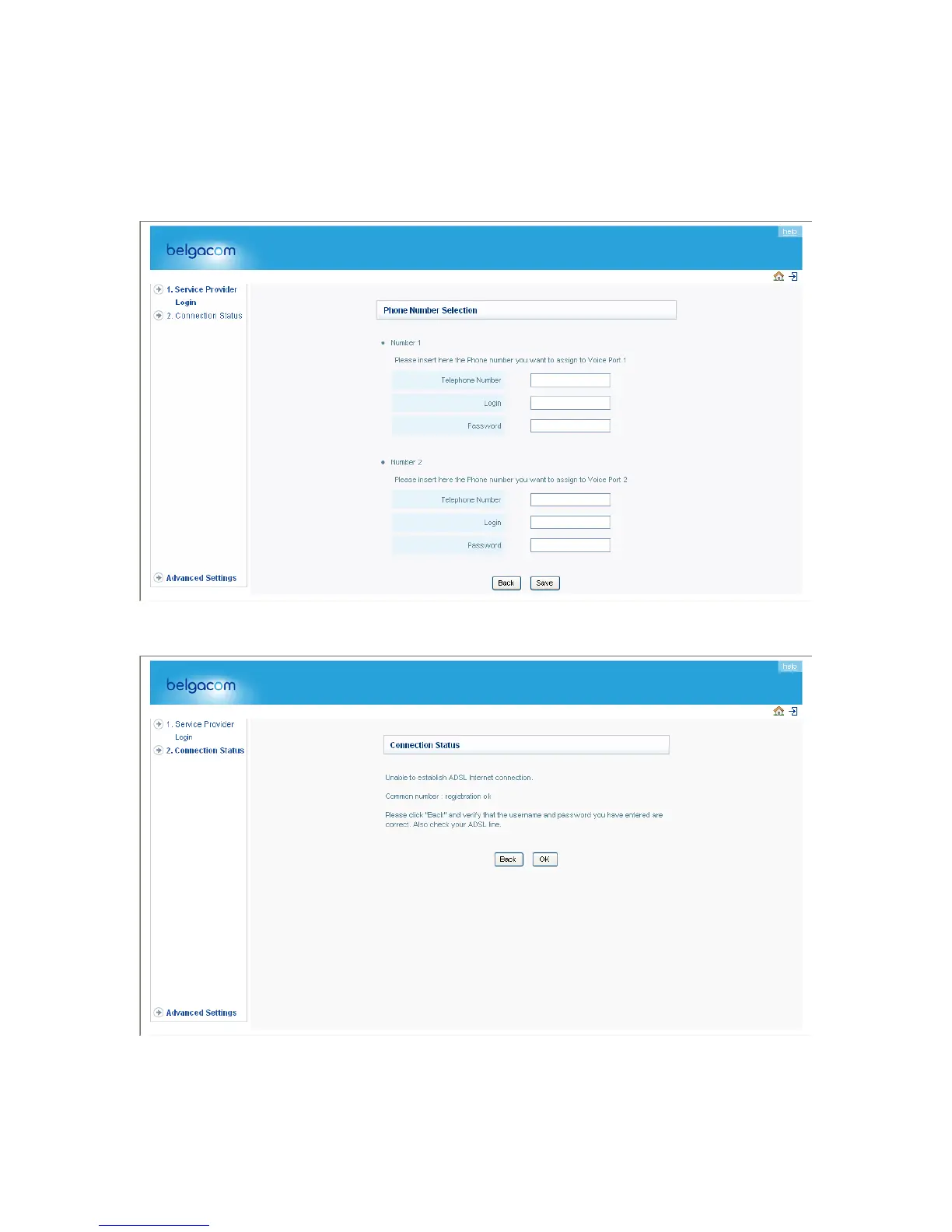
2. Phone Number Settings
Enter the telephone number, Login and Password supplied by your Internet Service provider.
Repeat this for each available port. The Belgacom b-box can append telephone numbers to
outgoing calls. Select the number you want to use for each port. Click “Save Settings”. The
connection status page will appear.
3. Click the “Ok” button.
Congratulations! Your Telephone configuration is complete. Click “OK” to continue.
25


 To Next Page