• Telephone Service
The telephone service is disabled by default. If you want to enable the Telephone function of the ADSL
Wireless Base Station you can check the enable box to turn on the “Telephone Service” function.
• Click the “Save Settings/Next” button.
Once you leave your Telephone Service disabled please click on “Save Settings” and continue. You can
now surf to your favorite websites by typing an URL in your browser’s location box or by selecting one of
your favorite Internet bookmarks. If you enabled the Telephone Service please click on “Next” and continue
with Step “Phone Number Selection”.
Configure your Telephone settings
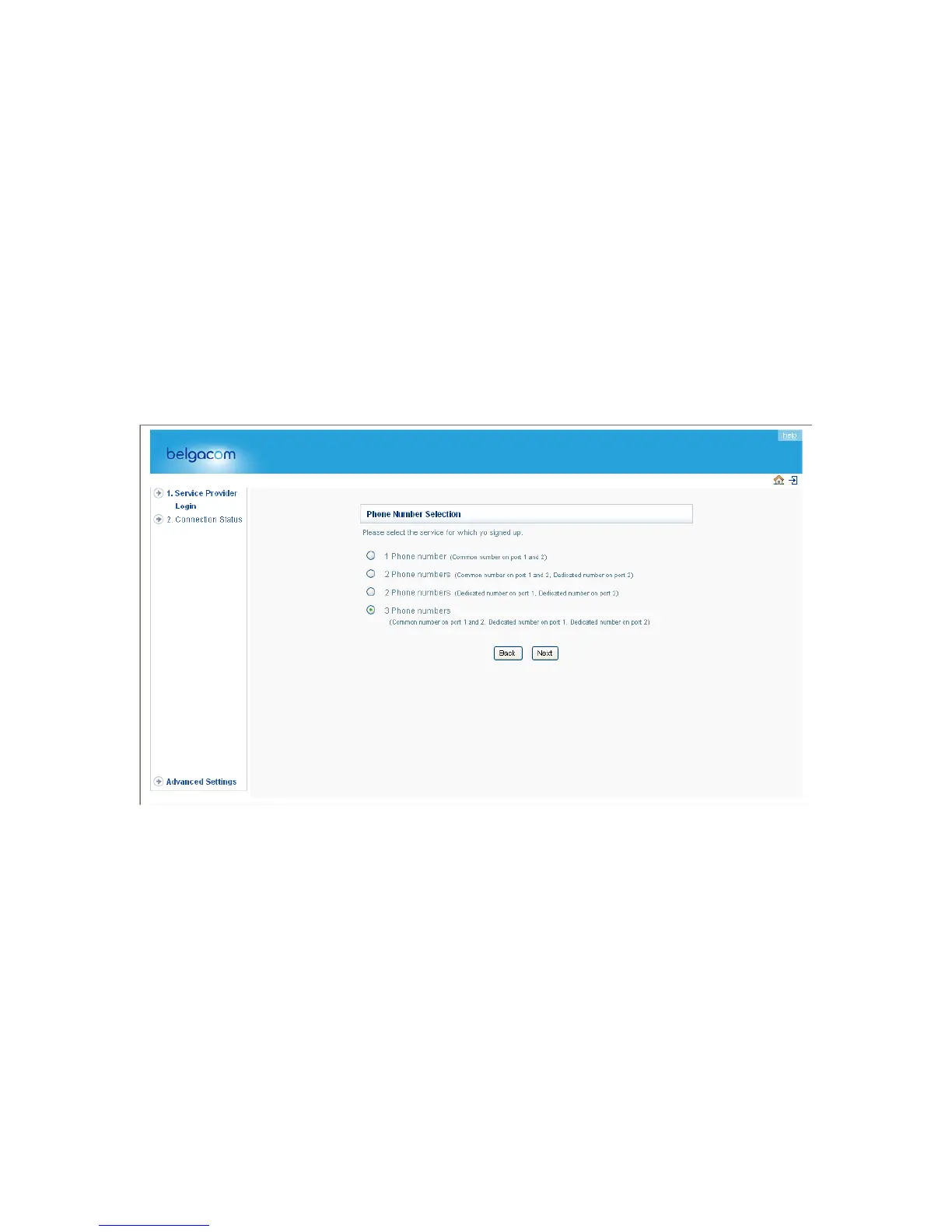
1. Phone Number Selection
Please indicate which number you want to use and click “Next”. For this example scenario with “3 Phone
numbers” has been choosen to explain the generic configuration.
24



 To Next Page