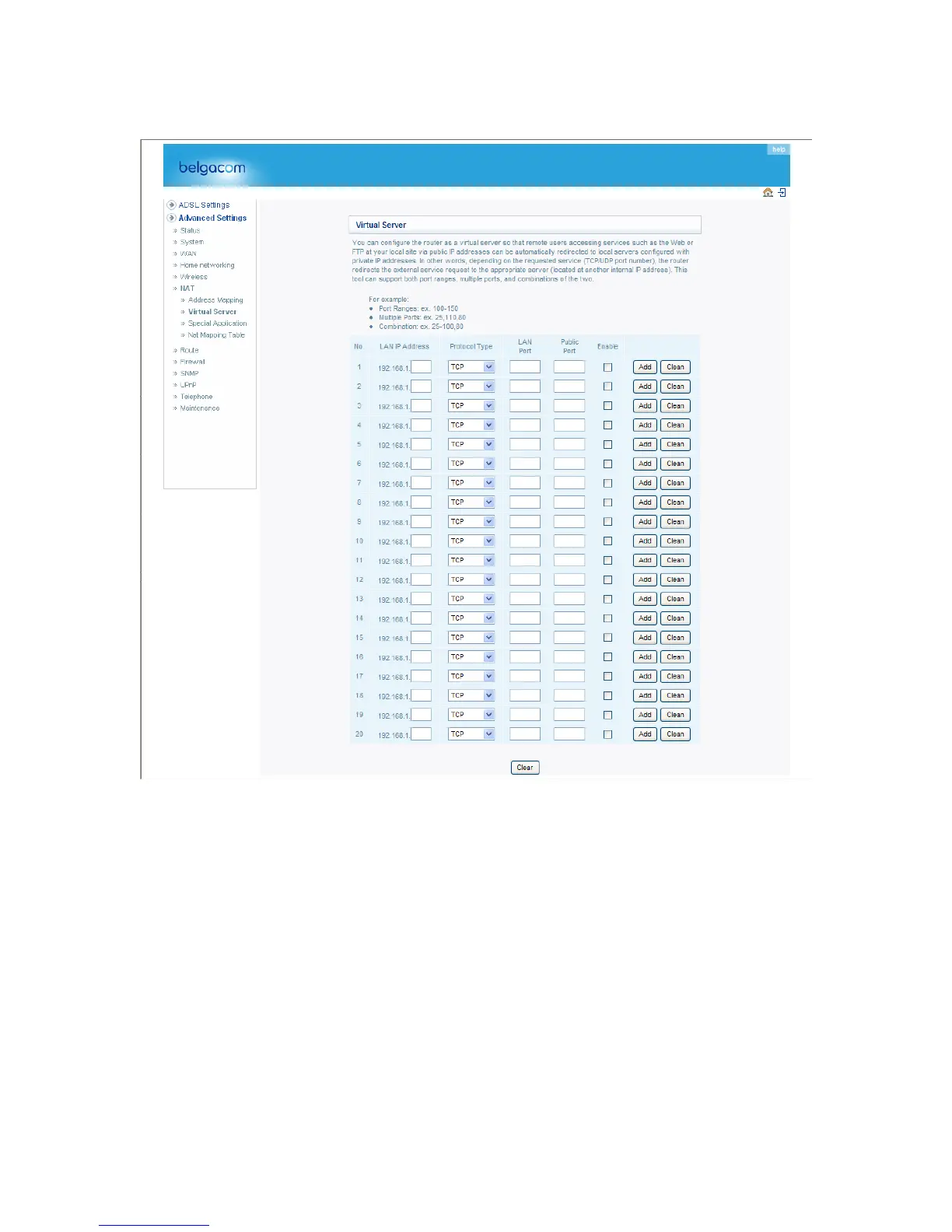
Virtual Server
Using this feature, you can put PCs with public IPs and PCs with private IPs in the same LAN
area.
If you configure the Belgacom b-box as a virtual server, remote users accessing services such as
web or FTP at your local site via public IP addresses can be automatically redirected to local
servers configured with private IP addresses. In other words, depending on the requested service
(TCP/UDP port number), the Belgacom b-box redirects the external service request to the
appropriate server (located at another internal IP address).
For example, if you set Type/Public Port to TCP/80 (HTTP or web) and the Private IP/Port to
192.168.1.2/80, then all HTTP requests from outside users will be transferred to 192.168.1.2 on
port 80. Therefore, by just entering the IP address provided by the ISP, Internet users can access
the service they need at the local address to which you redirect them.
The more common TCP service ports include:
HTTP: 80, FTP: 21, Telnet: 23, and POP3: 110.
49



 To Next Page