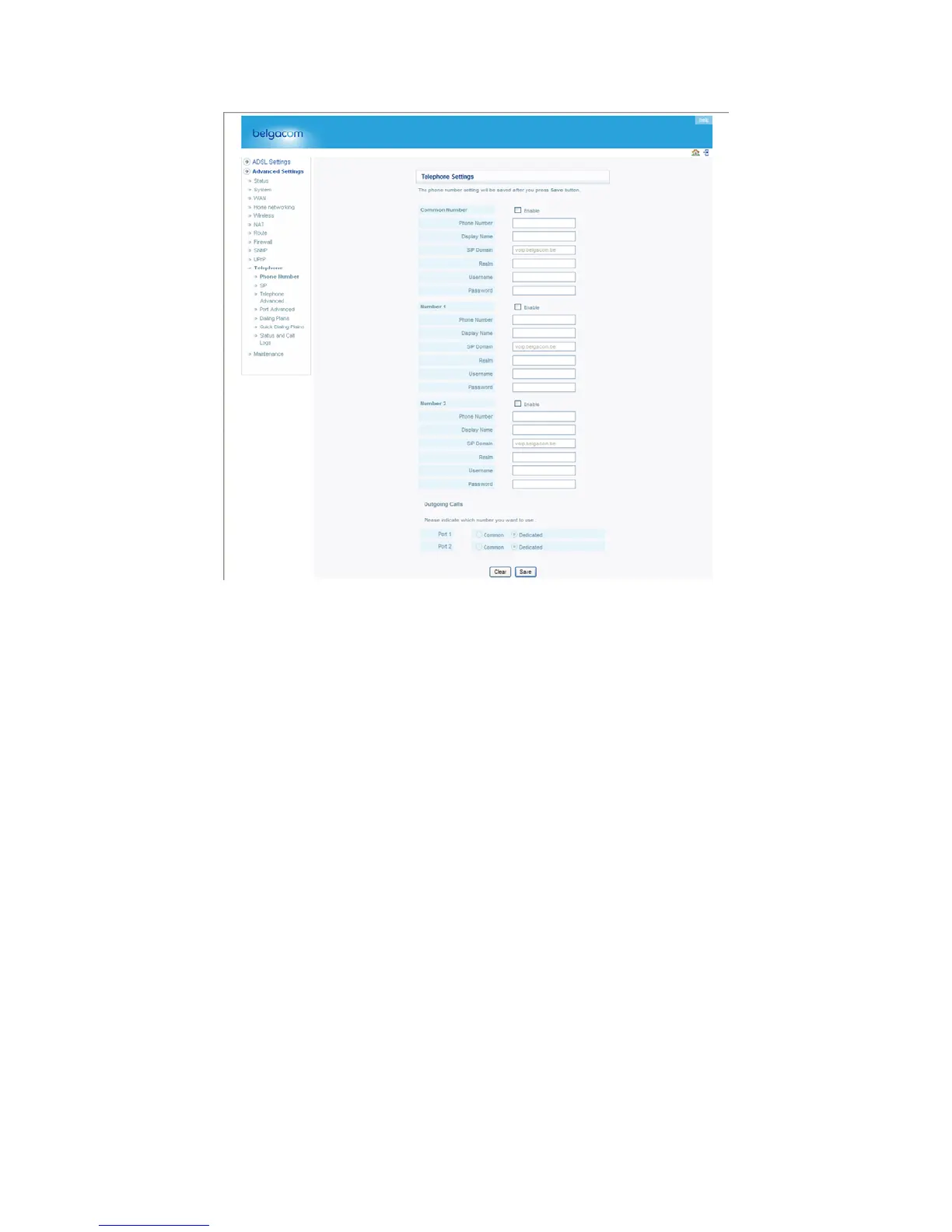
See the table below for a description of the parameters.
Parameter Description
Phone 1/2 Enable Enable/disable phone 1 and/or 2.
Phone Number Your phone number.
Display Name Your name, often the same as your phone number.
SIP Domain (From your Telephony provider, e.g., “sipcenter.com” or an IP address.)
Realm (From your Telephony provider.)
Username (From your Telephony provider.)
Password (From your Telephony provider.)
SIP Setting
Configure your SIP parameters on this page, and click “SAVE” to apply them.
73


 To Next Page