6/16 - Subject to change. © Belimo Aircontrols
USA
, Inc
ZIP E
n
miz
Service and Commissionin
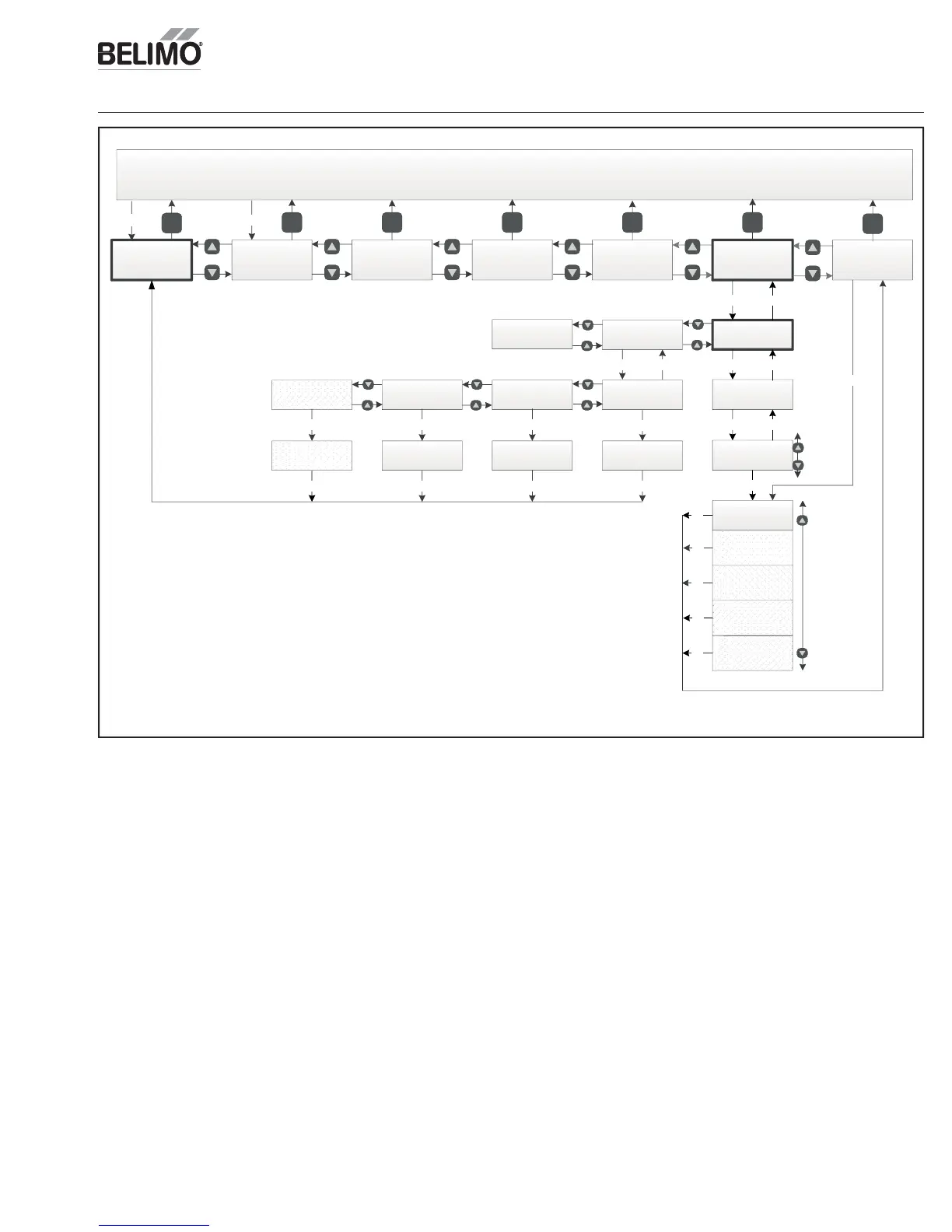
Manual ModeAcceptance Test
Ventilation
Test
OK
Economizer
Test
Timeout Manual
esc
esc
OK OK
Timeout Manual
(6)
xxhrs
OK esc
OK
Damper Pos
(4)(6)
xxx%
Compressor 1
(3)(5)(6)
On
Off
Compressor 2
(3)(5)(6)
On
Off
Exhaust Fan
(3)(5)(6)
On
Off
Fan Speed
(3)(5)(6)
High
Low
RTU
Test
DCV
Test
(4)
esc
esc
esc
esc
Process Ventilation
test
(see flow diagram)
Process Economizer
test
(see flow diagram)
Process RTU test
(see flow diagram)
Process DCV test
(5)
(see flow diagram)
OK OK OK
OK
OK, esc
OK, escOK, esc
(1)
Only displayed if acceptance test or manual mode is
active. If not displayed navigation jumps over this entry.
Press OK to return to automatic.
(2)
Only displayed after setup has been completed.
(3)
Only one value below 1
st
row is displayed on 2
nd
row at
any one time.
(4)
Only displayed if manual mode is active (a value is entered
in Set Timeout Manual).
(5)
Only displayed if device is connected and functioning.
(6)
Press OK to change value.
Manual Mode
Logic override
(4)
OK
esc
OK, esc
esc
See next pages for Acceptance Test details
Damper Scaling
4321
Status line “Manual Mode”
Monitor Live
Conditions
Settings Present Devices Alarm
esc
esc
esc
esc
Any key
esc
Service and
Commissioning
(2)
esc esc esc escesc
esc
esc
Return to
Automatic
(1)
esc
Any key
(1)
esc
anua
o

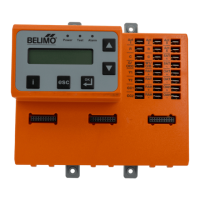

 To Next Page