Changing System Settings
36
Updating the Adapter’s Firmware
1.
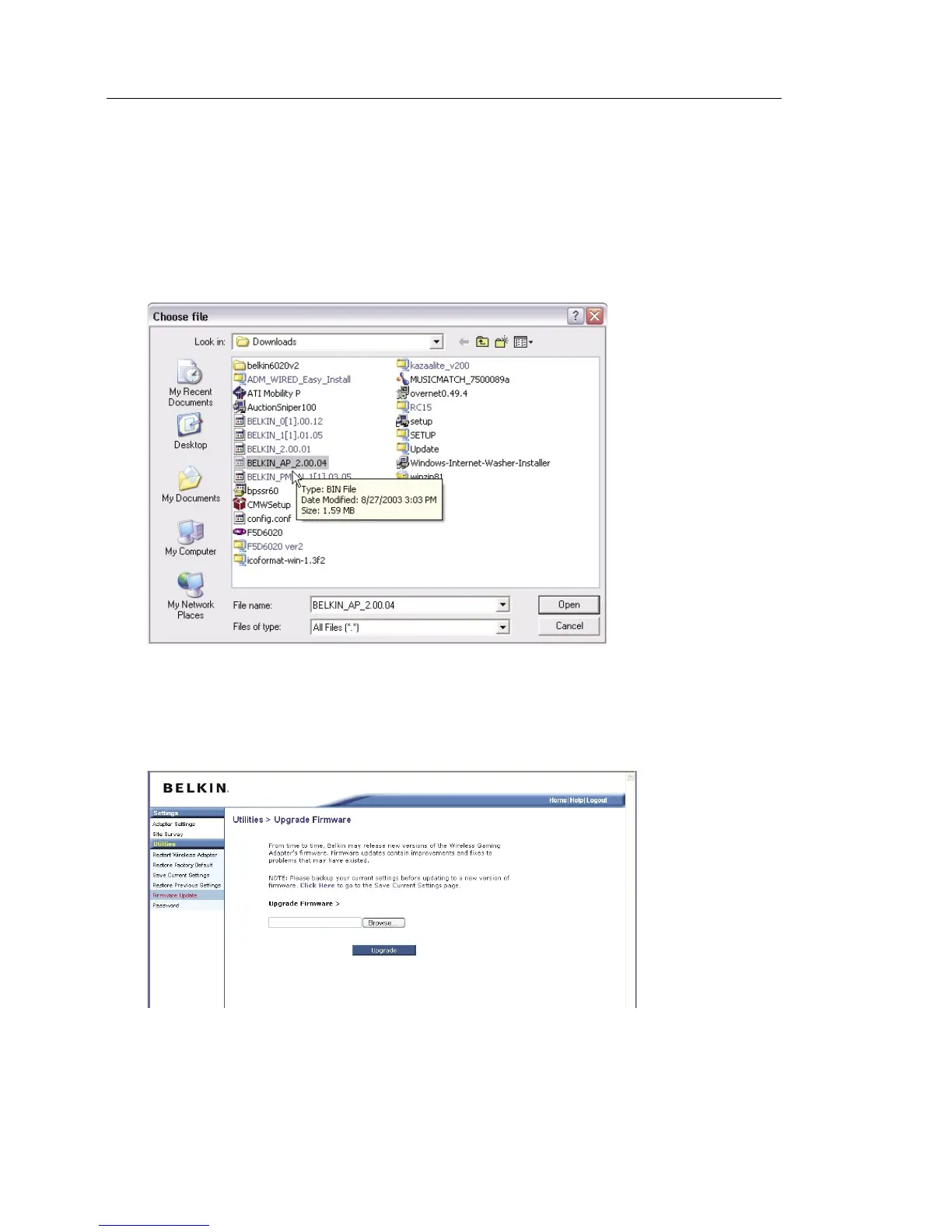
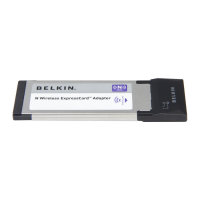
In the “Firmware Update” page, click “Browse”. A window will open
that allows you to select the location of the firmware update file. All
firmware files end with a “.bin”.
2. Browse to the firmware file you downloaded. Select the file by
double-clicking on the file name.
3. The “Firmware Update” box will now display the location and name
of the firmware file you just selected. Click “Update”.


 To Next Page