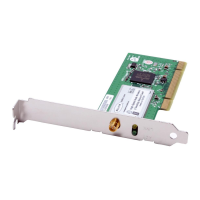
Installing and Setting up the Card
section
9
1
2
3
4
5
6
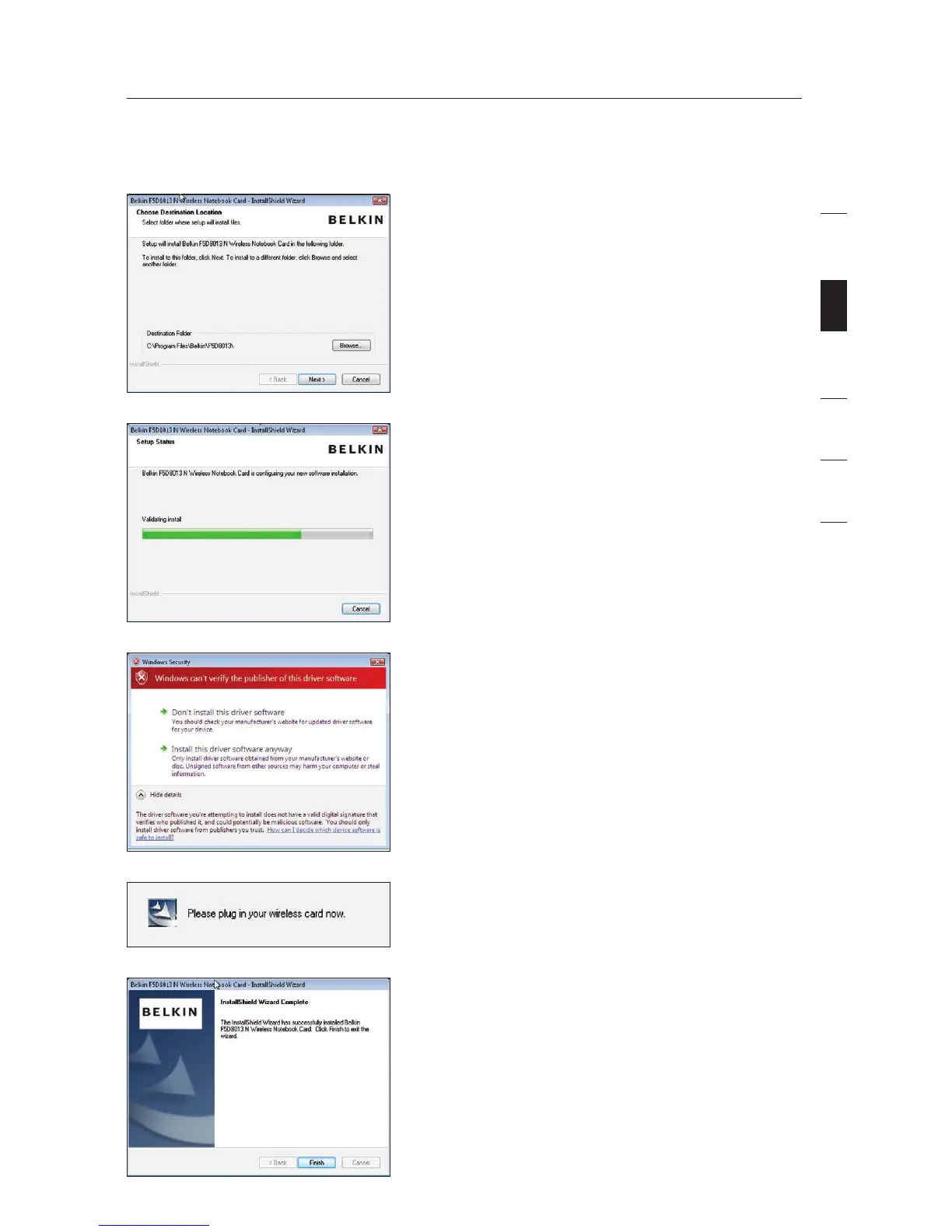
A.4 Select a destination folder for the
software installation by clicking
“Browse”; or, simply click “Next” to
select a default location.
A.5 A Setup Status screen will let you
know where you are in the setup
process.
A.6 A window may appear a second
time showing the message,
“Windows can’t verify the
publisher of this driver software”.
This DOES NOT indicate a
problem. Our software has been
fully tested and is compatible
with this operating system.
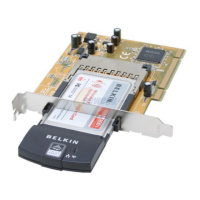
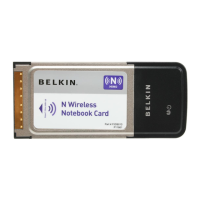
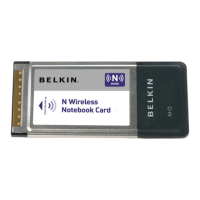
A.7 When prompted, turn off your
computer and plug in your Card.
Your installation is now complete.
A.8 When the installation completes,
click on “Finish”.


 To Next Page