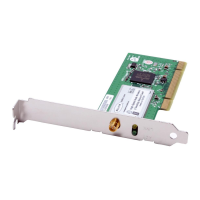
Installing and Setting up the Card
section
15
1
2
3
4
5
6
C. Configuration
Using the Belkin Wireless Networking Utility
C.1
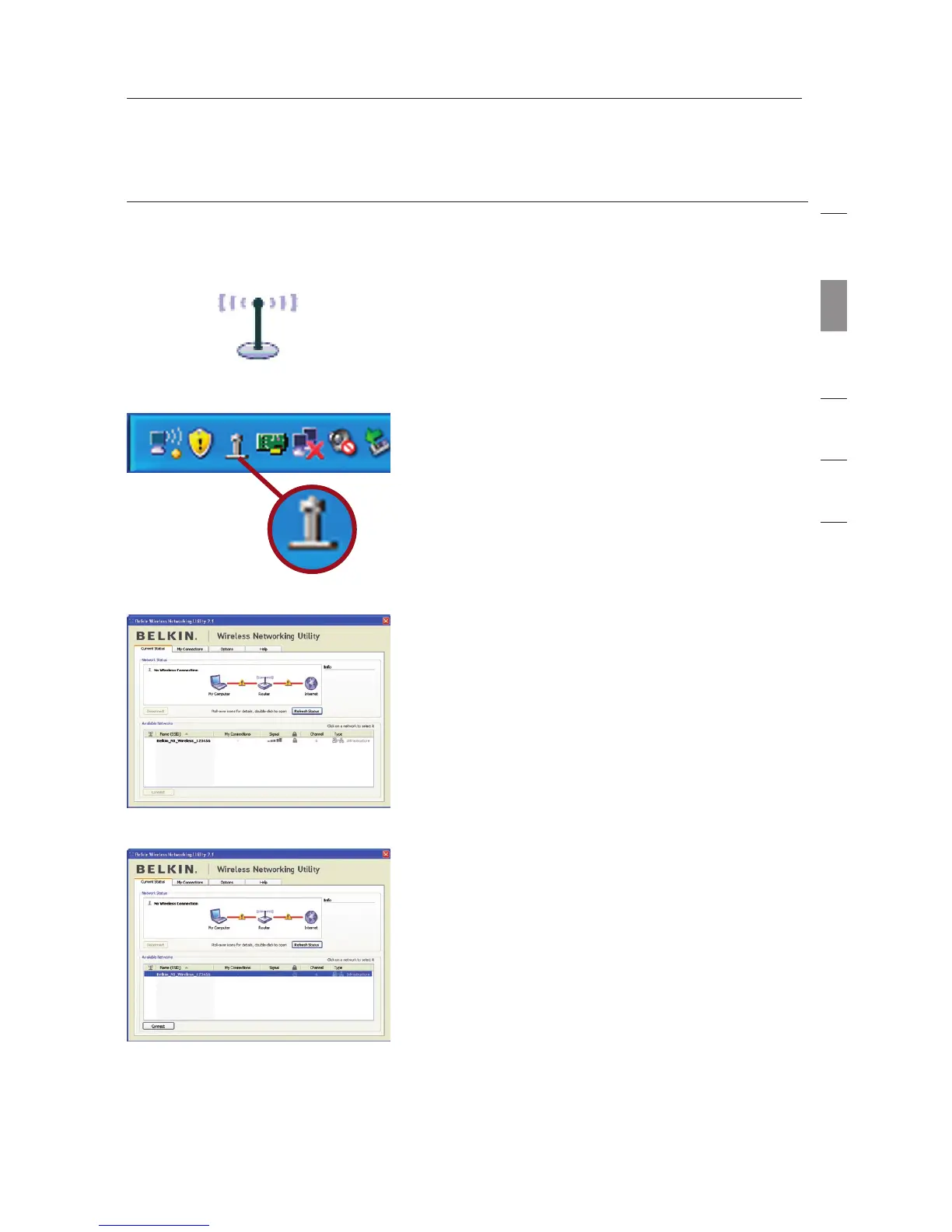
After restarting your computer,
double-click the Belkin Wireless
Networking Utility icon on the
desktop screen.
Note: The Belkin Wireless
Networking Utility icon can also be
found on the system tray.
C.2 The Belkin Wireless Networking
Utility screen will appear.
C.3 Select a network to which to
connect from the “Available
Networks” list and click “Connect”.
Note: In order to see your
available networks, you must be
near a working wireless router or
access point.



 To Next Page