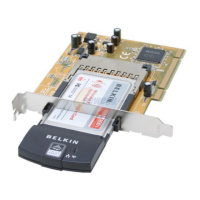
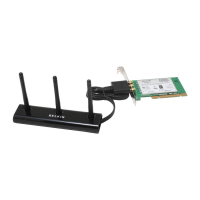
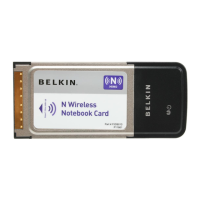
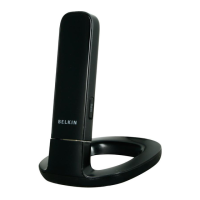
After successfully installing the Belkin Wireless Networking Utility
(WNU), configurations for wireless connection and security are just a
few easy clicks away.
Accessing the Belkin Wireless Networking Utility
from the Windows System Tray
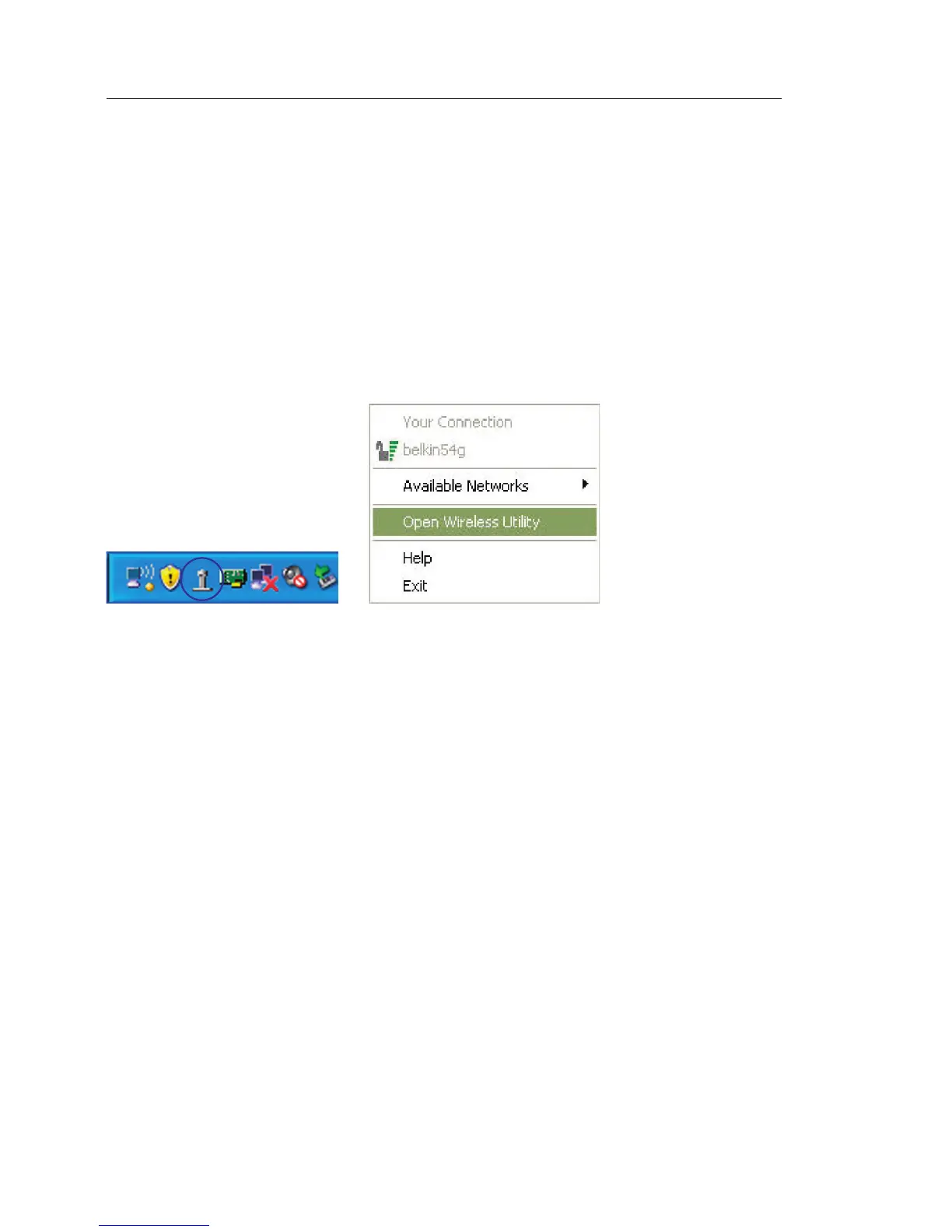
To access the WNU, simply place your mouse pointer and right-click
over the WNU icon on the Windows task tray.
If the icon is not present, click on “Start > Programs > Belkin >
Belkin Wireless Utility”.



 To Next Page