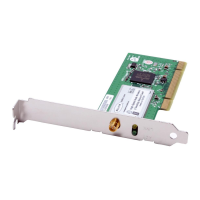
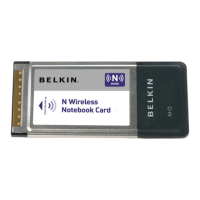
Installing and Setting up the Card
section
11
1
2
3
4
5
6
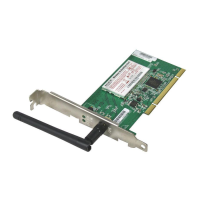
A.14 In the next screen, select an
available wireless network and click
“Connect”.
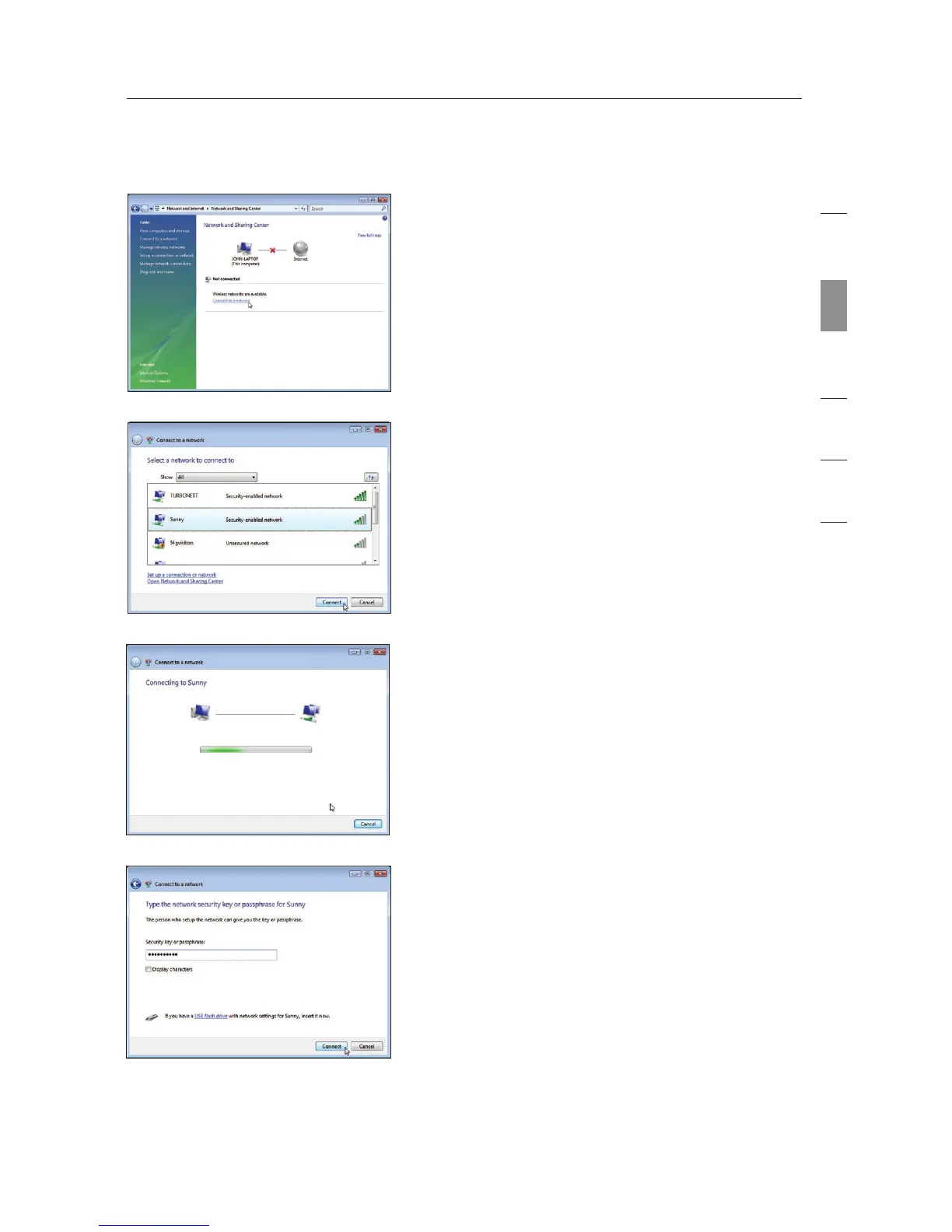
A.13 In the Network and Sharing Center,
click on “Connect to a network”.
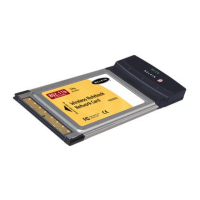
A.15 Your Card will attempt to connect
to the selected network.
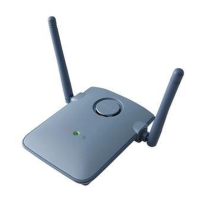
A.16 Depending on the security settings
of your wireless network, you may
be prompted to enter a network
security key or a passphrase. Click
“Connect” after you have done so.


 To Next Page